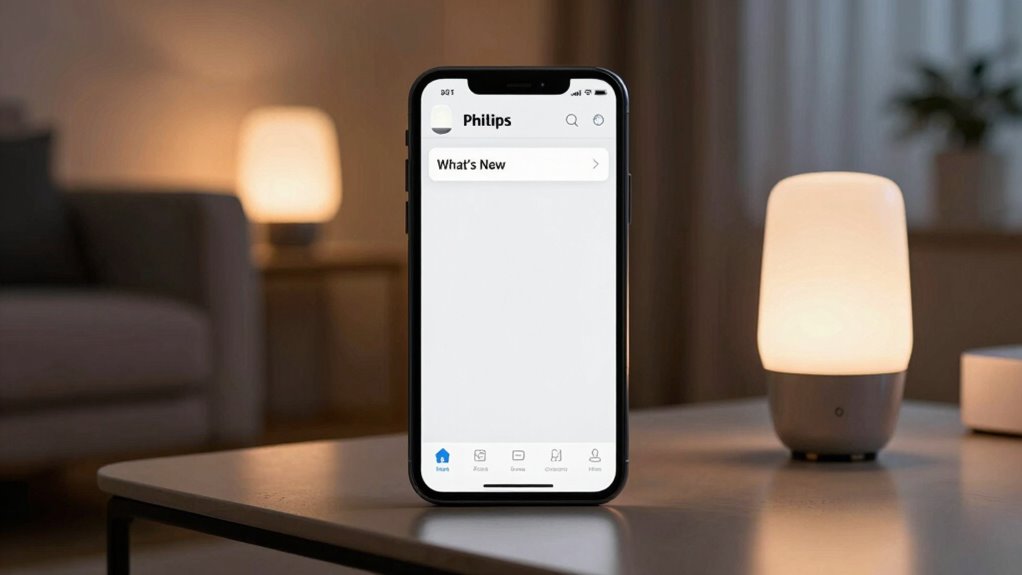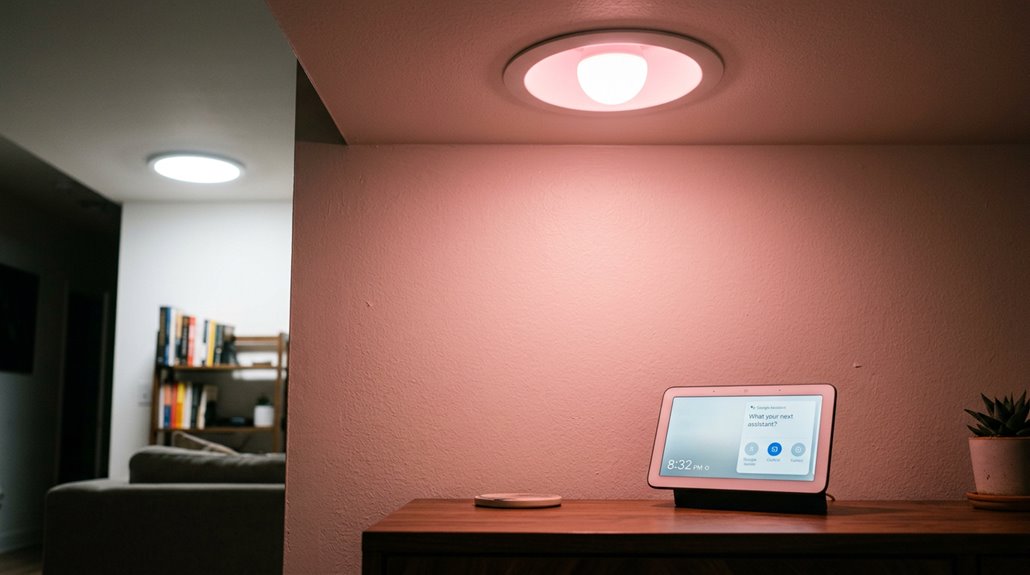
A few weeks into a smart‑home upgrade, many users discover that “white” on a Google Home‑controlled bulb ends up looking more like a shy pink than a neutral glow. Shades like grey, tan, or brown go wildly off‑key. The culprit is a stubborn bug that messes with color calibration when a voice command asks for anything beyond the basic red, green, or blue. Users report that the same command on a Philips Hue works fine with Alexa, but Google Assistant insists the light is offline, then flashes a pinkish hue that looks like a sunset on a bad Instagram filter.
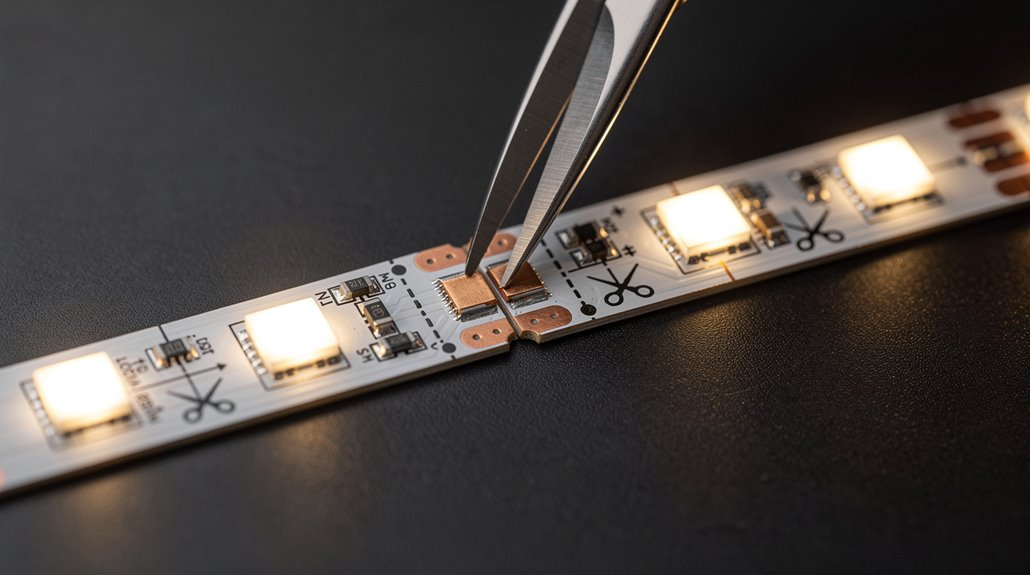
The problem spreads across brands—LIFX bulbs, RGB strips, even C by GE fixtures—all under the SmartThings umbrella. While turning lights on, off, or adjusting brightness still works, any request for “white,” “grey,” “tan,” or “brown” triggers the glitch. Google Home’s app shows the correct color, yet the physical bulb stubbornly displays the wrong shade. Re‑pairing the device doesn’t help; the bug persists, making users wonder if their smart home is haunted by a mischievous color sprite.
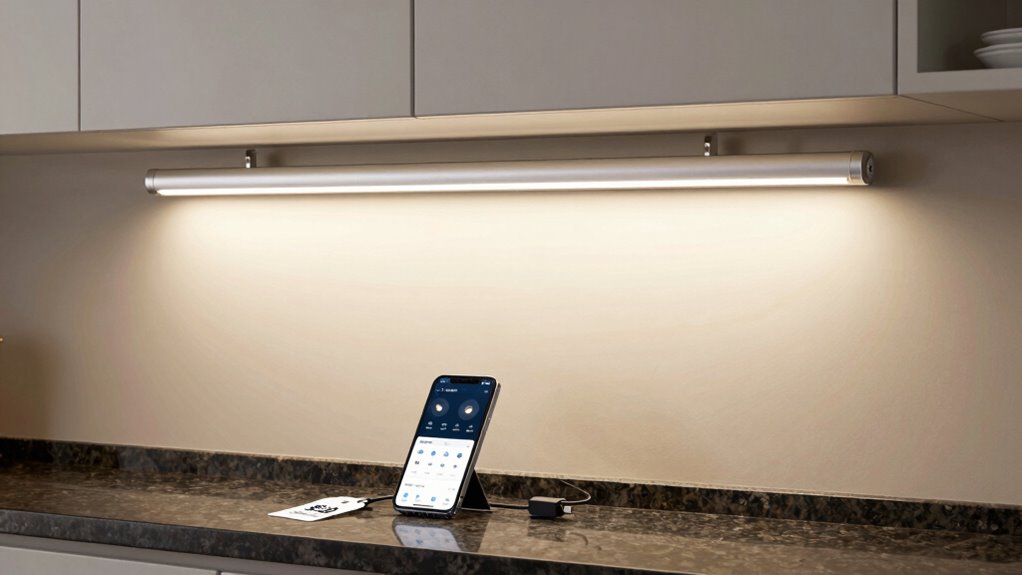
A surprisingly simple fix has emerged from the community. First, open the Google Home app, tap the light tile, and hold it until the color wheel appears. From there, manually select the desired hue and saturation. Then, use the Home Hub touchscreen to group the lights by room, ensuring the voice command targets the right group. Once the manual selection is saved, the system learns the correct calibration and future voice commands start behaving.
If the bulb still misbehaves, a factory reset is the next step: power cycle the C by GE bulb for ten seconds, then follow the firmware‑specific reset pattern until the bulb flashes three times. After resetting, reboot the speaker or display, then re‑add the bulb in the app. Devices that support the Matter smart home standard tend to experience fewer color calibration issues due to its unified protocol and cross-brand compatibility.
Keeping firmware up to date is essential; the latest Google Home version often contains patches that smooth out the color‑command hiccup. Users also report success by setting a consistent color temperature, like 6500 K, across all bulbs, which helps the system align its white balance.
In casual chat, friends compare the experience to a DJ who keeps playing the wrong track until you manually cue the right song. The humor lies in the fact that a simple touch‑and‑hold can tame a tech tantrum that once seemed unfixable. With a few taps, a quick reset, and a dash of patience, the shy pink fades, and the home finally shines in the true white everyone promised. SmartThings integration often resolves the issue when the same bulbs are controlled directly. Adjusting brightness and contrast settings can also help prevent color clipping.
References
- https://community.smartthings.com/t/google-home-and-st-color-control-bug/62186
- https://support.google.com/googlenest/answer/9298768?hl=en
- https://whizz-experts.com/support/smart-devices/smart-light-wrong-colors-hdr-simple-methods/
- https://www.androidpolice.com/google-home-smart-light-voice-color-control-broken/
- https://www.howtogeek.com/408551/how-to-control-your-color-changing-lights-from-the-google-home-hub-display/
- https://www.aidot.com/blog/post/google-home-lights-not-responding
- https://support.google.com/assistant/thread/61218572/smart-lights-suddenly-not-syncing-working-with-google-home-assistant?hl=en