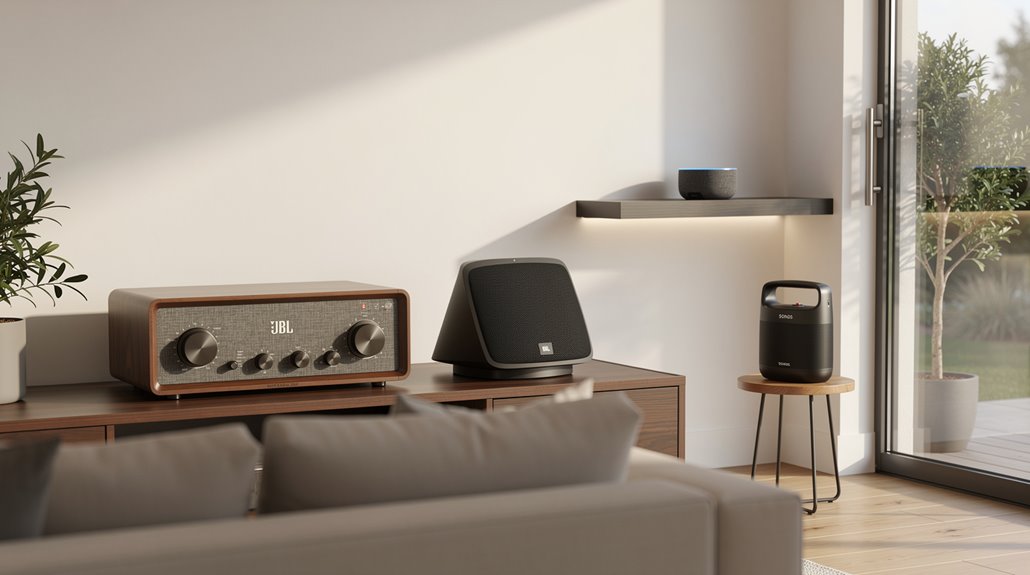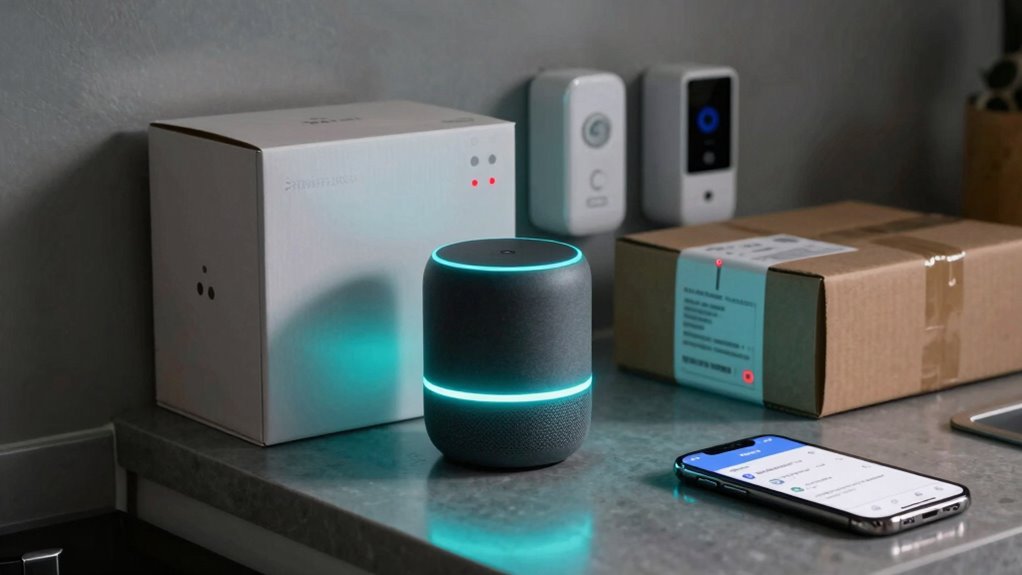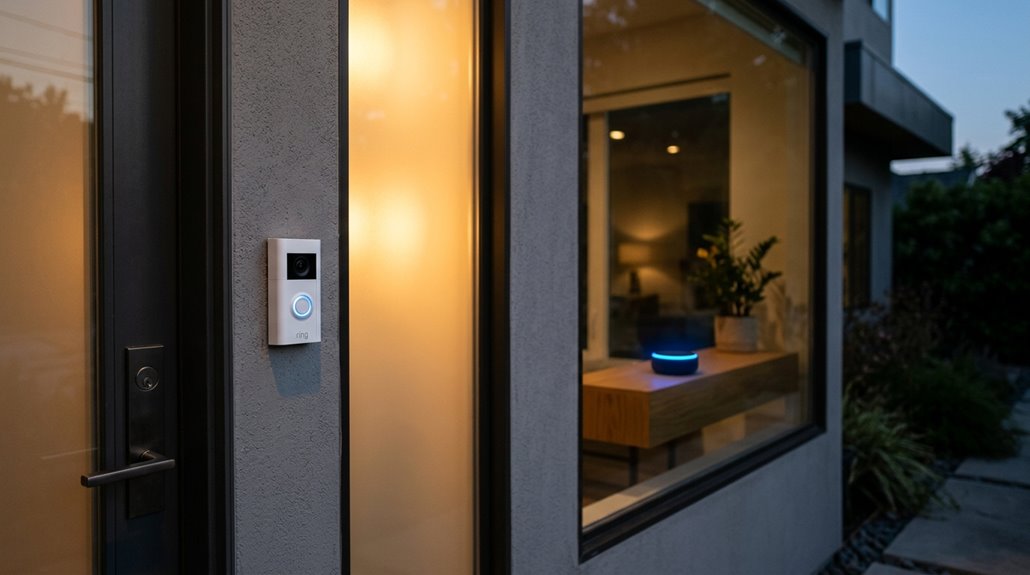
Linking a Ring doorbell to Alexa routines feels like giving your smart home a secret handshake—once the accounts are paired through the Ring Alexa Skill, the doorbell can talk to lights, speakers, and even your coffee maker, all with a simple “if this, then that” vibe.
The process starts in the Alexa app, where the same Amazon login used for Ring is entered, then the Ring Alexa Skill is enabled. After the accounts are linked, every Ring device—doorbells, security cameras, motion sensors—gains full device compatibility with Alexa, activating voice automation that feels like magic. A simple “Alexa, turn on the hallway light” can now be tied to a motion alert, turning a plain security alert into a cozy welcome party.
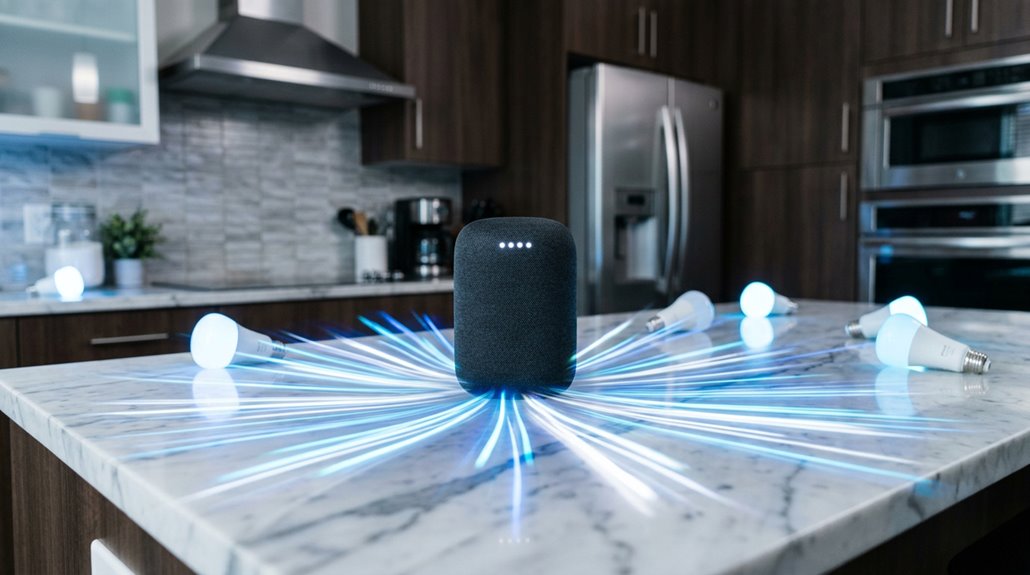
Routines work on an “if this, then that” basis, so the moment a Ring doorbell detects motion or a visitor presses the button, Alexa can launch a cascade of actions. Imagine a friend rings, the doorbell chimes, and at the same time the kitchen lights flicker on, a smart speaker announces “Package delivered,” and a coffee maker starts brewing—all without lifting a finger.
Ring motion triggers Alexa cascades: lights, announcements, coffee—hands‑free smart home magic.
The trigger can be as generic as motion detection or as specific as person motion detection, letting users filter out stray cats while still catching a neighbor’s wave. Custom voice commands add a hands‑free layer: “Alexa, snooze alerts” pauses notifications for a set duration, perfect for movie night.
Creating these routines is a breeze. In the Alexa app, tap the three‑line More menu, hit the plus icon in the Routines tab, and choose a Ring device from the Smart Home list. Name the routine something fun like “you’ve got mail,” then stack actions—announcements, push notifications, camera recordings, smart light activation—until the automation feels just right.
Adding another action later is as simple as hitting “Add another action,” and the whole setup takes about a minute to go live.
Advanced tweaks keep the experience fresh. Users can snooze alerts with a voice phrase, set how long the snooze lasts, and target multiple Alexa devices at once, ensuring the right room gets the right cue. For users looking to expand their setup, Alexa-compatible cameras like the Ring Stick Up Cam or Arlo Pro series can be added to existing routines, enabling voice commands to stream footage directly to Alexa-enabled displays.
The humor appears when someone forgets to link the accounts and wonders why their doorbell stays silent; a quick skill enable fixes it, and the house instantly feels smarter.
Linking a Ring device to Alexa routines expands your smart‑home capabilities beyond basic alerts. Smart Home integration allows you to control Ring devices directly from Alexa.
References
- https://ring.com/support/articles/g6hqn/Creating-a-Routine-with-Alexa-and-your-Ring-Device
- https://www.tomsguide.com/home/smart-home/i-used-alexa-routines-to-supercharge-my-ring-doorbell-heres-how-you-can-too
- https://ring.com/gb/en/support/articles/g6hqn/Creating-a-Routine-with-Alexa-and-your-Ring-Device
- https://www.youtube.com/watch?v=B-nckuEuO2Q
- https://ring.com/support/articles/ms6ai/Connecting-Amazon-Alexa-devices-with-Ring-devices
- https://www.youtube.com/watch?v=z7Aest9xf5o
- https://community.ring.com/t/successfully-get-instant-view-on-alexa-show-from-doorbell/19857/3
- https://www.amazonforum.com/s/question/0D56Q0000AVjbp9SQB/ring-routine-integration?language=en_US