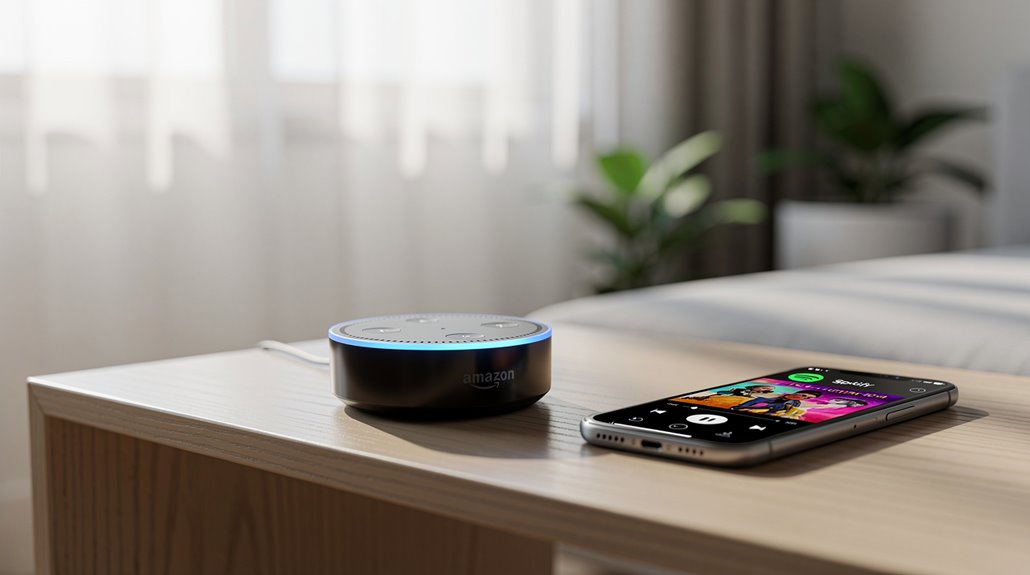
Amazon Echo can reluctantly play Spotify, shackling consumers to yet another tech monopoly masquerading as convenience. Only after jumping through hoops—linking accounts via Alexa’s mobile app—can users bask in this “seamless” experience, provided they pony up for premium to dodge the gremlin-infested restrictions afflicting free accounts. Sure, you can Bluetooth your way out of the subscription circus, but that’s a clunky workaround for the digitally downtrodden. Curious how this dystopian duet really functions at home?
Though one might expect two tech giants to simply play nice, the relationship between Amazon Echo and Spotify unfurls like a corporate rom-com scripted by dysfunction itself. The good news, for once, is that yes, Amazon Echo devices do indeed support Spotify streaming—seamlessly, if one is willing to endure the obligatory paroxysms of setup rituals.
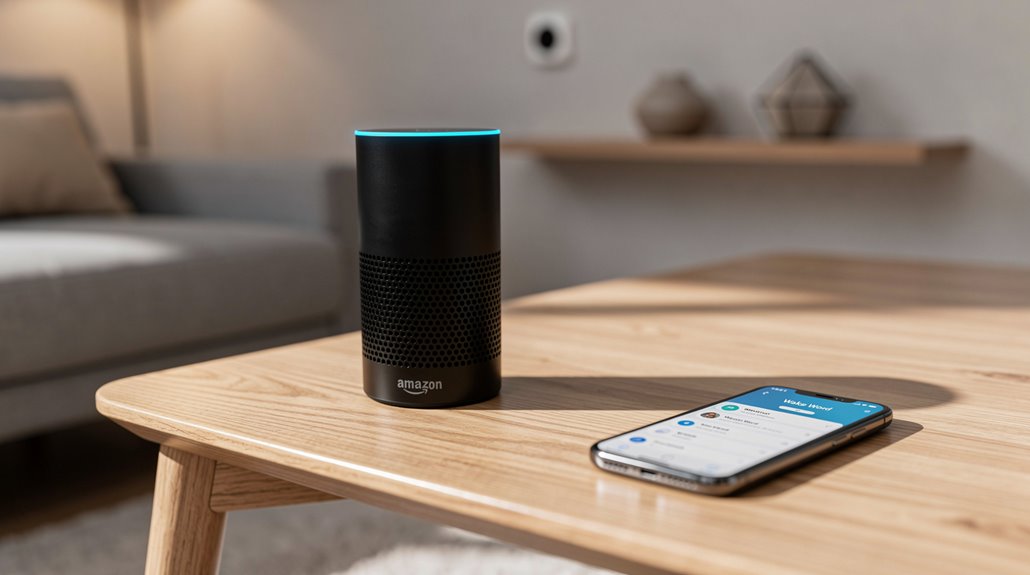
Spotify, the music colossus with more planet-conquering ambitions than discretion, integrates with practically every Echo iteration, from the bulky original Echo to the innocuous Echo Dot and even the visually distracting Echo Show. The Alexa mobile app serves as the digital altar where users sacrifice a few moments of sanity to link their Spotify accounts, officially bridging these two corporate behemoths’ awkward handshake. Linking Spotify allows access to personal music library and playlists. Once the ritual is complete, Spotify turns Alexa into a music butler who obeys voice commands with all the alacrity of a caffeinated intern. “Alexa, play Spotify” is as superfluous as waving a white flag in Red Square, so Spotify can be installed as the device’s default music service—an administrative coup that spares the user from verbal redundancies like “on Spotify” with every request.
Granted, the premium subscription level on Spotify sweetens this deal, with free accounts laboring under the weights of reduced functionality, yet still limping along enough to keep the casual user mildly entertained.
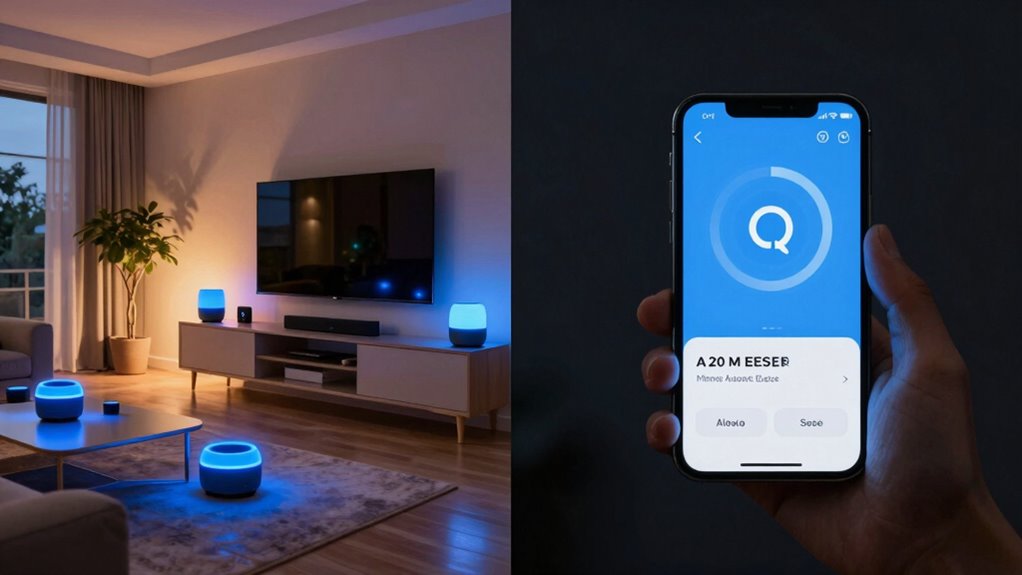
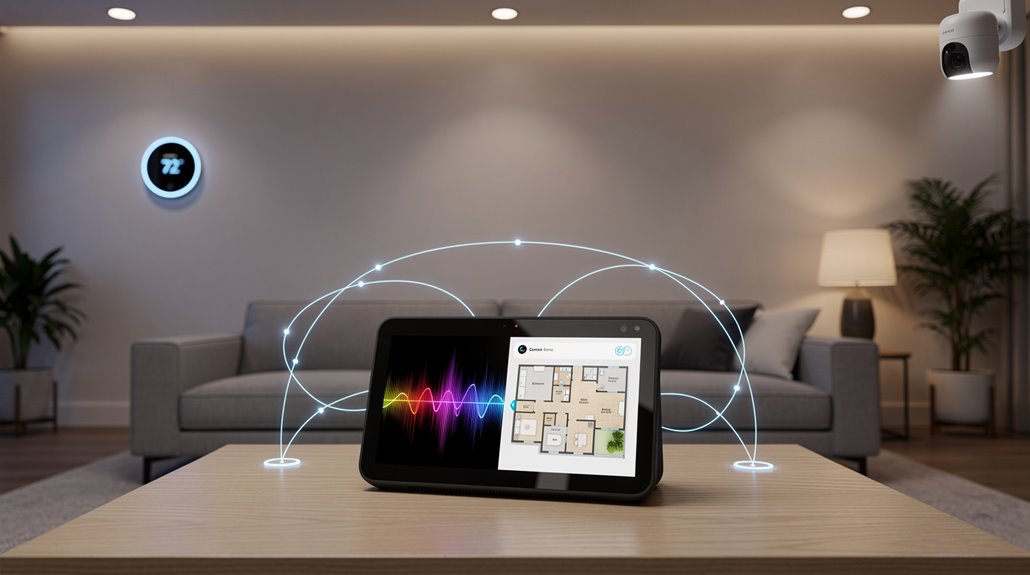
The Echo ecosystem’s hubris doesn’t end there. Multi-room audio is supported, mocking the old-world notion of spatial audio confinement. One can command Alexa to fill several rooms simultaneously with the dulcet tones of their waifish playlists, executing synchronized playback across speaker groups configured in the app—because nothing says modern indulgence quite like corporate-sanctioned omnipresence of one’s questionable musical taste. Alexa’s compatibility extends beyond mere music streaming, as it orchestrates an entire symphony of smart home devices from lighting to security systems.
For those allergic to the sinister incantations required in app linking, Bluetooth remains a humble, if archaic, fallback, allowing Spotify tunes to waft from a phone through the Echo, sans the need for explicit account linking.
This method, while less elegant, pleases those with the fortitude to side-step the sprawling empires of digital ecosystems in favor of raw convenience—proving that sometimes, in the lamentable saga of tech mergers, the simplest solution is still a rebel’s choice.
Frequently Asked Questions
Can I Connect Multiple Echo Devices to One Spotify Account?
Multiple Echo devices can be connected to a single Spotify account simultaneously; however, independent playback on different devices is limited, as playing Spotify on one Echo stops playback on another within the same account, requiring separate accounts for full independent control.
Does Spotify Free Work on Amazon Echo Without Premium?
Spotify Free works on Amazon Echo without requiring Premium, enabling users to play curated playlists and control playback via voice. However, limitations like intermittent ads, restricted song skipping, and no offline downloads apply to free accounts.
How Do I Fix Spotify Not Playing on My Echo?
To fix Spotify not playing on Echo, one must restart the device, verify Wi-Fi stability, check Spotify login and subscription, update both apps, re-link the Spotify skill, and, if unresolved, perform a factory reset or contact support.
Can I Use Voice Commands to Control Spotify Playlists?
Yes, voice commands control Spotify playlists on Echo devices. Users can play, shuffle, and add songs to playlists by specifying names with “on Spotify.” Creating new playlists by voice, however, is not supported.
Is It Possible to Download Spotify Songs on Echo Devices?
Downloading Spotify songs directly onto Echo devices is not supported, as these devices function as speakers without storage. Streaming via Bluetooth or Spotify Premium enables playback, but offline downloads must reside on other devices like smartphones or computers.
References
- https://reolink.com/blog/how-to-connect-alexa-to-spotify/
- https://www.youtube.com/watch?v=kBVqciqKuyE
- https://community.spotify.com/t5/Other-Podcasts-Partners-etc/Playing-Spotify-on-Multiple-Amazon-Echo-Devices/td-p/1456084
- https://support.spotify.com/us/article/spotify-on-alexa-devices/
- https://support.spotify.com/nz/article/spotify-on-alexa-devices/
- https://www.amazonforum.com/s/question/0D5at00000TRYrJCAX/spotify-lossless-still-not-available-on-certain-amazon-echo-speakers?language=en_US
- https://www.amazonforum.com/s/question/0D56Q0000Cw6DbUSQU/how-to-switch-between-4-spotify-accounts-on-multiple-alexa-echo-devices?language=en_US
- https://uk.amazonforum.com/s/question/0D56Q0000CYCOpySQH/linking-separate-spotify-accounts-to-echo?language=en_US
- https://amazonforum.my.site.com/s/question/0D54P00007ID0w4SAD/playing-different-spotify-music-on-different-alexa-devices?language=en_US
- https://community.spotify.com/t5/Implemented-Ideas/Amazon-Echo-Allow-Spotify-Free-on-Amazon-Echo-Alexa/idi-p/4511454