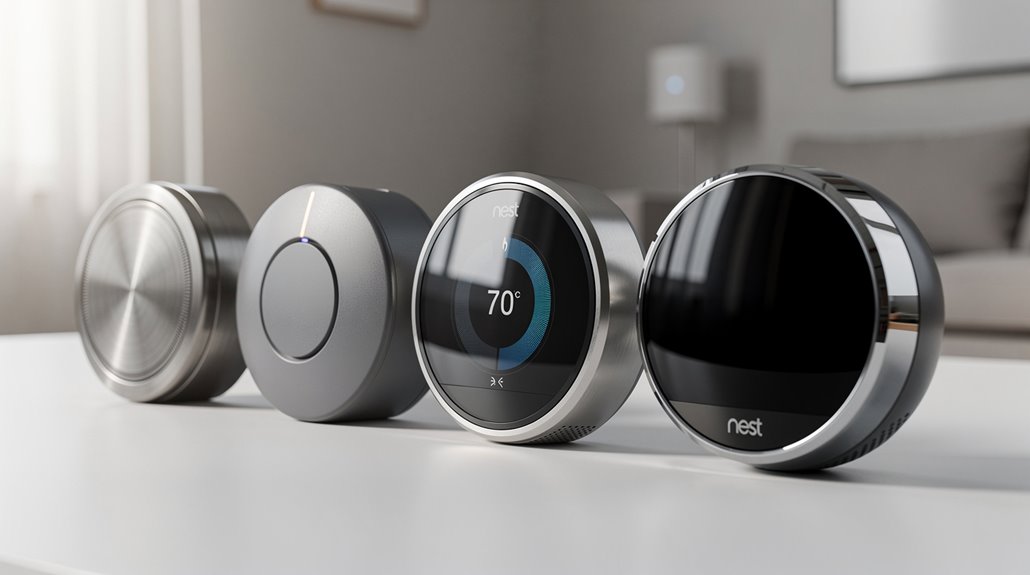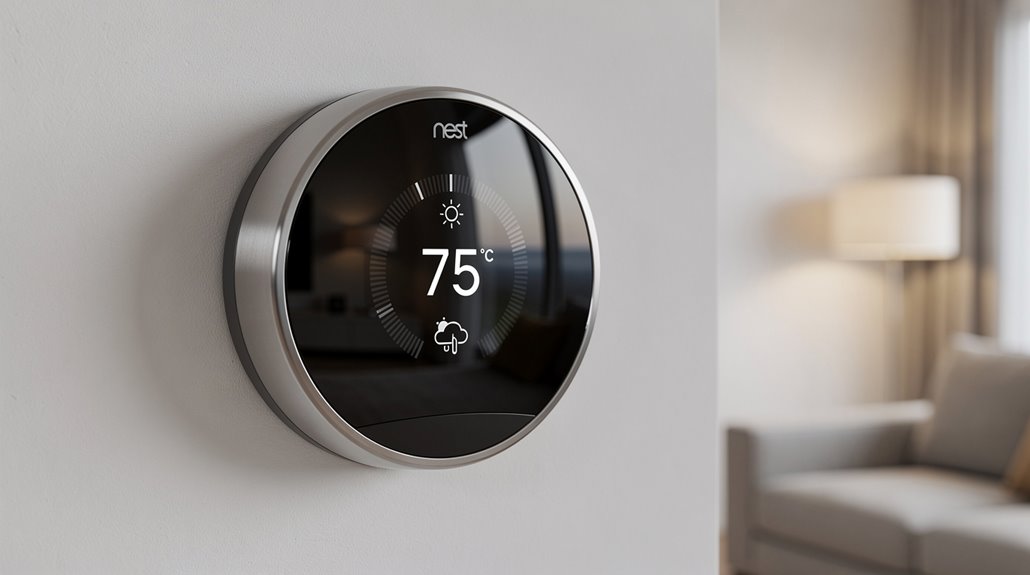

Eco Mode on the Nest Thermostat masquerades as eco-consciousness while zealously feeding Google’s voracious appetite for behavioral data under the guise of energy savings. It grudgingly nudges your heating or cooling when you’re absent, rewarding compliant users with a smug Leaf icon—a digital pat on the head from Big Brother. Promising modest savings, it actually trades genuine comfort for corporate virtue signaling, cleverly camouflaging exploitation with subtle temperature shifts. If skepticism piques your interest, a deeper dissection awaits.
If there is ever an emblem of modern techno-capitalist virtue signaling, it must be the Nest Thermostat’s “Eco Mode”—a pathetically earnest attempt by Google to feign environmental concern while tethering consumers to the Sisyphean treadmill of energy consumption and corporate data mining.
This vaunted “energy-saving” feature masquerades as the knight in shining silicon, automatically dialing back your heating and cooling settings when you supposedly vanish from your domicile. Whether activated by the thermostat’s shrewd (if Orwellian) presence sensors or manually summoned via app—because who wouldn’t want additional screen time—the Eco Mode adjusts temperatures to some supposedly “optimal” extremes, ranging from a frigid 40°F to a scalding 90°F. You can enable Eco Mode both on the thermostat manually or conveniently through the Nest app, making it accessible for users at home or on the go, a testament to its temperature adjustment flexibility.
Naturally, occupants only “benefit” from these settings in their absence, a clever workaround for the ludicrous paradox of saving energy while maintaining comfort. Nest Eco Mode can also be activated manually via Google Assistant voice commands, adding a layer of user control beyond automatic triggers.
Nest’s Eco Mode brags about taking control, using adaptive eco technology that allegedly consults Mother Nature herself, taking outdoor weather into account before deciding if your home should be an icebox or a sauna.
The thermostat promises to patiently return to your comfort temperature within an hour of your imminent arrival, as if the house is sentient enough to anticipate your precise schedule rather than your rugged individualism.
It smartly tempers expectations by avoiding overly aggressive temperature swings during absolutely brutal weather, ensuring you don’t arrive home to an igloo or desert mirage, because even Google understands basic human dignity.
On the money front, Nest touts a modest 10-12% heating savings and a slightly more optimistic 15% cooling reduction, diminishing utility bills enough to keep the illusion alive that economics and ecology are aligned—while simultaneously funneling massive behavioral data streams into Google’s vast, unquenchable maw.
The latest 4th Generation model has expanded these energy-saving capabilities with AI-driven scheduling that further optimizes the already dubious eco-friendly claims.
The “Leaf” icon and app notifications serve as digital badges of honor, a virtual pat on the back for participating in this green pantomime.
Behind this carefully curated façade lurks the reality of a system that mandates user compliance, relies on invasive presence tracking, and converts comfort into a negotiable luxury, all under the guise of saving the planet—and your wallet, sorta.
In the end, Eco Mode is less a genuine safeguard for the environment than a high-tech consolation prize for those resigned to the hollow spectacle of corporate environmentalism.
Frequently Asked Questions
How Do I Reset My Nest Thermostat to Factory Settings?
To reset a Nest thermostat to factory settings, access the Settings menu, select Reset, then choose All Settings. Confirm the selection; the device will erase all configurations and restart within about one minute, returning to default state.
Can the Nest Thermostat Be Controlled Without Wi-Fi?
The Nest Thermostat can be controlled manually without Wi-Fi by using its physical dial and screen interface. However, remote control and app features require an active Wi-Fi connection to access advanced settings and scheduling.
What Is the Warranty Period for the Nest Thermostat?
The Nest Thermostat (2020) model has a standard limited warranty period of one year from the date of delivery. Extended warranties up to three years are available through professional Nest Pro installation in the US only.
Does Nest Thermostat Work With Electric Baseboard Heaters?
Nest thermostats are not compatible with electric baseboard heaters due to high voltage differences. Only low voltage systems, such as hot water baseboards, may work. Professional transformers and relays are required for any adaptation.
How Do I Update the Software on My Nest Thermostat?
The Nest thermostat software updates automatically when connected to Wi-Fi and internet. Manual updates can be initiated via Settings > Version or Software > Update. Stable Wi-Fi and battery voltage above 3.7 volts are essential for updating.
References
- https://www.youtube.com/watch?v=2Lkd2LMa89w
- https://www.ecicomfort.com/blog/google-nest-thermostat-tips-and-tricks
- https://www.googlenestcommunity.com/t5/Nest-Thermostats/What-is-your-Eco-setting/m-p/260136
- https://www.youtube.com/watch?v=GKbNRYdAUek
- https://store.google.com/intl/en/ideas/articles/google-nest-thermostat-energy-savings/
- https://www.ohmconnect.com/blog/smart-home/what-is-eco-mode-on-smart-thermostats
- https://nestrenew.google.com/welcome/
- https://www.youtube.com/watch?v=Gm5Ta8HY9G8
- https://www.youtube.com/watch?v=xeJ-a_Fn4kQ
- https://www.omi.me/blogs/smart-home-devices-faq/how-to-reset-google-nest-thermostat-manually