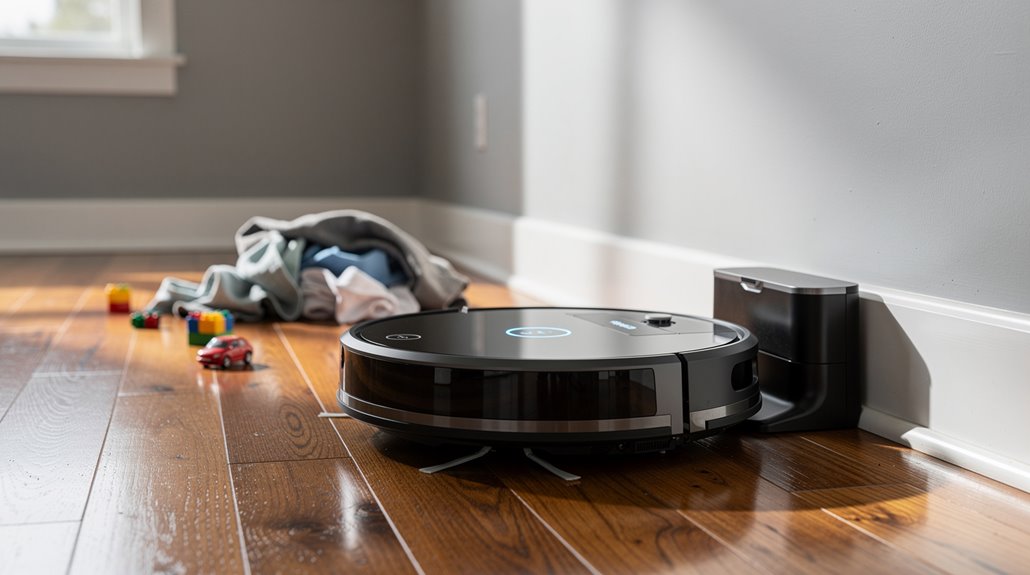
Your Roomba’s pathetic retreat to its charging nest isn’t a sign of robotic wisdom but a begrudging surrender to feeble battery limits and laughably inept navigation. As the battery wanes—thanks to decades-old lithium tech—the device flees home like a panic-stricken adolescent avoiding responsibility. Clutter and debris only mock its attempted heroics while outdated sensors stutter. Scheduled cleanings and senseless programming guarantee it never truly conquers your floor. Continue exploring if you crave more bleak insights.
Why does the humble Roomba, a purported marvel of modern convenience, insist on bailing halfway through its meager housekeeping duties to play homing pigeon? One might imagine an autonomous robot—clever, diligent, unwavering—but instead, it adopts an excitable urgency to retreat at the slightest hint of adversity. The truth, however, is less dramatic: the Roomba’s premature retreats are choreographed by its ever-waning battery, which performs a vanishing act quicker than a college student’s lunch money.
Once the power dips below a painfully conservative threshold, the device sets out on a noble return-to-base pilgrimage, lest it be cruelly marooned mid-clean, a tragic digital castaway. This compulsory docking ritual is fueled not only by genuine battery anxieties but also by the inexorable corrosion of battery capacity over time—apparently, even this futuristic floor scrubber succumbs to the cruel tyranny of entropy. Ensuring the Home Base is placed on a level surface helps the Roomba dock correctly and begin charging promptly. Many models will then use their Recharge and Resume feature to continue cleaning from where they left off after recharging.
When power wanes, the Roomba retreats home—avoiding digital marooning despite its battery’s slow decay.
Each futile cleaning sortie ends with a limp crawl home, to recharge in its designated disgraceful corner. Yet, if the base station is ensconced amid the clutter of yesterday’s laundry mountain—a prime example of spatial negligence—navigating back becomes an existential nightmare, provoking maddening navigation failures that torque the whole operation toward early retreat.
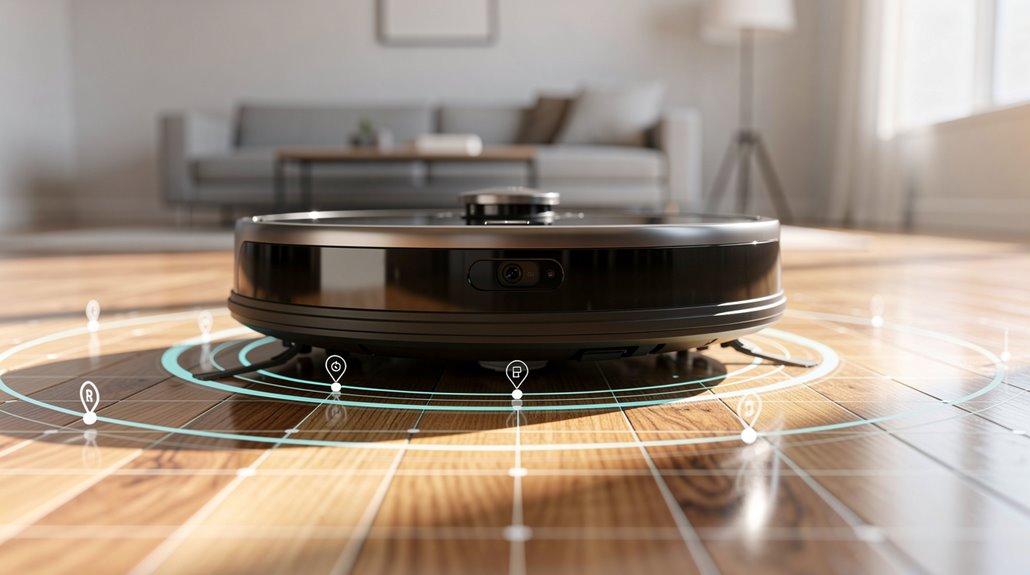
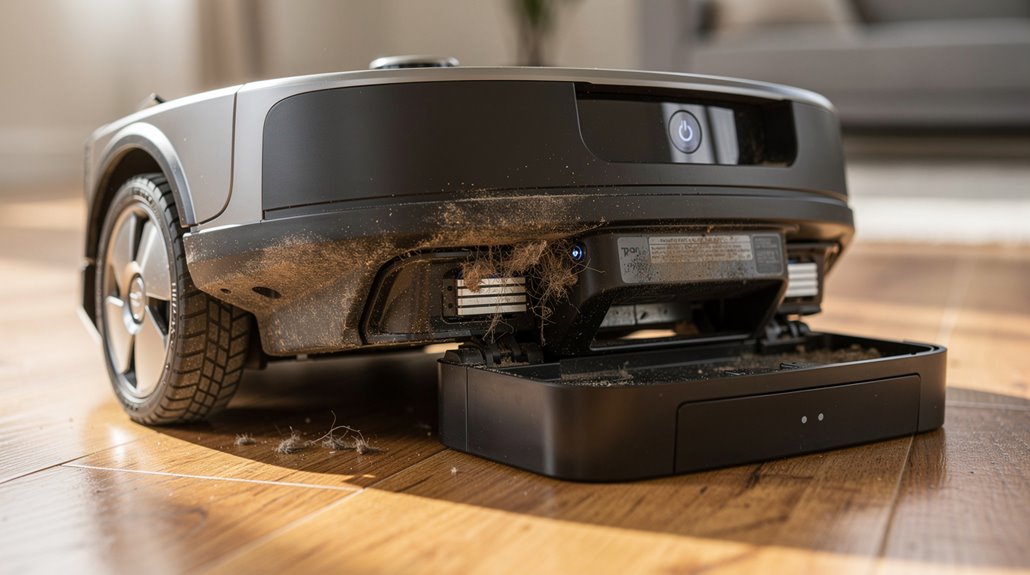
The problem festers further when Roomba’s vaunted “Smart Mapping” flounders. Camera-based navigation, ostensibly a technological tour de force, instead resembles a befuddled tourist without a GPS in the treacherous jungles of uncharted bachelor pads. Clutter, dirt-caked wheels, and debris obstruct sensor feedback, prompting the robot’s metaphorical “I give up” moment, causing it to skedaddle back to base amid navigational chaos.
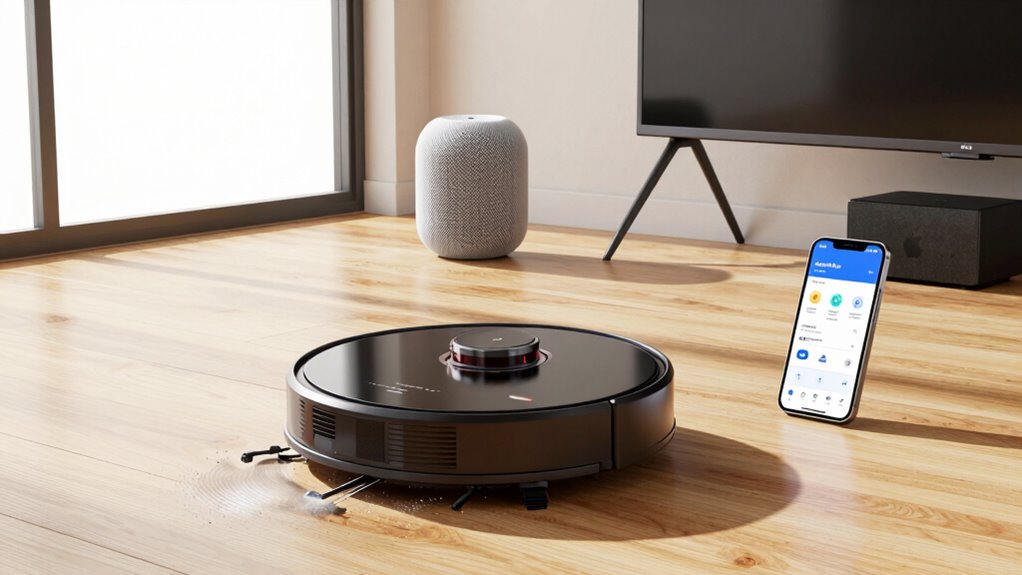
This poor choreographic performance is exacerbated by scheduling quirks programmed through the iRobot HOME App, where predetermined cleaning caps yank the Roomba home like a leash, thwarting any potential for genuine domestic conquest.
Frequently Asked Questions
How Often Should I Clean My Roomba’s Brushes?
Brushes should be cleaned weekly for standard homes, twice weekly if pets are present. Main brushes require removal and cleaning every 10 cleanings without pets, or every 5 with pets, to maintain peak performance and longevity.
Can Roomba Work on Thick Carpets?
Roomba can effectively clean thick carpets, especially high-end models like the S9+ and j9+, which offer powerful suction, advanced brushes, and adaptive navigation. However, very thick or shag carpets may present navigation challenges and require manual adjustments.
How Long Does a Roomba Battery Usually Last?
A Roomba battery typically lasts two to three years or 300–500 charge cycles. Runtime gradually decreases from 90–135 minutes to 45–60 minutes as battery capacity diminishes. Replacement is advised when cleaning duration drops considerably.
Is It Safe to Use Roomba Around Pets?
Using a Roomba around pets is generally safe due to slow movement and bump sensors. However, minor injuries from brushes, stress responses, and waste contamination risks necessitate supervision and gradual pet acclimation for ideal safety and coexistence.
How Do I Reset My Roomba to Factory Settings?
To reset a Roomba to factory settings, one can use the iRobot Home app’s factory reset option or perform a physical button reset. Procedures vary by model series, typically involving holding specific buttons until confirmation sounds or lights appear.
References
- https://www.youtube.com/watch?v=5n97MaviH9o
- https://www.youtube.com/watch?v=EPioHRZAO2I
- https://homesupport.irobot.com/s/article/31056
- https://www.robotreviews.com/chat/viewtopic.php?t=20384
- https://homesupport.irobot.com/s/article/64102
- https://homesupport.irobot.com/s/article/19919
- https://homesupport.irobot.com/s/article/10224
- https://www.robotreviews.com/chat/viewtopic.php?t=16
- https://ondersteuning.irobot.nl/articles/en_US/Knowledge/740
- https://homesupport.irobot.com/s/article/31044