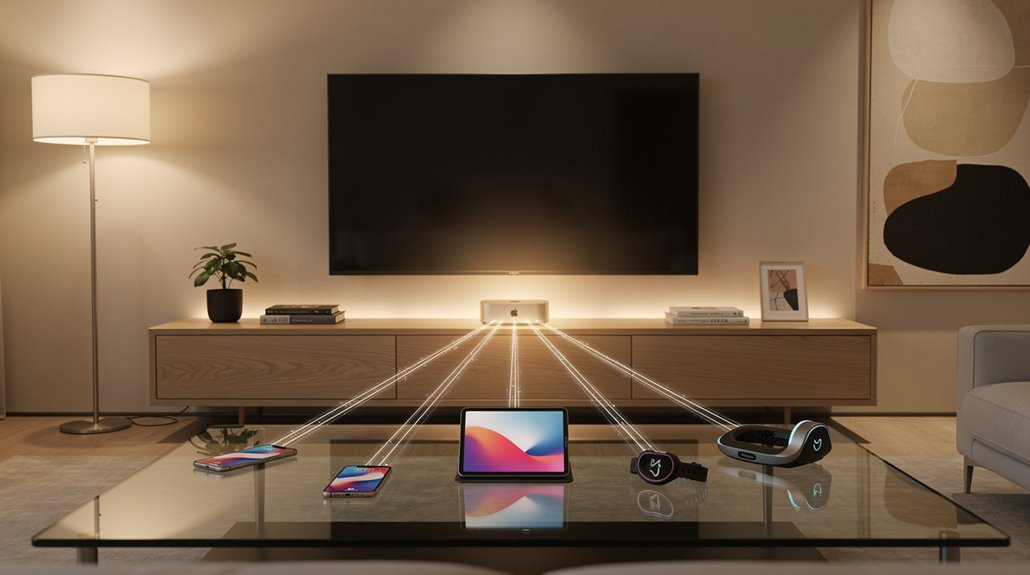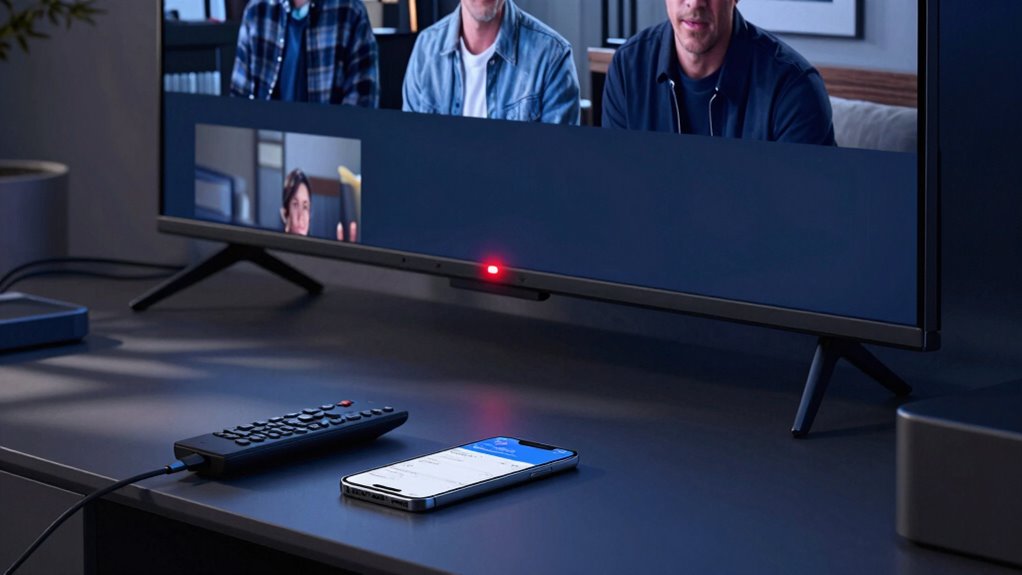
Imagine this: you’re binge-watching your favorite show, popcorn in hand, when it hits you—your TV might be watching you back. Yeah, your smart TV is quietly collecting what you watch, and sometimes even what you say around it. Shocking, right? That’s the reality of smart TV privacy, where features like Automatic Content Recognition (ACR) work behind the scenes, tracking shows, movies, even background audio. ACR uses sneaky tricks like acoustic fingerprints and hidden digital watermarks in video to ID what’s on screen, then sends that data straight to advertisers and data brokers. Creepy? Absolutely. But the good news is, you can stop it—just make sure to disable ACR. Vizio TVs capture up to 7,200 images per hour for content analysis, contributing to extensive data collection without explicit user consent. This level of monitoring means your viewing habits are being turned into 30 billion dollar ad market data points every year.
For Sony owners, dig into Settings > Initial Setup > Samba Interactive TV and flip it off. Hisense users, hit Settings > System > Privacy > Smart TV Experience and shut it down. Samsung folks have more hoops: go to Settings > All Settings > Advanced Features > Voice, turn off the physical mic switch on the back, and disable Voice Recognition under Terms & Policy. Older Samsungs? Smart Hub > Settings > Support > SyncPlus > Off. LG TVs need Viewing Information turned off in settings—note, though, your recommendations will get less accurate. Luckily, Aspect ACR is off by default on newer LGs. Roku? Simple: Smart TV Experience > uncheck Use Info from TV Inputs, and under Voice, set Microphone Access to Never Allow. Vizio users: System > Reset & Admin > Viewing Data > OK, or on newer models, Settings > All Settings > Admin & Privacy. Similar to how Wyze implemented cryptographic signing in their firmware to secure video streams, some smart TV manufacturers now offer enhanced encryption for your viewing data.
And hey, don’t forget the voice assistants—Alexa, Google Assistant, Bixby. If you aren’t using them, turn them off. Those mics might be listening, even if you didn’t invite them to the party. Remember, push-to-talk remotes still work without always-on mics. Extra safety steps? Limit Ad Tracking, reset your ad ID, and block app data sharing. Firmware updates can re-enable settings, so re-check privacy menus occasionally. You paid for the TV—don’t let it spy on you. Take back control, disable ACR, and enjoy your binge without the watchful eye.
References
- https://www.youtube.com/watch?v=o3GriPscBwM
- https://www.secretsofprivacy.com/p/how-to-make-your-smart-tv-more-privacy-friendly-party-1
- https://www.consumerreports.org/electronics/privacy/how-to-turn-off-smart-tv-snooping-features-a4840102036/
- https://infosecwriteups.com/your-smart-tv-is-spying-on-you-heres-how-to-stop-it-32704f6b2f64