The Roomba’s refusal to charge is a spectacular dance of design failures: charging contacts greet dust like old friends, batteries sulk misaligned or dead from endless use, and docks feed off powerless outlets like a sadist. Firmware updates, swelling batteries, and broken plastics complete this tragic opera of electronic incompetence. Cleaning wheels and unscrewing backs to re-seat batteries somehow count as “user-friendly” rituals. For those ready to unravel this farce further, the saga deepens.
Why does the Roomba—a glorified, clunky mop on wheels—refuse to juice up like it’s supposed to? The answer, as usual, isn’t a glitch in the matrix but a festering bouquet of human oversight and corporate negligence.
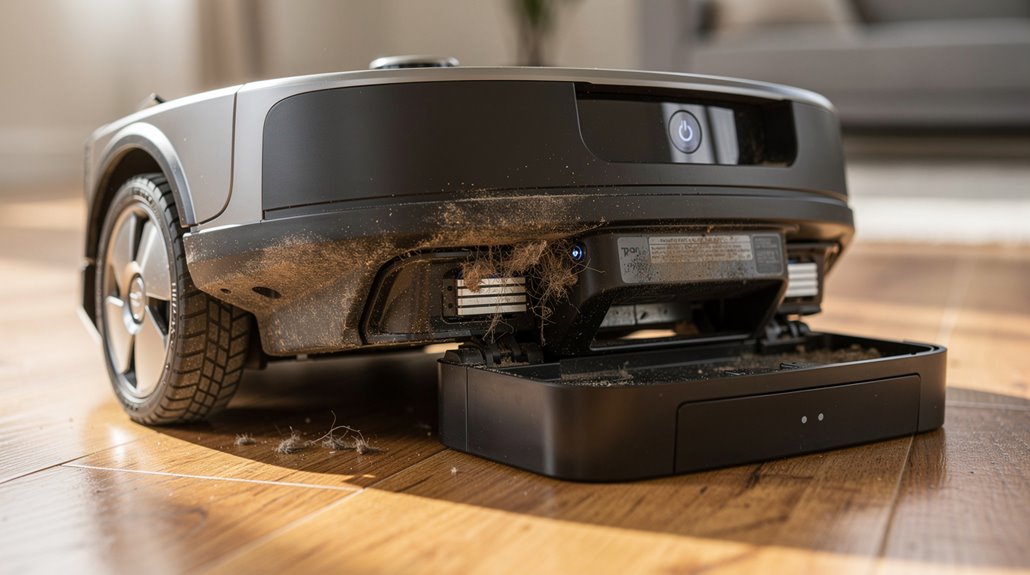
Let’s start with the charging contacts, those metal plates presumably engineered for seamless power transfer. Instead, they play host to a scrapyard of dust, dirt, and who-knows-what disgusting grime, all perfectly capable of blocking electrical connections. If that doesn’t sound utterly ridiculous, consider that oxidation—the chemical equivalent of rust for the electronically inclined—also turns these contacts into inert relics. A damp cloth and some rubbing alcohol might fix the problem, but don’t delude yourself into thinking routine maintenance is a feature, not a laborious patch job inflicted upon the user. Ensuring the contacts are polished and free from debris is essential to restore proper electrical contact. It’s also vital to use the original charging dock to ensure full compatibility and proper charging.
Charging contacts turn into grimy graveyards, blocking power like sabotaged tech relics demanding tedious user TLC
Then there’s the battery seating, a saga in micro-engineering slapstick. After hours of arduous vacuuming, the battery enjoys a little game of musical misalignment, ejecting itself from proper contact like a petulant child. New Roombas don’t escape this farce either; they come with plastic tabs that you must ninja-style remove to initiate charging. You have to flip the robot, unscrew its back, and jiggle the battery back in place—a process that feels about as elegant as defusing a homemade bomb. Regular sensor cleaning is essential to prevent false readings that can interfere with the Roomba’s ability to detect and dock properly.
Even when seated correctly, batteries age and degrade, their pathetic lifespan dwindling with every cleaning cycle until replacement becomes a cruel necessity. Software provides no solace; a bungled firmware update can convince your noble automaton that its dock is an alien artifact, triggering a digital tantrum that only a 30-second clean-button hold reset can resolve.
Hardware failures compound frustrations: cracked contacts, internal wiring meltdowns, swollen batteries masquerading as ticking time bombs—these are not theoretical; they account for nearly 40% of service calls, a confirmation to the systemic rot within robot vacuum design.
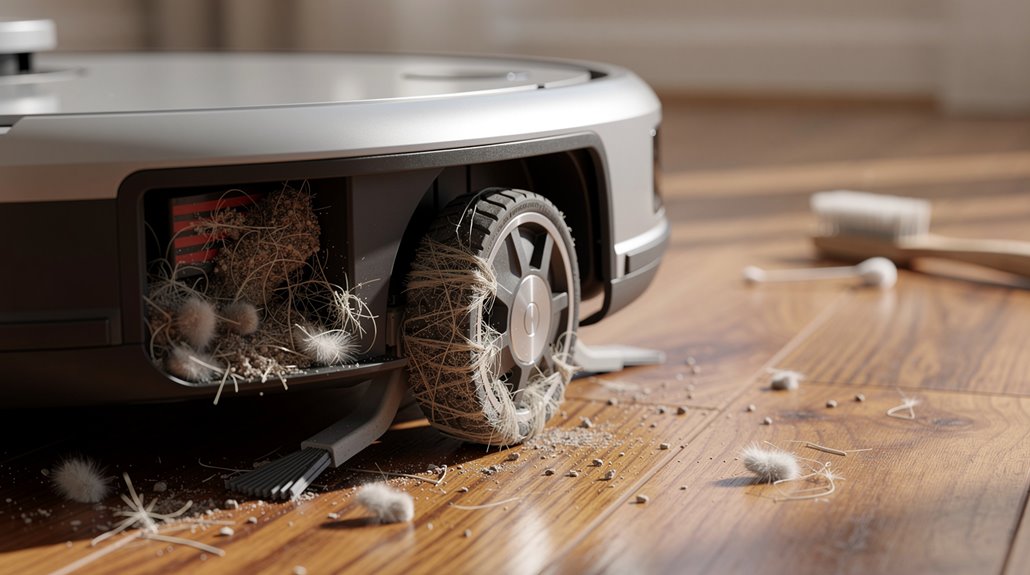
Lastly, the charging dock itself—a sullen, powerless throne if plugged into a dead outlet or governed by a sneaky wall switch. The Roomba’s wheel grime can misalign its approach, preventing the electrical kiss that fuels its pitiful existence. Regular cleaning of the wheels can help maintain proper height and contact with the charger. Double-checking the power supply and outlet functionality is a simple but often overlooked step to avoid unnecessary charging failure.
Together, these blunders guarantee the Roomba, that supposed domestic panacea, spends more time stranded in charging limbo than triumphing over household dirt. In the end, it’s a cynical reminder that even our so-called smart helpers are shackled to imperfections and human incompetence dressed up as tech progress.
Frequently Asked Questions
How Often Should I Replace My Roomba’s Battery?
A Roomba’s battery should typically be replaced every 1-2 years or around 100-200 charge cycles when runtime drops below 45 minutes. Usage patterns, maintenance, and battery type influence replacement frequency and overall performance longevity.
Can I Use Any Charger for My Roomba?
Only original Roomba chargers should be used, as they provide the exact 22.5V DC required. Third-party chargers risk incorrect voltage, poor connector fit, and potential damage, reducing charging success and compromising battery health and safety.
What Is the Average Lifespan of a Roomba Battery?
The average lifespan of a Roomba battery is typically 1 to 2 years, or 300 to 500 charge cycles. Premium models may last up to 3 to 4 years with proper maintenance and charging habits.
How Do I Reset My Roomba?
To reset a Roomba, hold the Clean button for 10–20 seconds for a soft reboot or use the iRobot Home app for a factory reset. Older models require pressing Spot Clean and Dock buttons simultaneously for 10 seconds.
Are Roomba Batteries Environmentally Friendly to Dispose Of?
Roomba batteries are not environmentally friendly to dispose of due to hazardous lithium-ion components. Proper recycling is essential to prevent chemical release, fire hazards, and environmental contamination, complying with regulations and recovering valuable materials for reuse.
References
- https://www.businessinsider.com/reference/roomba-not-charging
- https://us.narwal.com/blogs/product/why-vacuum-not-charging-solutions
- https://www.youtube.com/watch?v=QMOGK3ZE46g
- https://homesupport.irobot.com/s/article/19952
- https://support.irobot.co.uk/s/article/19560
- https://homesupport.irobot.com/s/article/19562
- https://ca.narwal.com/blogs/product/robot-vacuum-battery-life
- https://www.robotreviews.com/chat/viewtopic.php?t=11642
- https://power.tenergy.com/tenergy-new-long-cycle-life-3850mah-nimh-roomba-replacement-battery-for-500-600-700-800-900-series/
- https://homesupport.irobot.com/s/article/7273