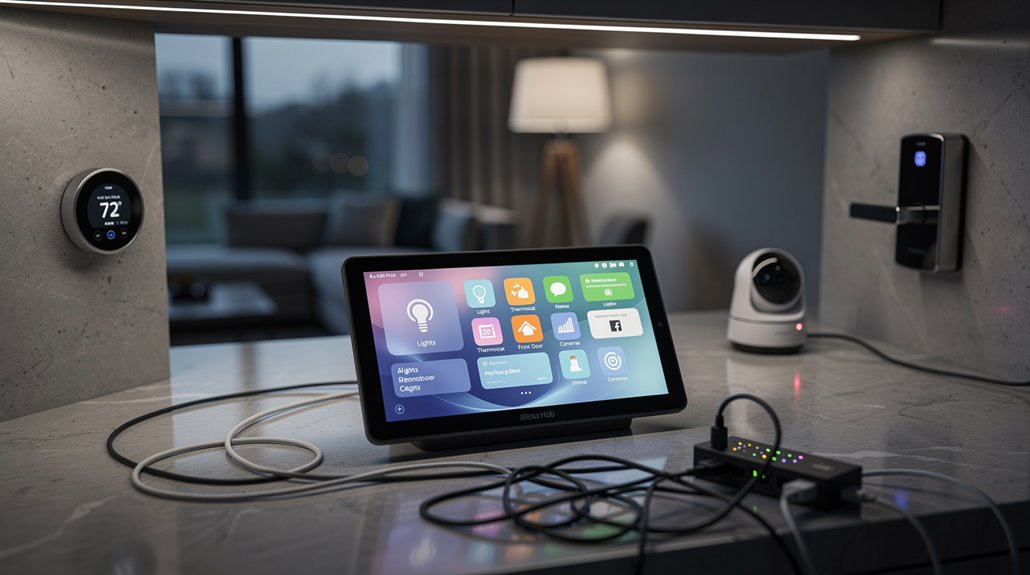
An Alexa hub pretends to be the omnipotent nerve center of smart homes but mainly orchestrates chaos among Wi-Fi, Zigbee, and Bluetooth protocols like a tech Frankenstein’s monster. It boasts an 8-inch display and voice control, yet frequently bungles commands, forcing users into tedious rituals just to gain access to doors or adjust thermostats. The so-called seamless integration with devices like Echo Show 8 and Ring Alarm often resembles a slapstick farce of blinking lights and scheduling nightmares. Those craving harmony might find themselves sinking instead, but the saga barely begins here.
If one ever needed proof that the grand architects of modern convenience have truly mastered the art of turning simplicity into Kafkaesque tedium, behold the Alexa Hub: a so-called “central controller” for smart homes that promises unity but delivers confusion wrapped in Wi-Fi signals.
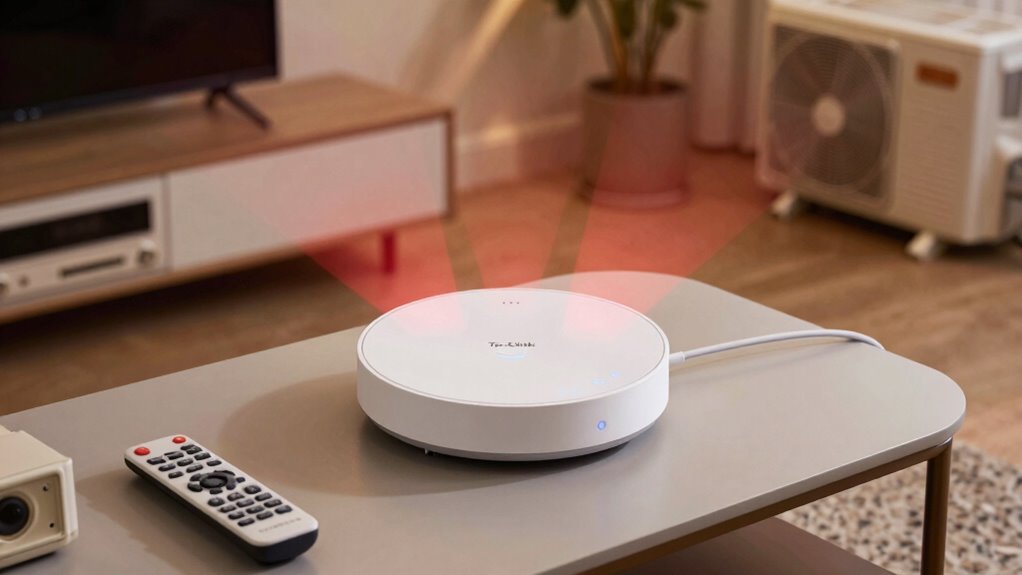
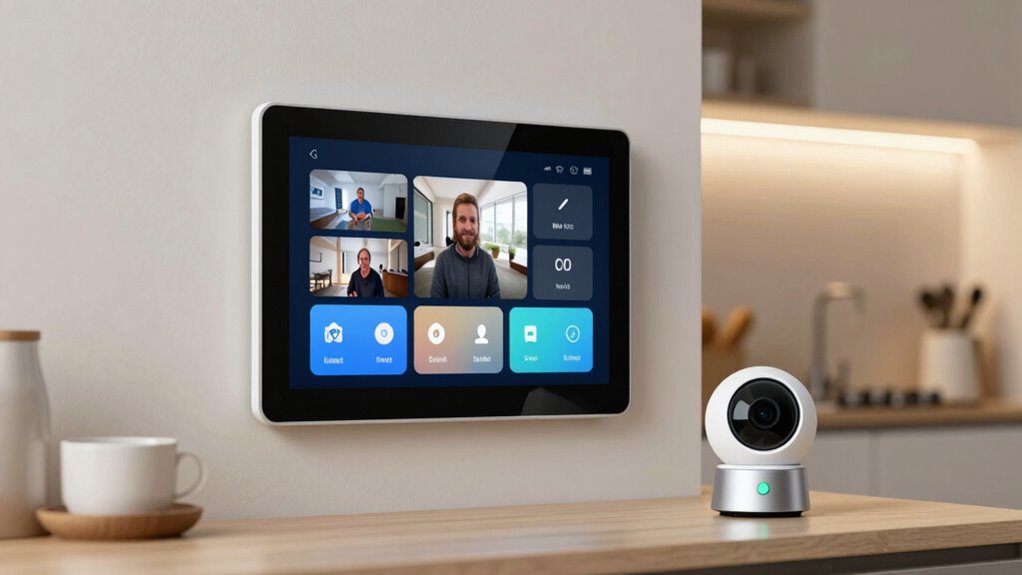
This digital middleman, conceived by Amazon’s inscrutable overlords, purports to harmonize a cacophony of smart devices. Yet, in practice, it subjects users to a symphony of failed commands and blinking lights, nestled in a web of protocols—Wi-Fi, Zigbee, Bluetooth—each more baffling than the last. It operates by receiving voice commands and sending them wirelessly over these protocols to manage devices such as lights, thermostats, and locks, effectively acting as the intermediary between voice and devices. The Echo Hub offers customization with an 8-inch display that can be mounted on walls or placed on countertops for easy smart home control.
A digital middleman promising harmony but delivering tangled protocols and endless blinking frustrations.
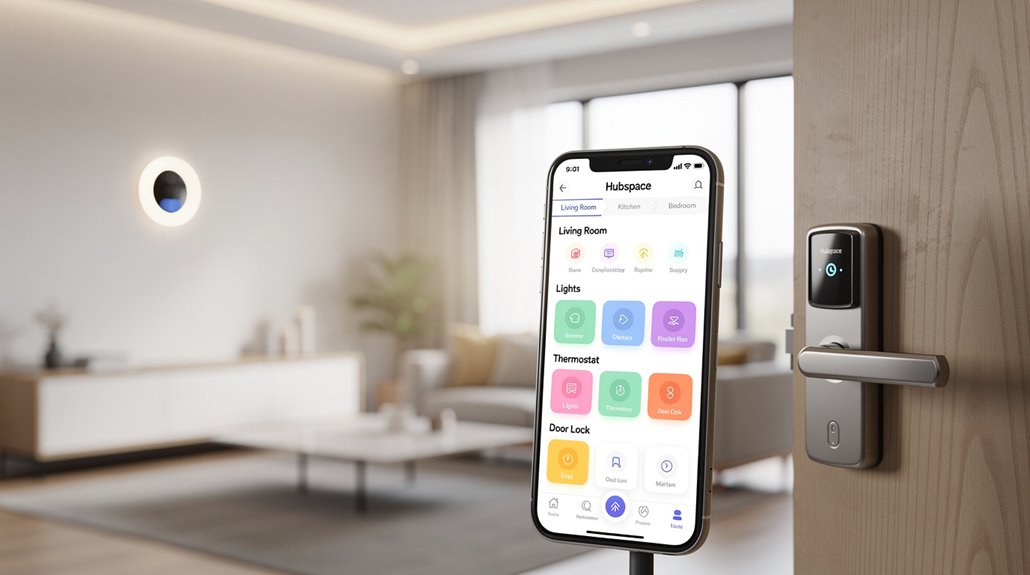
The Alexa Hub is the linchpin for orchestrating gleaming toy thermostats, garage door openers, and smart locks, acting as an intermediary between human whim and a legion of obedient gadgets.
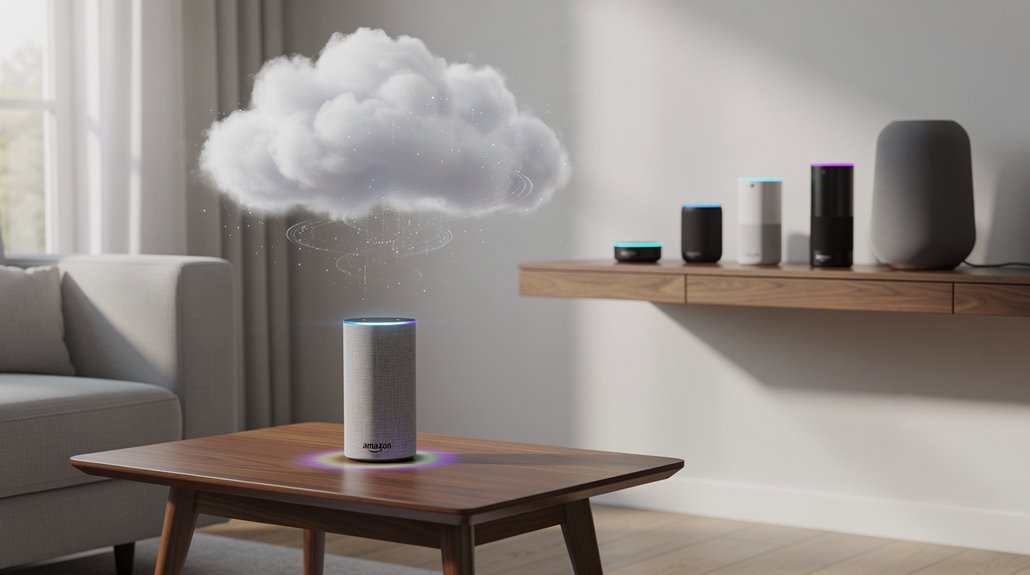
Primarily, it receives voice commands, which it dutifully transmits to the cloud—a mystical domain where commands are decoded, only to be sent back like a game of relay tennis, sometimes with the grace of a malfunctioning server.
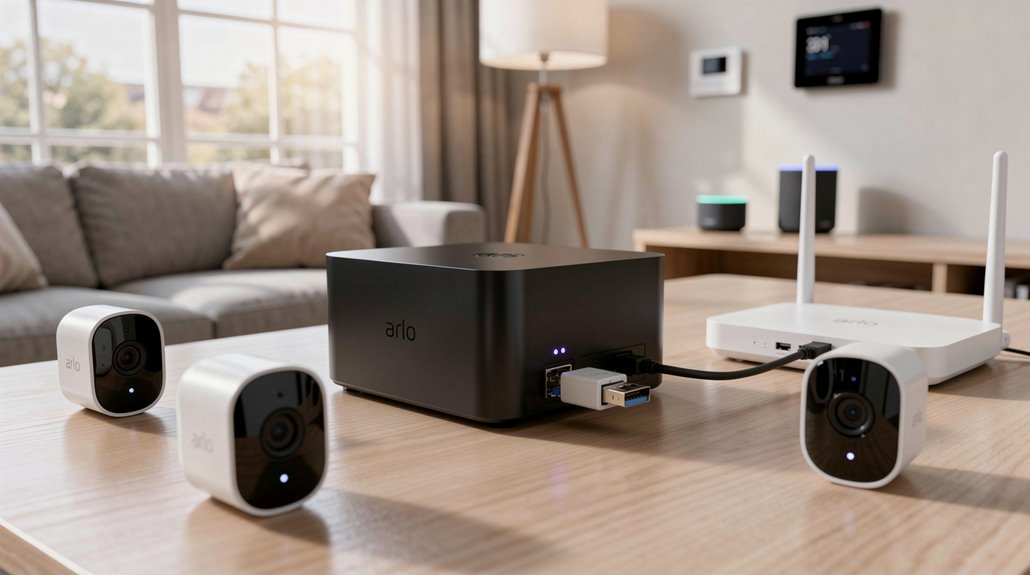
True to form, Amazon boasts support for a panoply of devices, from the Echo Show 8’s camera-eyed surveillance grandeur to the humble, budget-conscious Echo Dot, which doubles as a half-hearted savior for the connectivity-challenged. The hub can control an impressive array of security systems including SimpliSafe, Ring Alarm, and ADT for those paranoid enough to fortify their digital castle.
The hub’s dashboard, a digital and often perplexing shrine, attempts a semblance of order by displaying frequently used devices—if the user manages the complex ritual of long-press, rearranging widgets, and deciphering cryptic routines.
Automation, far from a utopian fantasy, morphed into an ongoing battle where one tries to schedule simultaneous door locks and light switches without triggering a digital revolt.
Even Ring alarm integration devolves into a security theater, offering arm and disarm options that sometimes feel more theatrical than functional.
Ultimately, the Alexa Hub is a reflection of modern-day hubris. It is a Frankenstein contraption, stitching disparate technologies into a mockery of seamless control, where “Alexa, I’m leaving” is less a liberation command and more a feeble plea for a nervous breakdown to stay at bay.
Frequently Asked Questions
Can Alexa Work Without an Internet Connection?
Alexa can operate without internet for basic local voice commands and smart device control on certain Echo models with built-in hubs, but many functions like new reminders, music streaming, and weather information require internet connectivity.
How Do I Update My Alexa Device Software?
Alexa device software updates automatically when plugged in and connected to Wi-Fi, typically overnight. Users can also say, “Alexa, check for software updates.” Verification and troubleshooting occur through the Alexa app and device resets if needed.
Are There Privacy Concerns Using Alexa Hubs?
Yes, Alexa hubs raise privacy concerns due to extensive data collection, voice recording storage, third-party sharing, and security vulnerabilities, potentially exposing personal information, conversations, and usage patterns, highlighting risks associated with always-on microphones and cloud processing.
Can Alexa Control Non-Smart Home Devices?
Alexa can control non-smart home devices by integrating universal remotes, smart plugs, or switches. These intermediaries enable voice commands via Alexa but often require additional setup and compatible hardware for seamless operation and ecosystem connectivity.
What Languages Does Alexa Support Worldwide?
Alexa supports eight core languages worldwide: English (with five dialects), Spanish (three dialects), French (two dialects), German, Italian, Hindi, Japanese, and Portuguese. It also offers multilingual mode pairing English with five other languages.
References
- https://reolink.com/blog/alexa-hub/
- https://www.aboutamazon.com/news/devices/amazon-echo-hub-best-features
- https://www.youtube.com/watch?v=PNOsHxb5MJE
- https://www.youtube.com/watch?v=S4xKJk0heNM
- https://www.howtogeek.com/732835/how-to-use-alexa-offline-with-smart-home-devices-using-echo/
- https://vocal.media/01/how-to-use-the-alexa-offline-even-echo-isn-t-connected-to-wi-fi
- https://www.youtube.com/watch?v=tzFTsWnAizU
- https://brinkshome.com/smartcenter/will-amazon-alexa-work-without-wi-fi
- https://community.home-assistant.io/t/want-to-improve-my-home-automation-for-offline-use-create-new-setup/862960
- https://www.tataneu.com/pages/electronics/consumer-electronics/master-the-art-of-updating-your-alexa-echo-dot-easily