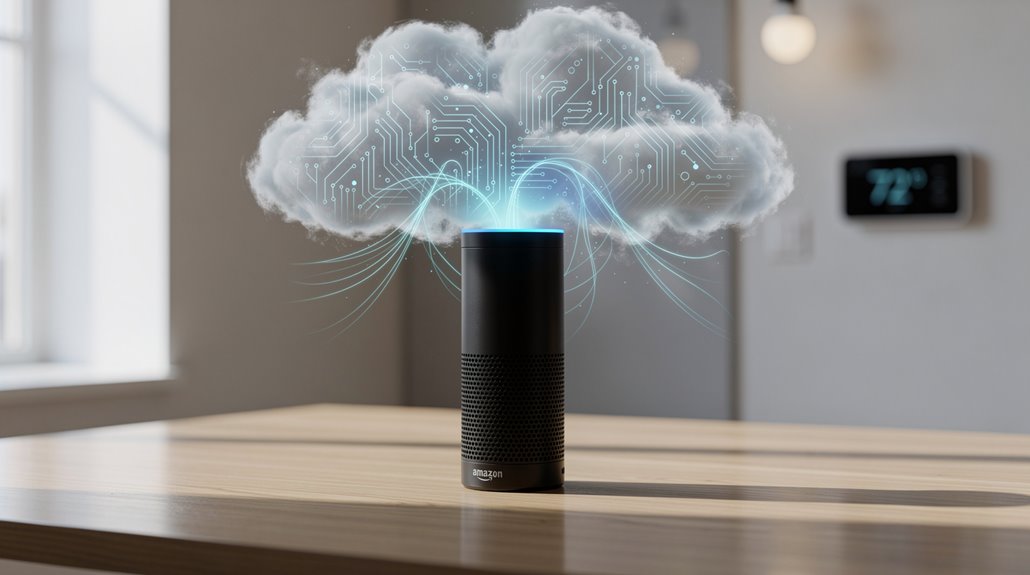
Amazon’s Echo is fundamentally a lifeless trophy speaker, begging the omnipresent Alexa cloud to breathe intelligence into its hollow chassis. Echo dazzles as hardware, but without Alexa’s omniscient, data-gorging servers, it’s just expensive décor. Alexa, that cloud-based puppet master, transforms vague voice mumbles into commands while simultaneously mining your digital soul. Consumers naively swap terms, mistaking plastic for smarts, surrendering privacy for convenience—welcome to the illusion of “smart.” Unpack the spectacle’s full implosion below.
Although the marketing geniuses at Amazon would have one believe that “Echo” and “Alexa” are interchangeable terms in a seamless ecosystem of convenience, the reality is a far cry from this polished facade—a hardware gizmo and a cloud-based software brain masquerade under one confusing brand umbrella, designed, no doubt, to baffle the consumer into mindless acquiescence.
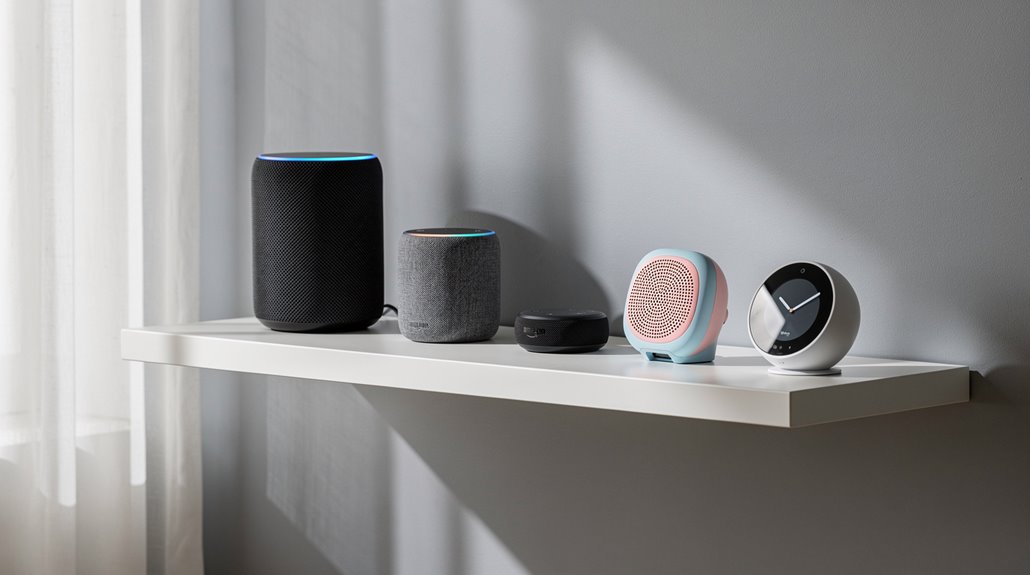
The Echo, in its various physical incarnations—be it the budget-minded Echo Dot squeezed into a cluttered kitchen corner or the overbearing Echo Studio pretending to be an audiophile’s savior—amounts to nothing without the invisible puppeteer known as Alexa. Echo is fundamentally a glorified speaker and microphone combo, diligent in capturing your weary commands, only to fax them off to Amazon’s labyrinthine cloud for interpretation, a laughable 5% of the operation it claims as its own. All Echo devices require an internet connection to function, underscoring their dependence on the Alexa platform. Echo devices also combine microphones, speakers and other components for voice command processing.
Alexa, meanwhile, lurks in the digital ether—an omnipresent, cloud-based microservice DJ that actually does the heavy lifting. Voice-to-text conversions, command parsing, and an endless parade of security firewalls; these functionalities reside nowhere near your Echo device but comfortably on Amazon’s servers, generating the illusion of intelligent assistance while simultaneously mining your private conversations for data gold. As the voice assistant software, Alexa processes all commands and enables the Echo to perform its advertised smart functions.
Alexa hides in the cloud, decoding commands and harvesting your data under the guise of smart assistance.
Alexa’s software tentacles extend far beyond Amazon’s proprietary woeful hardware, embedding themselves in smartphones, Fire TVs, even cars—devices where your reluctant participation is possibly less embarrassing.
This distinction reveals the true charade: the Echo is a hollow vessel, a meat puppet sacrificed to the altar of convenience, whereas Alexa is the puppet master, calling all the shots. Without Alexa, an Echo is as useful as a defective tape recorder in a library. Yet the average consumer, seduced by slick advertising, conflates the two, ceding sovereignty over their domestic life to an inscrutable cloud intelligence shrouded in branding malarkey.
Setup rituals require the user to install the Alexa app, surrender endless permissions, and endure the bureaucratic limbo of Wi-Fi authentication—because what is intimacy without digital oversight?
Hence, Amazon’s “smart speaker” isn’t smart, the “assistant” not merely a benign helper but a cunning gatekeeper, perpetually waiting to listen, compute, and exploit under the guise of convenience. No wonder the consumer remains baffled, trapped in a cycle of nominal empowerment and real dependency.
Frequently Asked Questions
Can I Use Alexa Without an Echo Device?
Alexa can be used without an Echo device through the Alexa app or browser-based services like EchoSim.io. These alternatives allow voice interaction, smart home control, and skill testing without requiring physical Echo hardware.
Are Echo Devices Compatible With Non-Amazon Smart Home Products?
Echo devices are compatible with many non-Amazon smart home products, especially those that are Matter-certified or connect via Wi-Fi. Zigbee and Thread support further expand compatibility, while non-certified devices require specific Alexa skills for integration.
How Do I Reset My Echo Device to Factory Settings?
To reset an Echo device, use the Alexa app’s factory reset option or press specific button combinations depending on the model. For instance, hold Microphone Off and Volume Down buttons for 20 seconds until an orange light appears.
Does Alexa Support Multiple User Profiles?
Alexa supports multiple user profiles via Amazon Household, allowing separate account linkage, personalized experiences, and voice recognition for automatic switching. However, voice similarity and noise may affect recognition accuracy, while shared content and device control remain accessible to all users.
Can I Use Alexa for Hands-Free Calling and Messaging?
Alexa supports hands-free calling and messaging, allowing users to place calls via voice commands, send voice or text messages, and manage group calls. Features include Alexa-to-Alexa and international calling, with message delivery through the Alexa app and devices.
References
- https://www.youtube.com/watch?v=tNJ99B8lZC0
- https://reolink.com/blog/echo-vs-alexa/
- https://uk.amazonforum.com/s/question/0D54P00007MMbjASAT/what-are-the-differences-between-alexa-and-echo-do-they-do-the-same-things?language=en_US
- https://www.bestbuy.com/site/questions/amazon-echo-dot-3rd-gen-smart-speaker-with-alexa-sandstone/6287976/question/20ab6878-a92c-3185-a43a-a7de1015a0f5
- https://www.c-sharpcorner.com/article/use-alexa-without-an-echo-device/
- https://www.youtube.com/watch?v=Y4LvXRi_piA
- https://developer.amazon.com/en-US/docs/alexa/smarthome/matter-support.html
- https://www.amazonforum.com/s/question/0D54P00006zSs3gSAC/can-i-set-up-and-use-an-echo-without-having-a-smart-phone-?language=en_US
- https://www.aboutamazon.com/news/devices/new-alexa-generative-artificial-intelligence
- https://community.smartthings.com/t/which-echo-devices-support-zigbee-and-matter/276889