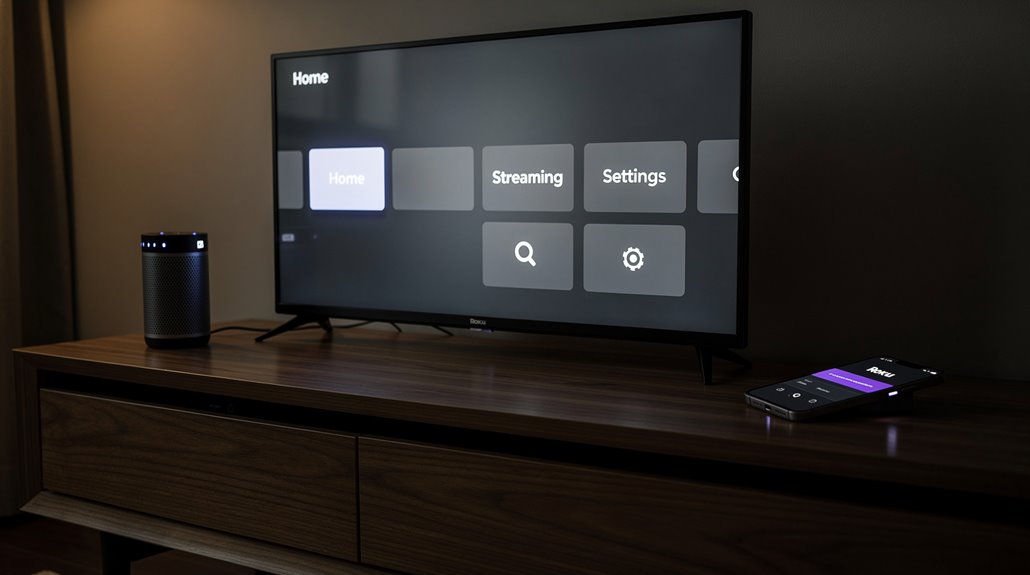
Connecting a Bluetooth speaker to a Roku TV is less a convenience and more a Kafkaesque odyssey through an app-strewn labyrinth worthy of Kafka’s bureaucracy. Instead of straightforward pairing, users endure a Byzantine ritual: sign in, toggle obscure icons, juggle device proximity, and suffer fragmented volume controls that mock coherence. HDMI inputs are conveniently ignored, naturally. Roku’s “solution” is technological cruelty disguised as innovation, leaving sound quality hostage to digital farce. For those craving deeper indignation, the saga continues.
If Kafka had decided to write a user manual instead of existential despair, he might have conjured the Kafkaesque ballet required to connect a Bluetooth speaker to a Roku TV. One might naively assume that in the shiny era of wireless everything, simply clicking a button on the remote would pair devices. Alas, no such luxury exists here.
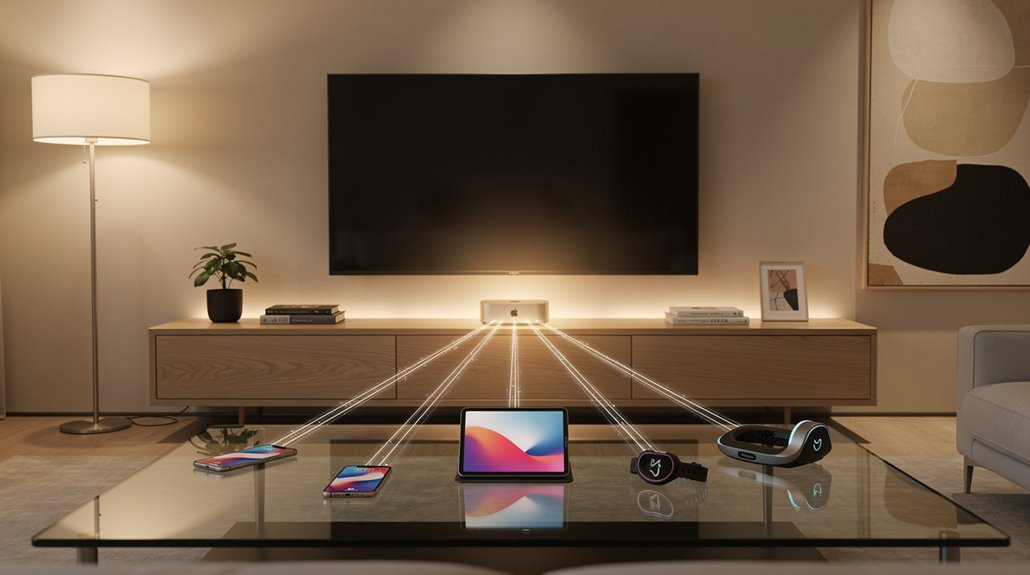
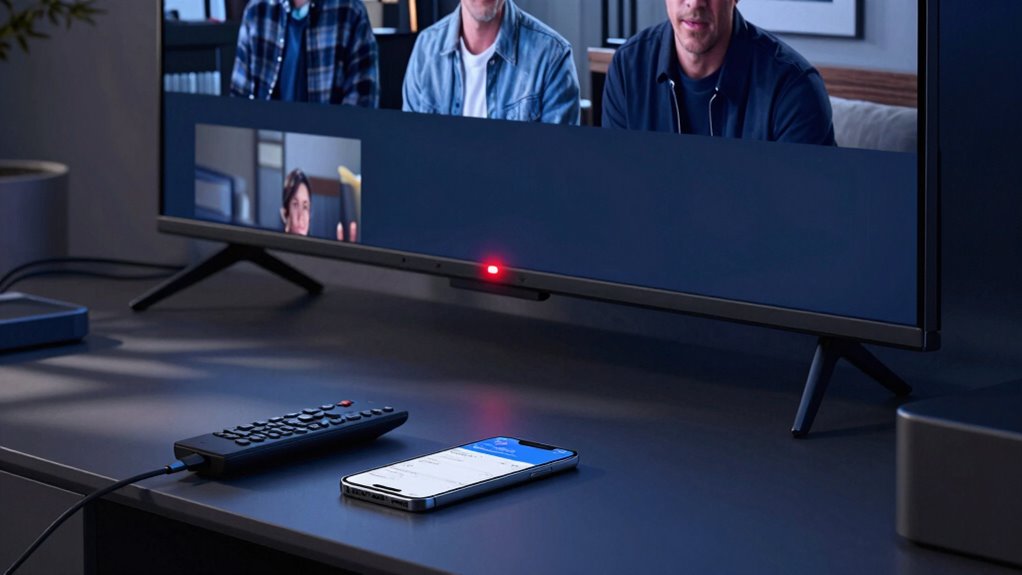
Instead, Roku demands a smartphone hostage negotiation where the official Roku app must first be downloaded—pick your poison from Google Play or the App Store—and then barely pretends that both the phone and the Roku TV respect a shared WiFi network. Only then can a fickle headphone icon be summoned to redirect audio, a tortuous pipeline: from Roku TV to smartphone, then barely surviving another hop to the Bluetooth speaker. No dongles, no direct Bluetooth lovemaking—Roku strictly prefers its own convoluted ritual. Ensure Bluetooth speaker is turned on and in pairing mode before attempting connection through the app. This trick works only when all devices are connected to the same Wi-Fi network.
The initial setup feels like prepping for a neurological exam. Your Bluetooth speaker must be awake and begging for pairing, Roku gear powered on, and the smartphone’s Bluetooth coaxed into cooperation.
Add to this the prerequisite of a Roku account sign-in or the guest’s digital equivalent—which only serves the corporate appetite to track everything but common sense. All devices must inhabit a Bluetooth-sensible proximity zone, lest you enjoy irritating audio dropouts worthy of some avant-garde performance art.
Navigating this labyrinth involves launching the Roku app, enduring sign-in gymnastics, selecting the correct device (because apparently confusion is by design), and finally toggling the capricious headphone icon.
Only when a green dot mocks you with its presence does your audio truly reroute. Yet, this golden moment excludes HDMI inputs altogether, a reminder that Roku prefers you to subjugate your inputs to software tyranny.
Volume control devolves into chaos: Roku’s remote, rendered useless for this specific function, taunts you to raise or lower sound with the smartphone or speaker buttons—dashing any hopes for unified control and reminding you who’s really in charge.
Compatibility boasts universality across Roku models and phone OSes, but at the cost of functionality smoothing into a Kafkaesque nightmare of half-measures and hidden limitations. In the pantheon of tech atrocities, Roku’s Bluetooth “solution” stands as a monument to innovation stalled by needless complexity and disdain for user agency.
Frequently Asked Questions
Can I Connect Multiple Bluetooth Speakers to One Roku TV?
Roku TVs do not natively support connecting multiple Bluetooth speakers simultaneously. Users must rely on external multi-channel Bluetooth receivers, WiFi-based audio systems, or wired solutions to achieve multi-speaker audio, as Bluetooth pairing is typically limited to one device.
Does Connecting Bluetooth Affect Roku Tv’s Video Quality?
Connecting Bluetooth speakers does not affect Roku TV’s video quality. Audio redirection uses the smartphone as an intermediary, leaving video processing, resolution, and frame rates fully handled by the TV hardware without performance degradation or display changes.
Can I Use Bluetooth Headphones Instead of a Speaker With Roku TV?
Bluetooth headphones can be used instead of a speaker with a Roku TV by pairing through the settings menu. Compatible Roku models support private listening mode, allowing audio output exclusively through headphones for a personalized, wireless audio experience without disturbing others.
What Bluetooth Versions Are Compatible With Roku TVS?
Roku TVs typically support Bluetooth versions 4.0 and higher, ensuring compatibility with most modern Bluetooth speakers and headphones. Firmware updates enhance device interoperability, but checking specific model documentation is advised for exact Bluetooth version support confirmation.
How Do I Troubleshoot Bluetooth Connection Issues on Roku TV?
Troubleshooting involves ensuring both devices are in pairing mode, restarting devices, checking correct pairing area, maintaining proximity, eliminating interference, resetting connections, and verifying the Roku mobile app’s network settings to resolve discovery, dropout, or lag issues.
References
- https://www.youtube.com/watch?v=gssaOm2EoZw
- https://www.youtube.com/watch?v=dHaEZgRIoUY
- https://support.google.com/androidtv/thread/182106947/how-do-i-hook-up-my-wireless-bluetooth-rugged-speaker-to-my-hisense-roku-tv?hl=en
- https://www.youtube.com/shorts/Dr7mCTwdw2Y
- https://support.roku.com/article/360011612733
- https://support.roku.com/article/360011519254
- https://www.hellotech.com/guide/for/how-to-connect-bluetooth-headphones-to-roku-tv
- https://www.youtube.com/watch?v=_IZEevw3hXU
- https://www.youtube.com/watch?v=7b24YUSyj-s&vl=en-US
- https://www.youtube.com/watch?v=wlGpsgOkooU