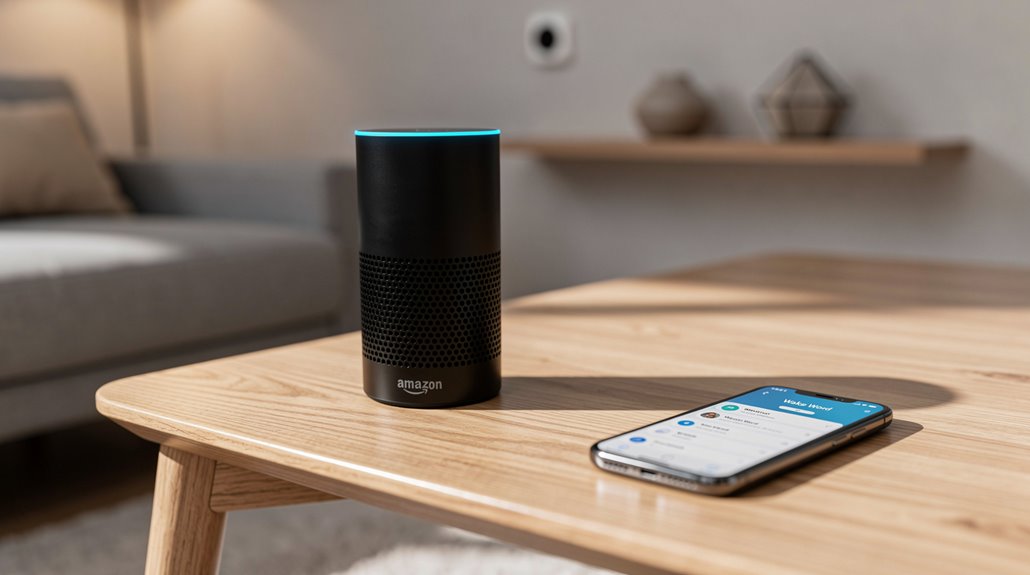
Yes, Amazon begrudgingly permits swapping Alexa’s wake word, but only within their laughably stingy five-option pantheon—“Alexa,” “Echo,” “Computer,” “Ziggy,” and some grim fifth placebo—because boundless personalization might threaten their iron grip on your domicile. Changing it requires trekking through a Kafkaesque app maze device-by-device, ensuring a bureaucratic chokehold on your own voice control. Savvy tinkerers who yearn for true liberty must conjure Raspberry Pi hacks, exposing Amazon’s feeble facade. The cruel joke continues beyond this introduction.
Where else but in the kingdom of corporate minimalism does one find the revolutionary choice offering exactly five wake words for a device as allegedly “smart” as Amazon’s Alexa? An awe-inspiring pantheon of verbal summons: “Alexa,” “Computer,” “Echo,” “Ziggy,” and a mysteriously unnamed fifth contender, as if quantity alone could mask the sheer stinginess of Amazon’s imagination.
Apparently, the digital titan fears true customization, rationing wake words like a benevolent monarch dispensing ration cards. Each device gets its own wake word, a nod to households swarming with multiple Alexas desperately trying not to talk over each other, lest the living room transform into a cacophony of summoned, disinterested AI assistants. Yet, bewilderingly, the options were “designed” to reduce false activations. Because nothing screams innovation like limiting options to avoid inconvenience.
Amazon’s wake words rationed like royal treasures, aiming to curb chaos yet stifling true customization and innovation.
Want to change this restrictive verbal leash? Prepare to initiate a heroic expedition through the Alexa app‘s labyrinthine “Devices” section—because your device certainly can’t think for itself. Selecting the correct Echo among multiples and locating the Wake Word option nestled within a settings icon requires the tenacity of a spelunker mining for treasure in a minefield of mediocrity. This process involves specifically selecting the device type as “Echo and Alexa” before you can navigate to the wake word settings, making it a mandatory step in the device-specific process. Alternatively, tech enthusiasts have found ways to create a custom wake word offline using Raspberry Pi and third-party engines to bypass Amazon’s limitations.
Confirm your selection with a triumph befitting ancient rituals and then, wait—budgets dictate a “processing period” of several minutes before your new pet summons its digital presence. It’s a slow, glacial metamorphosis, reminding users that immediate gratification is reserved for those who merely ask Google. Remember that your selection only applies to one Echo device, not your entire collection of Amazon’s surveillance hardware.
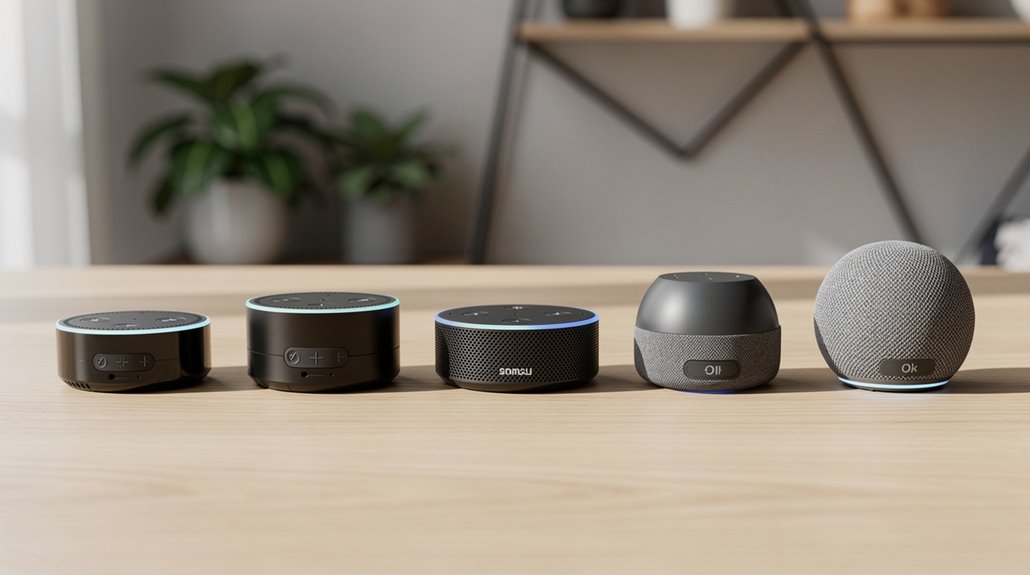
Multi-device households rejoice (or don’t): differing wake words prevent your kitchen Echo from overhearing and hijacking your heartfelt demands issued to the bedroom device. Universal compatibility across Echo and Echo Dot models means this charade persists regardless of hardware evolution, proving that consumer experiences are kept consistently mediocre.
For those craving genuine voice-tailoring freedom, the only sanctuary lies in the wild world of Raspberry Pi and PicoVoice hacks, because Amazon refuses to let mere mortals wield full control without enlisting in their tech tedium.
Frequently Asked Questions
How Do I Reset My Alexa Device to Factory Settings?
To reset an Alexa device, access Device Settings via the Alexa app for a factory reset or use specific button combinations depending on the model. Wait for the ring light or screen to indicate successful reset and follow setup instructions.
Can Alexa Recognize Multiple Voices in One Household?
Alexa can recognize multiple voices within a household by creating distinct voice profiles. This allows personalized responses, individual account linkage, and enhanced security, improving multi-user experience while requiring clear voice training and app-based setup for each user.
What Should I Do if Alexa Stops Responding?
If Alexa stops responding, a user should check power, Wi-Fi connectivity, microphone status, and device placement. Restarting the device and router, verifying app settings, updating firmware, and performing a factory reset if necessary are recommended troubleshooting steps.
How Do I Connect Alexa to Bluetooth Speakers?
To connect Alexa to Bluetooth speakers, users open the Alexa app, select the Echo device, access Bluetooth settings, choose “Pair a New Device,” activate pairing mode on the speaker, then select the speaker from the available devices list.
Are Alexa Voice Recordings Saved, and Can I Delete Them?
Alexa voice recordings are saved indefinitely in Amazon’s cloud, accessible via the Alexa app or website. Users can review and permanently delete specific recordings, enhancing privacy by managing stored voice data through dedicated controls.
References
- https://www.youtube.com/watch?v=0hwFz2EAyD0
- https://www.instructables.com/True-Custom-Wake-Words-for-Alexa-Devices/
- https://www.youtube.com/watch?v=F1MndGp0dwY
- https://www.youtube.com/shorts/dGII5ZhF0jc
- https://www.amazonforum.com/s/question/0D56Q0000CqmMvYSQU/personal-wake-word?language=en_US
- https://reolink.com/blog/how-to-reset-alexa/
- https://www.youtube.com/watch?v=TtYWzDdXy8Q
- https://www.amazonforum.com/s/question/0D56Q0000CRIK3uSQH/how-to-truly-factory-reset-an-echo-dot?language=en_US
- https://www.eufy.com/blogs/eufy-guides/how-to-reset-alexa
- https://www.youtube.com/shorts/h_R3sjXDlkM