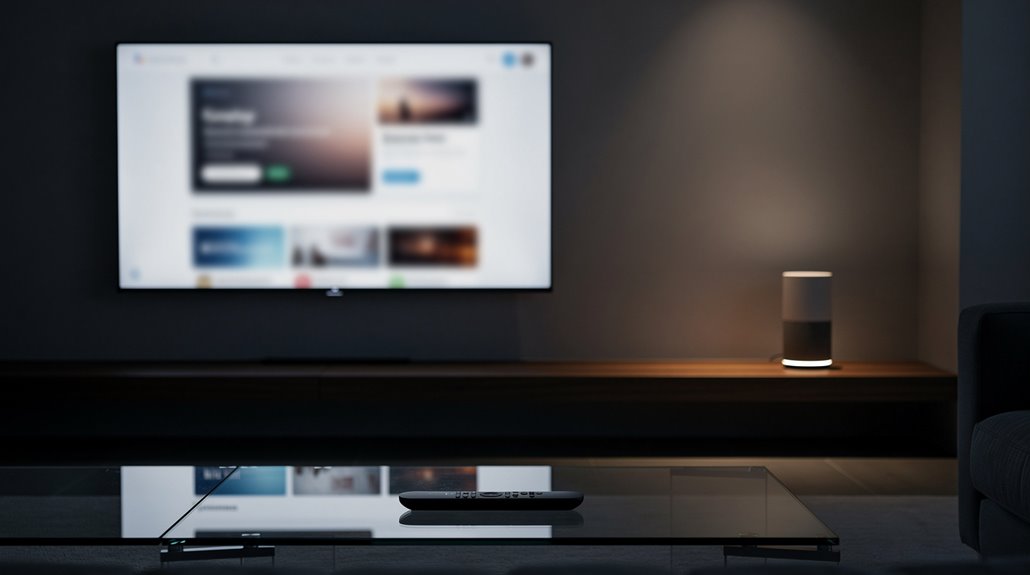
Google Home can technically turn on your TV, provided you survive the Kafkaesque gauntlet of Google account logins, labyrinthine app permissions, and device pairings that transform a simple press of a button into a bureaucratic saga. Expect to wrestle with “Standard Mode,” Google Assistant’s fickle microphone, and a bureaucratic digital caste system that rewards complicity over convenience. Far from the promised seamless magic, it’s a tech dystopia masquerading as modern convenience—if you think this sounds absurd, there’s even more dystopian delight ahead.
Who knew that summoning the decidedly unremarkable feat of turning on a TV would transform into a Kafkaesque exercise in techno-tribalism? The once simple gesture has now metastasized into a labyrinthine ordeal demanding alliances with Google’s Home app ecosystem, a veritable digital caste system where only the properly initiated—Google account owners firmly entrenched within a “Home” ephemeral club—may dare to command their living rooms.
To cloak oneself in the mantle of convenience, one must first traverse the byzantine setup: a procedurally mandated “Standard Mode” on the television, an obligatory supplemental smart device lurking in the background, and the elusive opt-in to the fabled Home Panel feature, lest the gateway to voice-controlled hegemony remains forever bolted shut. The Home Panel feature itself enhances smart home integration by allowing users to manage devices like lights, thermostats, and cameras directly from the TV screen. This integration is made possible through Google Assistant enabled devices and smart hubs that facilitate smooth operation.
Navigating the labyrinth of “Standard Mode,” hidden smart devices, and elusive Home Panel opt-ins seals your voice control fate.
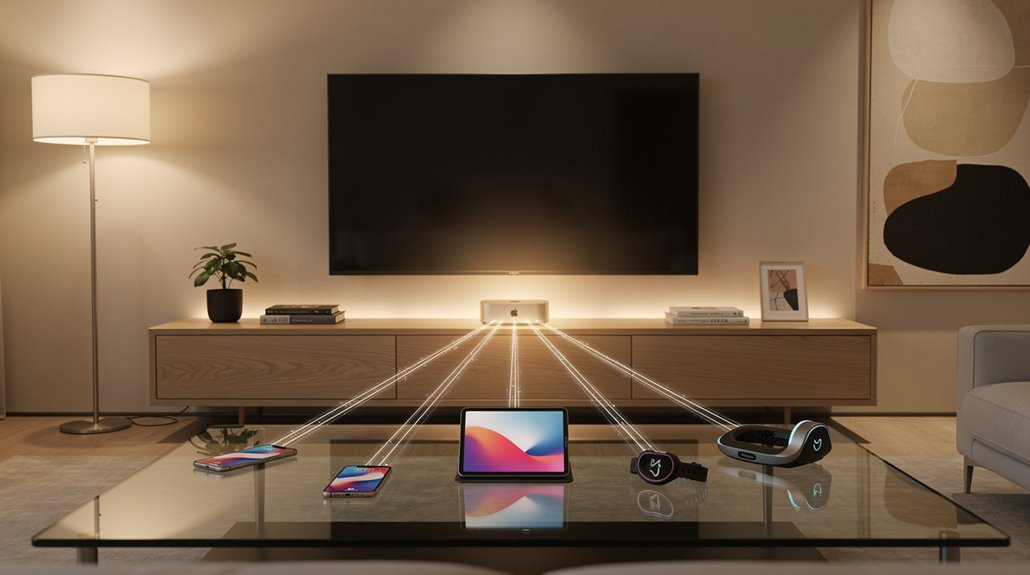
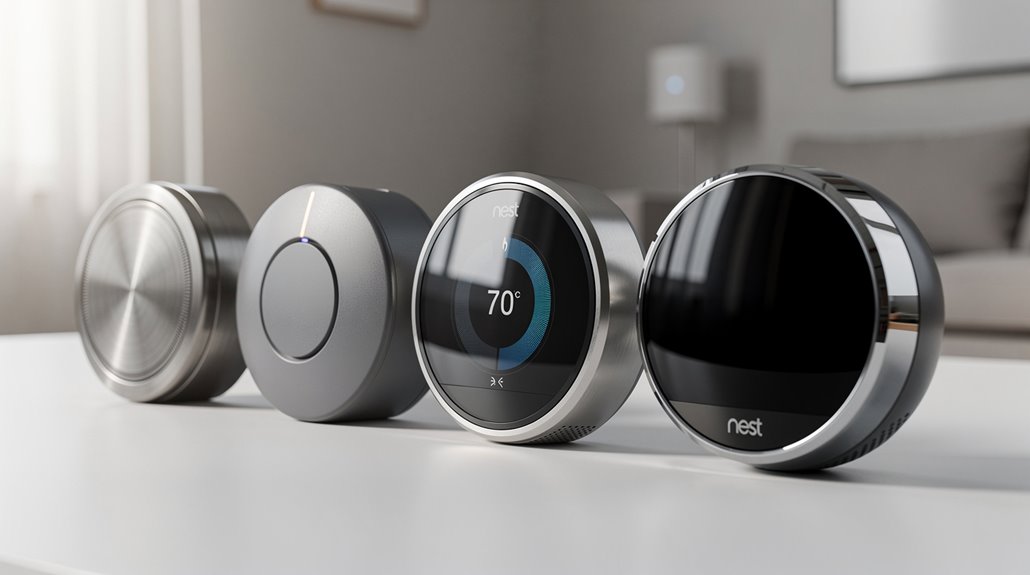
Google Home, astonishingly, professes compatibility with a deluge of manufacturers—Nest, Yale, Leviton, SmartThings—brands that smugly parade their Google Assistant integration as trophies of modernity while the user juggles countless app permissions and settings toggles.
One might presume humanity has finally transcended the era of remote controls, yet the reality is less a gleaming utopia and more a dystopian sitcom. The Home Panel, a glorified control dashboard accessible by a long-press of the remote’s Home button, purports to centralize command: on/off toggling, input selection, volume adjustments, and device favorites straining for hierarchical order atop the interface.
Still, the prerequisite that at least one other ‘smart’ device preexist in the household guarantees no casual couch potato stabs absentmindedly at the remote without crossing Google’s bureaucratic Rubicon.
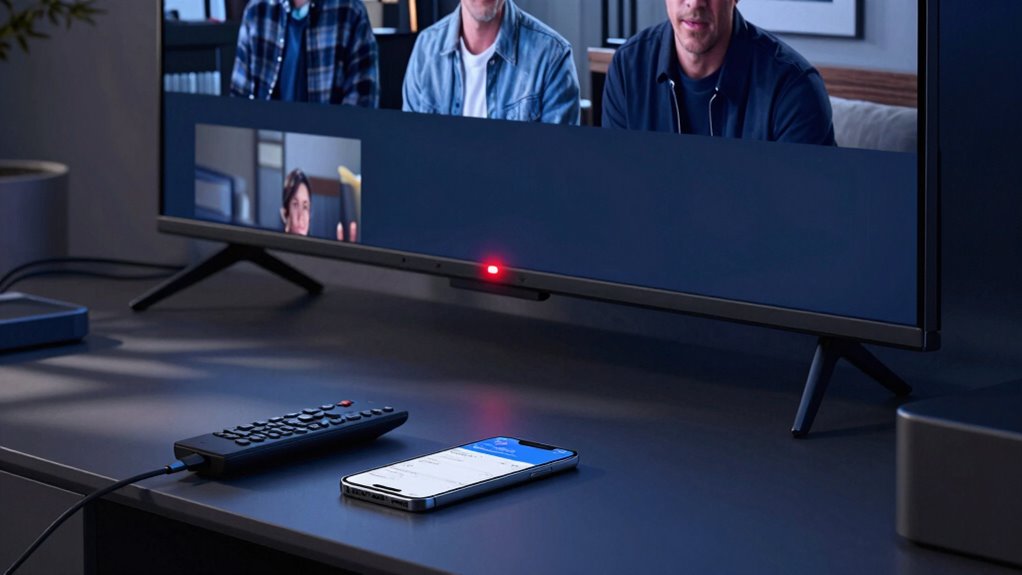
Voice control, theoretically the coup de grâce, relies on Google Assistant microphones sprinkled across those nifty devices like the Google TV Streamer Voice Remote. Yet these tools are less “magical genie” and more “annoyed receptionist,” requiring careful enunciation and grudgingly obeying commands only after traversing overlapping Bluetooth and IR protocols.
Consequently, the promise that Google Home can turn on your TV dissolves into an odyssey demanding profound patience or, more cynically, a tolerance for technological authoritarianism masquerading as convenience.
In this brave new world, flipping a switch is no longer a human right, but a carefully rationed privilege doled out by the algorithms hiding behind your smart home’s facade.
Frequently Asked Questions
Does Google Home Support Voice Commands in Multiple Languages?
Google Home supports voice commands in multiple languages, allowing users to select up to three languages on Android devices. It recognizes commands in one language per phrase but cannot mix languages within a single command for proper response.
Can Google Home Control Other Smart Home Devices Besides the TV?
Google Home controls numerous smart home devices, including smart locks, thermostats, lights, plugs, and appliances. It manages climate, security, and lighting systems through voice commands, offering seamless automation and remote monitoring beyond TV control capabilities.
What Privacy Settings Are Available for Google Home Users?
Google Home users can control data collection via privacy settings in the Google Home app, manage Google Assistant history, enable privacy mode for smart locks, adjust notification preferences, and use activity controls like auto-delete for enhanced privacy management.
Does Google Home Require a Constant Internet Connection to Work?
Google Home requires a constant internet connection for cloud-based features, voice commands, automation, and remote control. While some local functions may operate without internet, overall performance and access depend heavily on stable Wi-Fi and active connectivity.
How Do Software Updates Affect Google Home’s Functionality?
Software updates impact Google Home’s functionality by enabling new smart home controls, altering compatibility with devices, modifying interfaces, enforcing account synchronization, and shifting required system versions, thereby expanding or restricting features according to device model and software versions.
References
- https://support.tcl.com/us-googletv-common-questions/control-smart-home-devices-on-your-google-tv
- https://support.google.com/googletv/answer/15158065?hl=en
- https://support.google.com/googletv/answer/10050221?hl=en
- https://assistant.google.com/platforms/tv/
- https://www.homecontrols.com/shop-by-compatibility/voice-control-compatability/google-assisatant-compatible-devices
- https://developers.home.google.com/automations/supported-devices
- https://store.google.com/product/google_tv_streamer_remote?hl=en-US
- https://home.google.com/about-google-home/
- https://support.google.com/assistant/answer/7394513?hl=en&co=GENIE.Platform=Android
- https://support.google.com/googlenest/answer/7550584?hl=en&co=GENIE.Platform=Android