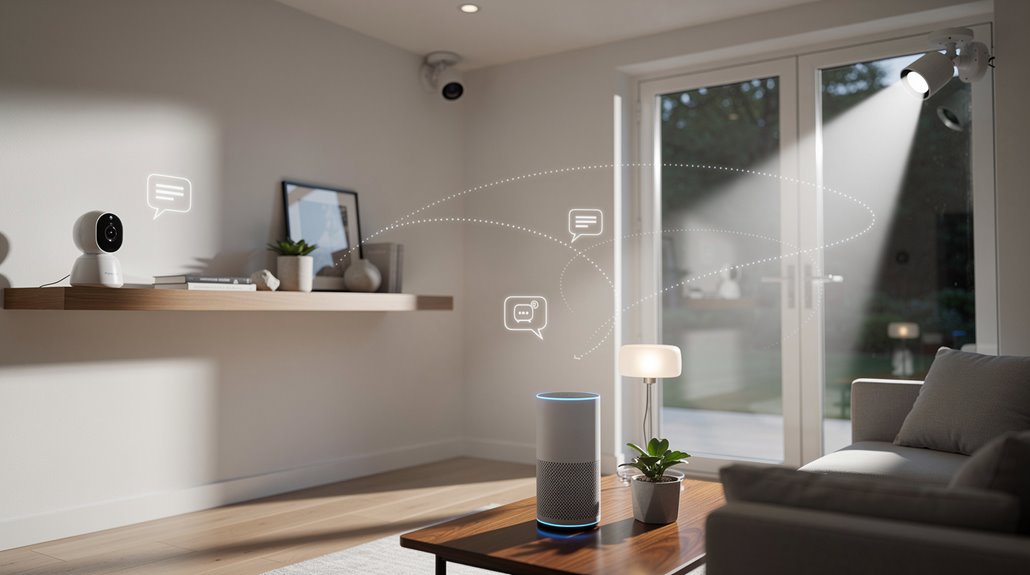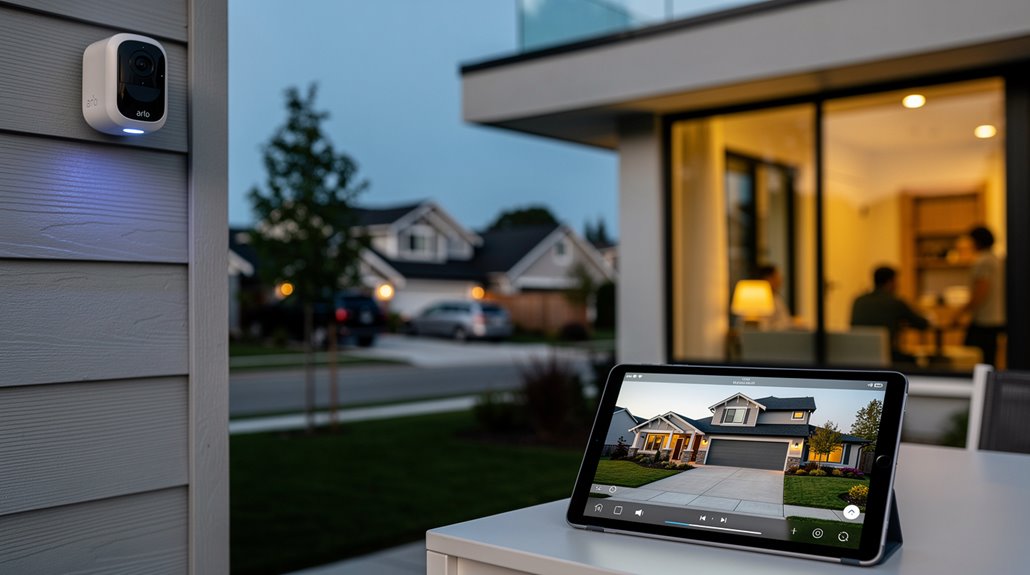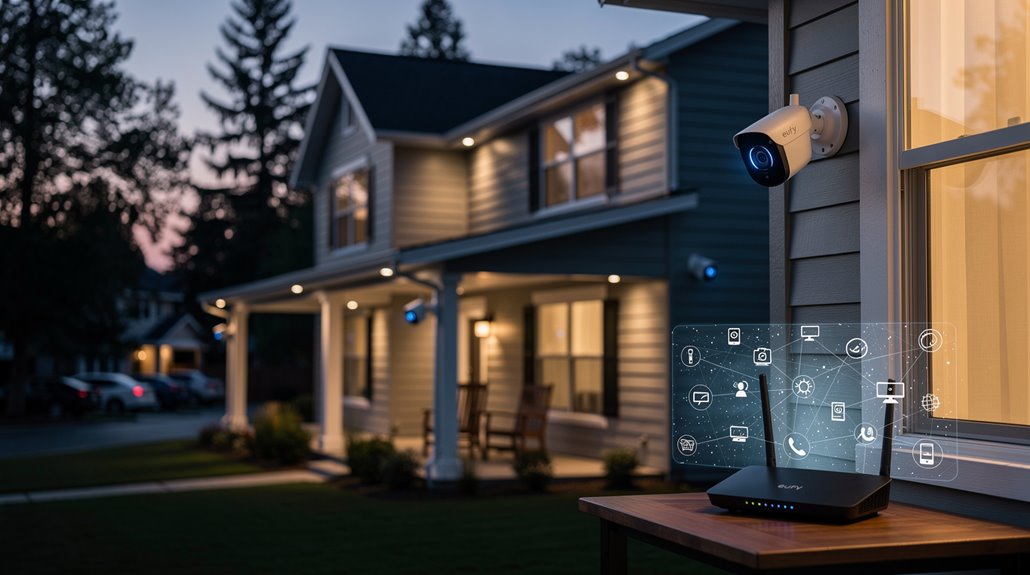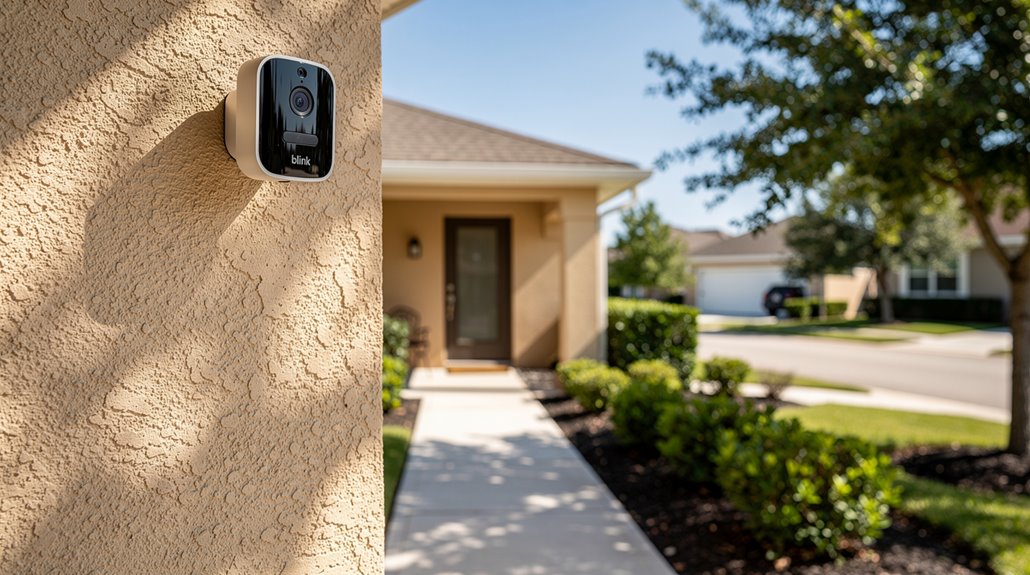

Plopping your Blink camera anywhere won’t cut it—mount it seven to ten feet high to dodge the garden of second-rate criminals and nosy squirrels. Avoid leafy barricades; your camera isn’t a shrine to suburban botany. Position it to catch sideways strutters, not phantom twigs triggering breakdown-level alerts. Guarantee a robust Wi-Fi signal—Threshold three bars; this isn’t Hogwarts and signals don’t appear magically. Place it wisely, or prepare to binge on pointless footage. The savvy, however, will discern more than mere basics.
Where, precisely, should one park their blink-and-you’ll-miss-it Blink camera in a world where even the most archived CCTV footage rivals a cryptic Rorschach test?
Start with elevation—7 to 10 feet above the ground, give or take—because putting the camera any lower is fundamentally handing crooks a free VIP pass to obscurity. Elevated placement isn’t just for the dramatic skyline shot; it widens the field of view and captures faces with less distortion, unlike those comically squashed mugshots that plague security footage. The camera is designed to be mounted on walls, ceilings, flat surfaces, giving versatility to how and where you place it.
But before crowning your chosen perch, conduct a thorough botanical reconnaissance—trees and shrubbery love to sabotage visibility like uninvited party crashers. Always verify your camera view using the Blink app, where you can refresh thumbnails or enter Live View to ensure proper alignment and coverage.
Then, the art of motion detection, that elusive unicorn of security tech. The Blink camera’s sensors have a mind of their own, preferring sideways saunters across their field of vision over direct brawls straight at or fleeing from the lens. If your goal is reliable alerting, park the camera along paths where lateral foot traffic is predictable, because nothing screams “security fail” like an empty lawn lighting up with phantom alerts every time a branch twitches.
Speaking of which, illuminating the dark by installing cameras near bright floodlights or bustling streets accomplishes nothing except turbocharging battery drain and false alarms—turning your solid-state guardian into an overworked techno-caffeine addict.
Location matters too, obviously, assuming you want your investment to catch something other than tumbleweeds. Concentrate on front doors and porches, those high-traffic dramaturgy stages where most real-world mischief unfolds.
But don’t forget the unforgiving reality of Wi-Fi signal strength; no one enjoys a camera haunted by connectivity issues like Hamlet ruminates on existential crises. Standard Blink cameras need to stay within 100 feet range of your router for reliable connectivity. Aim for a robust signal displaying at least three bars—less than that, and you might as well talk to a brick wall.
Finally, after temporarily squinting and fiddling through the Blink app’s Live View with the patience of Job, mark your golden installation spot, fasten your camera with grace, and prepare to tilt and rotate for that impeccable—yet slightly mocking—surveillance smirk. Use the included mount and screws to secure your camera onto a stable surface for reliable positioning and long-lasting operation.
Frequently Asked Questions
How Do I Reset My Blink Camera?
To reset a Blink camera, locate its model-specific reset button, often inside the battery compartment. Press and hold the button for 30 seconds using a paperclip to complete a factory reset, erasing all settings and restoring defaults.
Can Blink Cameras Record Audio?
Blink cameras can record audio automatically during motion-triggered clips and live viewing, using built-in microphones. Two-way audio is supported on specific models, enabling users to communicate through the Blink app with clear sound quality when network conditions are ideal.
What Is the Battery Life of a Blink Camera?
A Blink camera typically offers up to two years of battery life using two AA 1.5 volt lithium non-rechargeable batteries under default settings. Usage patterns, environment, and features like motion detection greatly affect battery longevity.
How Do I Connect My Blink Camera to Wi-Fi?
The Blink camera connects to Wi-Fi by first pairing with the Sync Module or directly for Blink Mini. It uses a 2.4GHz network, requiring password entry and app confirmation of a stable connection for peak performance.
Are Blink Cameras Compatible With Alexa?
Blink cameras are compatible with Alexa-enabled devices, including Echo Dot, Echo Show, and Fire TV models. Users can view live feeds, control cameras with voice commands, receive motion alerts, and utilize two-way audio via the Blink Smart Home Skill integration.
References
- https://support.blinkforhome.com/using-your-blink-outdoor-and-indoor-camera/mounting-your-blink-indoor-and-outdoor-camera
- https://support.blinkforhome.com/using-the-outdoor-2K/mounting-your-outdoor-2k-camera
- https://geeksonsite.com/blog/smart-home/comprehensive-blink-outdoor-camera-guide/
- https://support.blinkforhome.com/en_GB/blink-outdoor-and-indoor-camera-3rd-gen-setup-guide
- https://support.blinkforhome.com/using-your-sync-module/understanding-the-placement-of-your-sync-module
- https://www.youtube.com/watch?v=le6L2WwoYRM
- https://smart.dhgate.com/ultimate-guide-to-accessing-and-setting-up-your-blink-camera-for-optimal-use/
- https://wasserstein-home.com/blogs/smart-home/how-to-reset-a-blink-camera-easy-steps-to-follow
- https://www.asurion.com/connect/tech-tips/how-to-reset-blink-cameras/
- https://www.youtube.com/watch?v=NyRifB3DcFo