
Ring Doorbells, the suburban panopticons, demand a mounting height of precisely four feet—because policing facial angles trumps your whimsical “eye-level” guesswork. Ignore this, and it’ll dutifully surveil your flowerpots or sun glare instead of intruders, as if neighborhood crime respects your aesthetic choices. A wedge kit is mandatory at eight to ten feet, to recalibrate the camera from bird’s eye to human face—because even technology bows to amateur hour. For more revelations on optimizing your domestic Big Brother, the layers unfold ahead.
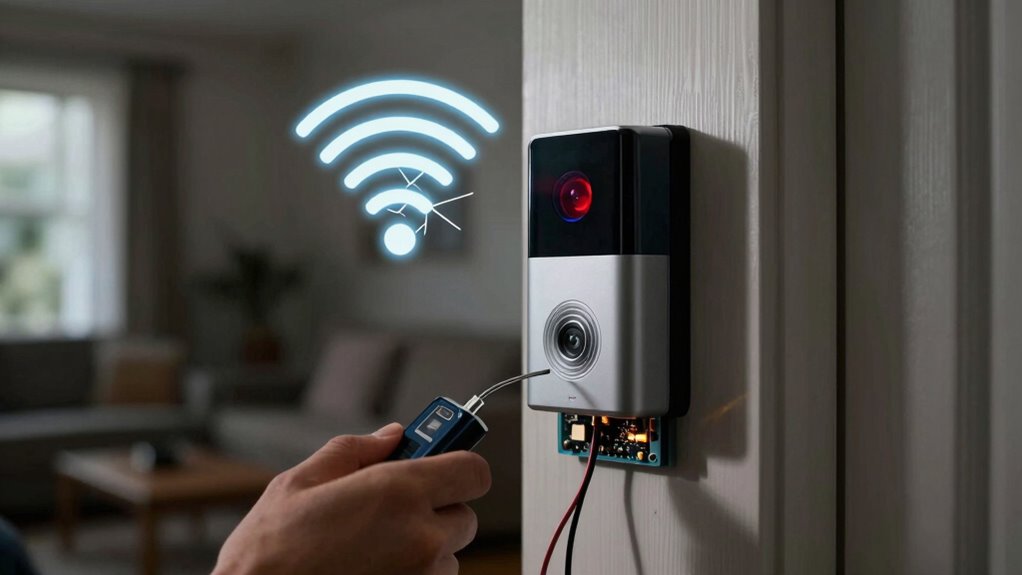
Why, in the grand mess of modern home security, must mounting a Ring Doorbell—ostensibly a beacon of technological salvation—be reduced to a painstaking exercise in precision and frustration? Apparently, the gods of suburban vigilance demand sacrifices in exactitude: the device must be perched precisely four feet above ground level, the theological sweet spot at chest height, to capture the holy trinity of faces, packages, and doorstep pandemonium. Deviate by a blink, and brace yourself for aesthetic and functional upheaval. It is also crucial to test the Wi-Fi strength at the installation site to ensure reliable performance. Before starting, always remember to turn off power at the breaker to avoid any electrical hazards.
Should one dare to mount it higher—a towering eight to ten feet akin to a security sentinel on a steel watchtower—they must appease the Wedge Kit, an accessory whose sole raison d’être is to coax the camera’s gaze downward, as if the Ring Doorbell itself were unwillingly craning its neck to witness the mundane comings and goings beneath.
Perched eight to ten feet high, the Ring needs the Wedge Kit’s coaxing gaze downward like a reluctant sentinel.
The field of view, a phrase as sacrosanct as “mission critical,” must be neither compromised by blinding mid-morning sun nor obstructed by the notorious villainy of hanging flowerpots. Each installation choreographed with the strategic brilliance of a battlefield general: double doorways demand a centered, equitable tribunal of surveillance, lest jealous shadows slip past unnoticed. For optimal surveillance, position your device to face main approaches where visitors typically enter your property.
Of course, before the sacred screws meet masonry or siding, one must engage in the ritual marking of holes, using a pencil—because pen marks? Barbaric.
Speaking of masonry, brace for drill-bit lamentations. Rocks, bricks, and stucco mock the hubris of mere mortals wielding screwdrivers, mandating a 1/4-inch pilot hole and the insertion of plastic wall anchors. These silent sentinels facilitate the bracket—a flimsy yet essential intermediary—remains steadfast against gravity’s insidious pull.
Wood and siding, meanwhile, foolishly allow screw-driven hubris without anchors, a rare mercy amid these trials.
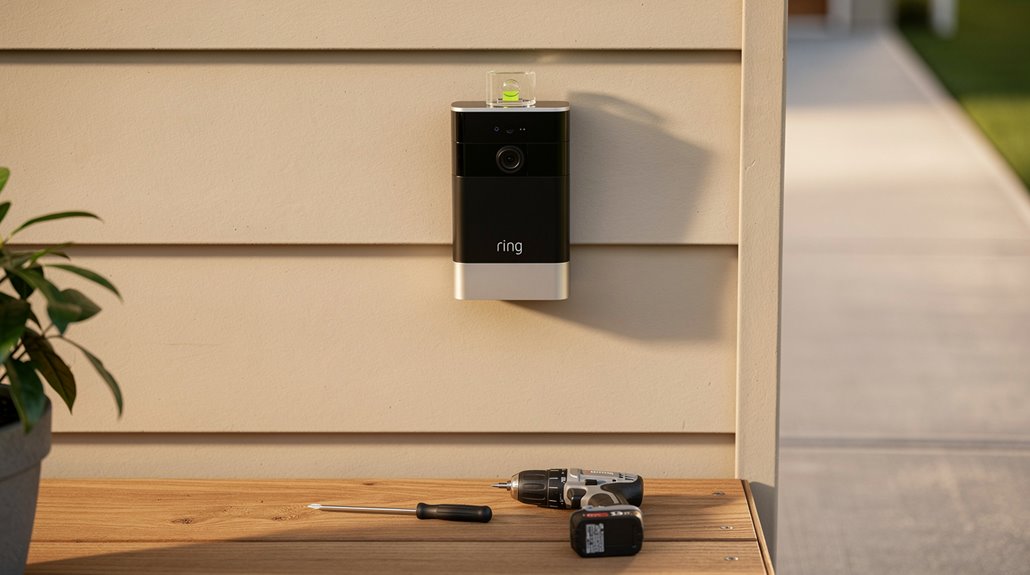
The spirit of installation finally cedes to tangible tools: a Phillips head screwdriver (non-negotiable), a mini-level (the orange level snaps on like a fashion accessory), and the cordless drill you better hope was fully charged this morning because there’s no excuse for battery failure amidst home defense.
For the speech-averse, adhesive mounts exist—a no-drill panacea for uPVC frames and brick walls alike—requiring two minutes of pressure, an eternity in our instant gratification culture.
Thus unfolds the mounting drama—not merely mechanical, but a Sisyphean test of patience and precision. The Ring Doorbell’s promise of security is not generosity but a gauntlet, a nuanced lesson in how technological salvation rapidly curdles into bureaucratic ordeal.
The doorbell watches, yes—but only after one has watched, measured, drilled, and cursed with exacting precision. And so, suburban vigilance perseveres, against all odds and common sense.
Frequently Asked Questions
How Do I Connect a Ring Doorbell to Wi-Fi?
To connect a Ring doorbell to Wi-Fi, the user opens the Ring app, selects “Set up Device,” scans the QR code, activates setup mode on the doorbell, chooses the Wi-Fi network, enters the password, and confirms connection in the app.
What Are the Power Options for a Ring Doorbell?
The Ring doorbell supports four power options: removable or built-in battery, solar charger for extending battery life, plug-in adapter supplying continuous power, and hardwired connections to existing doorbell wiring, each with specific installation requirements.
Can a Ring Doorbell Record Video Locally?
A Ring doorbell can record video locally when paired with the Ring Alarm Pro hub using the Ring Edge feature, which stores encrypted footage on a microSD card. Otherwise, local recording requires unofficial technical workarounds or subscription cloud services.
How Do I Reset My Ring Doorbell?
To reset a Ring Doorbell, press and hold the reset button for 15-20 seconds until LED flashes. Ascertain battery is fully charged or wired power is stable. Release button to complete factory reset and erase stored data.
Is There a Monthly Fee for Ring Doorbell Services?
Yes, Ring doorbell services offer optional monthly fees ranging from $4.99 to $19.99 for subscription plans. These provide expanded features like video history and professional monitoring, but basic live streaming works without a subscription fee.
References
- https://manuals.plus/m/b3a86040c590cd73f7489b5106bc3336b36c5469110bf02afbb9d65af046b088
- https://www.checkatrade.com/blog/how-to/install-ring-doorbell/
- https://echelonelectricnj.com/home-automation-company-services/step-by-step-guide-how-to-install-your-ring-doorbell/
- https://ring.com/support/articles/ctz2i/Installing-your-Video-Doorbell-Wired
- https://www.youtube.com/watch?v=_evjOfsgedY
- https://images.thdstatic.com/catalog/pdfImages/34/347ed609-3e6d-45df-b948-be4abf7bf95f.pdf
- https://www.youtube.com/watch?v=Nf2eid2i9go
- https://ring.com/support/articles/utvz2/Guidelines-for-Hardwiring-Your-Ring-Video-Doorbell
- https://pdf.lowes.com/productdocuments/49600279-2517-4d96-859c-1b516aeb7825/44045628.pdf
- https://www.doorbellmount.com/blogs/doorbell/how-to-connect-ring-doorbell-to-wi-fi