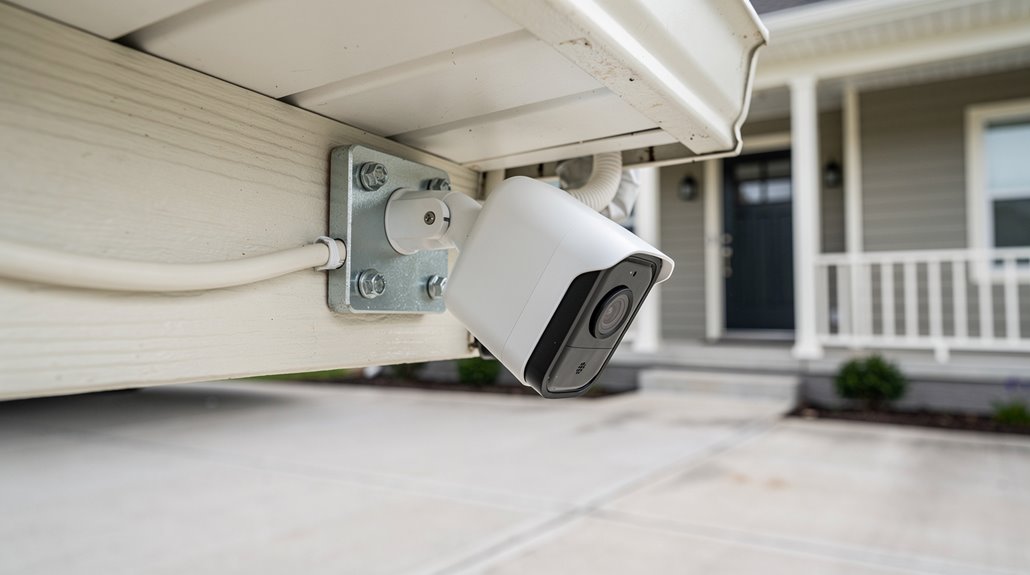

Subscription-based security cameras have perfected the art of financial hostage-taking, extorting monthly “ransom” for the outrageously basic courtesy of local storage—Eufy leads this shame parade with its cloud-held chains, while Blink tries to sweeten enslavement with battery charm. Luckily, brands like TP-Link’s Tapo and Lorex have abandoned corporate extortion, offering genuinely subscription-free surveillance, complete with local encrypted storage and AI detection that respects your privacy rather than gouging your wallet. For those tired of paying tribute to tech overlords, a grudging freedom awaits.
A handful of ironically named “security” camera companies have mastered the fine art of charging monthly ransom for what should be a straightforward product—watching one’s own property—while pretending that data hoarding is a favor to the consumer. This corporate extortion masquerades as convenience, shackling users to cloud subscriptions that function more like digital blackmail than any genuine security arrangement.
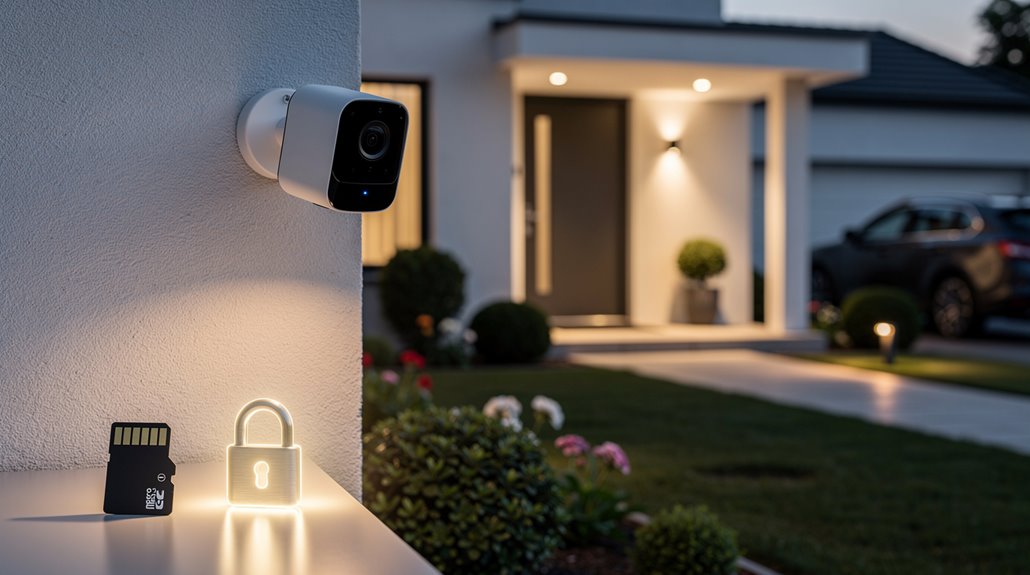
Fortunately, in this dystopian landscape, some brands actually respect the concept of ownership: Eufy, TP-Link‘s Kasa and Tapo lines, Blink, ADT with Google Nest’s partial concession, and Lorex. They dare to offer subscription-free sanctuary, chucking the handcuffs of forced cloud payments and flaunting local storage solutions with a boldness that’s almost subversive. For example, many models provide convenient local storage options on microSD cards or built-in memory, eliminating the need for costly cloud-based plans.
In a world of subscription traps, these brands boldly reclaim true ownership with subscription-free, local-storage security solutions.
Eufy marches defiantly with 4K clarity, AI that discerns people, pets, sounds, and color night vision that refuses to concede to infrared’s ghostly pallor—all wrapped in encrypted on-device storage so the user’s footage isn’t quietly auctioned off to the highest bidder. These systems emphasize self-monitoring, giving users control while avoiding recurring subscription fees through self-monitoring benefits.
Blink boldly waves the battery flag, combining floodlight cameras with local storage via the Sync Module 2, while TP-Link’s Tapo C325WB crams up to 512GB of microSD card footage into its wired frame, proving continuous recording doesn’t require a data-leeching subscription.
Lorex sticks to its guns with DVR and NVR systems, ensuring a steadfast refusal to let anything enter the cloud wasteland unless the user explicitly wants it.
Let’s not ignore the unapologetically free smart detection features that distinguish these noble exceptions: person, pet, vehicle, and package detection — all muffling the constant false alarm circus that subscription chains usually inflict. Many of these cameras offer AI-powered detection that processes data locally, preserving privacy while still delivering intelligent alerts.
Activity zones and sound detection come without additional shakedown fees, because apparently, some corporations believe a business model can exist without turning users into cash cows.
And yes, these subscription-free titans don’t skimp. They wield 2K plus resolutions like TP-Link and Eufy’s 4K cam, with night vision enhanced by spotlights that blast 600 lumens, bravely replacing those ghoulish infrared ghosts with actual color and clarity.
Best of all, these cameras arrive under $150, some even under $40, offering impeccable protection minus the pitiful toll of endless subscription fees.
In an era where so-called tech “innovators” treat consumers like cattle, these brands offer a glimmer of rebellion—security without surrender, privacy without price gouging, and finally, a product that watches your property instead of your wallet.
Frequently Asked Questions
How Do Security Cameras Connect to Wi-Fi?
Security cameras connect to Wi-Fi by initially linking via Ethernet to a router for configuration. Users access the camera’s web interface, select a 2.4GHz network, enter the password, then confirm connection before removing wired setup.
Can I Access Footage Remotely Without Internet?
Remote footage access without internet is not possible because live streaming requires data transmission online. Only cellular-enabled cameras can offer remote viewing via mobile networks, while offline systems limit access to local monitoring and stored footage playback.
What Is the Typical Battery Life for Wireless Cameras?
Typical battery life for wireless cameras ranges from 3 to 6 months per charge, depending on usage and model, with premium cameras lasting up to 12 months; continuous recording reduces longevity compared to motion-detection power-saving modes.
Are There Any Privacy Risks With No-Subscription Cameras?
No-subscription cameras still pose privacy risks due to potential internal employee misuse, vulnerabilities in local storage, physical theft, and manufacturer claims of encryption. Trust remains necessary, as offline configurations lack regular security updates and rely on physical protection.
How Do Local Storage Options Work on These Cameras?
Local storage options record camera footage directly onto embedded SD cards or connected HDDs/SSDs, accessible locally via network or physical connection. When full, systems overwrite old data. Data remains private, unaffected by internet outages or remote access.
References
- https://www.consumerreports.org/home-garden/home-security-cameras/best-home-security-cameras-without-a-subscription-a1077107880/
- https://www.security.org/home-security-systems/best/no-monthly-fee/
- https://www.safehome.org/home-security-cameras/best/no-subscription/
- https://www.youtube.com/watch?v=71beAxdLt54
- https://global.botslab.com/nl-au/blogs/news/we-compared-the-best-outdoor-security-cameras-without-subscription-for-2025
- https://www.hunttalk.com/threads/best-home-security-cameras-without-subscription-experts-recommendations-to-choose.330124/
- https://www.safewise.com/home-security-systems/best/self-monitored/
- https://www.cctvcameraworld.com/connect-wireless-security-camera-to-wifi/
- https://support.suretyhome.com/t/help-reconnecting-cameras-to-new-wifi/24796
- https://solink.com/resources/industry-insights/security-camera-connection-types/