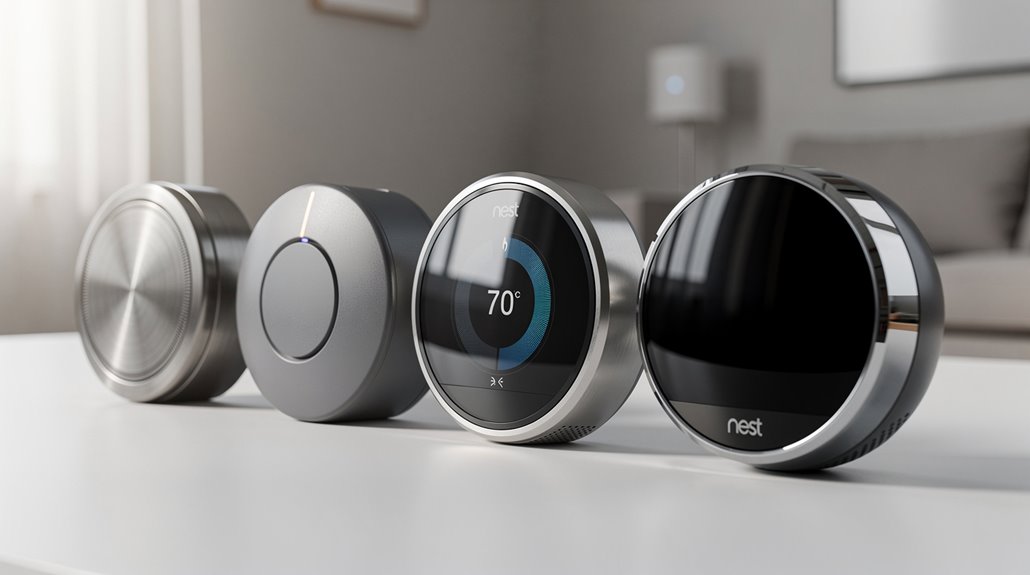
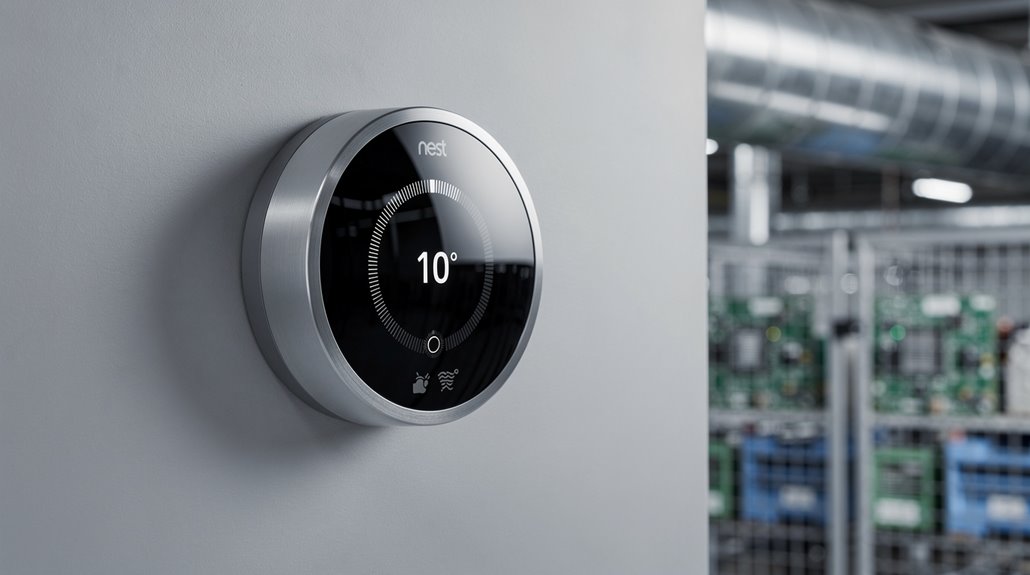
Identifying your Nest thermostat generation is akin to deciphering an IKEA manual written in Klingon—model numbers like T100577 or HF001235-GB exist solely to befuddle the commons, while design nuances (chunky metal for Gen 1, bezel-less FarSight for Gen 4) serve as cryptic hieroglyphs. Each iteration brags improvements yet cripples clarity, forcing owners into a Kafkaesque labyrinth of aesthetics and obsolete software warnings. Should this introductory farce pique your curiosity, the spectacle only intensifies ahead.
How does one distinguish between the labyrinthine lineup of Nest Thermostats without succumbing to the Kafkaesque nightmare of product generations? The first generation, T100577 if you’re in the U.S. fortunate enough to recall its debut, presents itself as a tactile time capsule with its brushed metal façade and the charming ignorance of a non-touchscreen interface. A glorious, chunky 3.3-inch diameter relic, this model’s depth proudly extends 1.2 inches, as if daring you to touch its unyielding bulk.
The first-generation Nest, a chunky, brushed metal relic daring you to embrace its unyielding non-touchscreen bulk.
It’s a design almost wistful in its refusal to slim down and integrate aesthetically, stubbornly echoing a time before grace and minimalism bullied technology into submission.
Enter the second generation, which paraded as slimmer, precisely 20% thinner, with the audacity to improve its aesthetic integration. If the first gen was the awkward teenager, this was the svelte, mildly improved sophomore year, branded under model numbers like T200377 and T200477 tormenting British and Canadian markets. The rotating interface persisted, but software version 3.0 attempted to gloss over its predecessor’s functional bluntness. Importantly, this model’s upcoming software support will end by October 2025, marking the twilight of its operational life (discontinued support).
At 2.08 inches in diameter—barely distinguishable—this iteration is just different enough to make your head spin but offers roughly a 99% user habit adaptation rate, because apparently, perfection demands tedious software upgrades.
Progress marched on with the third generation, slicing the profile slimmer still and dumping a 40% resolution boost onto its modest 229-pixel, 2.08-inch display, greedily printing either temperature or time whenever it noticed your approach. With regional variants numbering more than a small villainous cabal—T3007EF, T3007ES, and the like—this version embraced diagnostic features for boilers, as if the appliance needed another layer of existential dread. For those seeking definitive proof of what generation they possess, checking the technical info section in the Nest app reveals all hardware secrets.
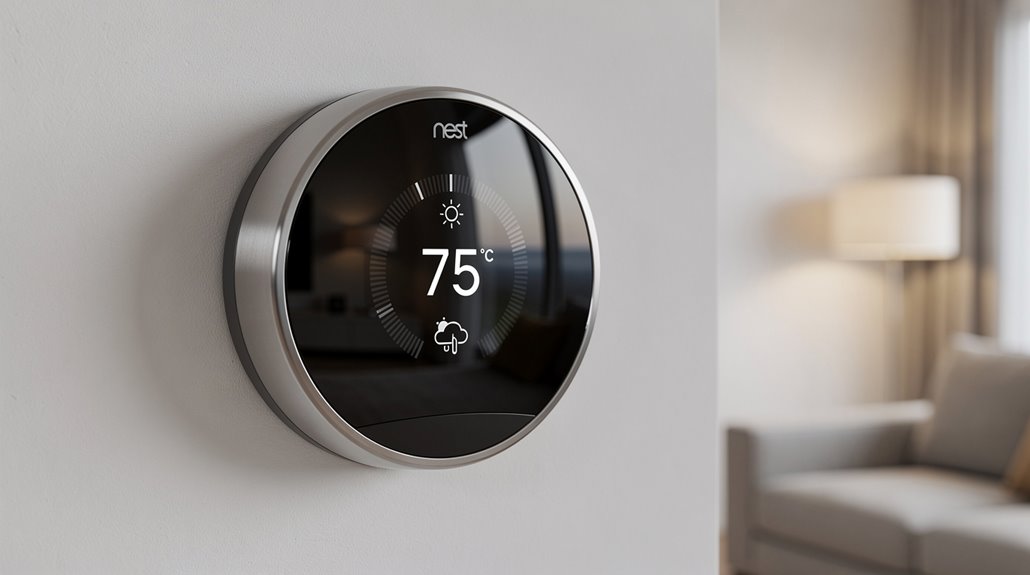
Finally, the fourth generation arrives—ostensibly the apex predator of thermostatic AI—with a lustrous stainless steel ring, a whopping 60% larger, high-resolution, borderless FarSight display that mockingly tracks your every movement.
Model numbers HF001235-GB or T4000EF represent nothing less than a technological apocalypse: Smart Schedules molding themselves around local weather while you reluctantly accept or decline its micromanagement. Its HVAC compatibility has ballooned in a grotesque display of feature bloat, tolerating up to three heating or cooling stages, all while preserving that maddeningly consistent circular form factor forcing you to wonder why innovation allowed so little deviation in shape, but so much in complexity.
Identifying your Nest means deciphering a Byzantine code from an Orwellian manual, proving once again that modern “intelligence” often prefers obfuscation over enlightenment.
Frequently Asked Questions
How Do I Reset My Nest Thermostat to Factory Settings?
To reset the Nest thermostat to factory settings, access the Settings menu by pressing the thermostat face, select Reset, choose All Settings, confirm the selection, and wait approximately one minute for the device to restore its original defaults.
Can I Use Nest Thermostat With a Multi-Zone HVAC System?
Yes, Nest thermostats can be used with multi-zone HVAC systems, provided each zone has its own thermostat, proper power wiring like a C wire or Power Connector is available, and standard wiring supports damper and zone relay panel compatibility.
How Do I Update the Software on My Nest Thermostat?
The Nest thermostat updates software automatically when connected to Wi-Fi with sufficient battery. Users can also manually update via the Settings menu, selecting Version or Software, and checking for updates, depending on the model.
Does Nest Thermostat Work With Voice Assistants Like Alexa?
The Nest Thermostat works with Alexa, supporting multiple generations including Nest 1, 2, 3, and Nest E. Compatibility requires setup through Google Home and Alexa apps, though some modes restrict voice control functionality when activated.
What Warranty Coverage Does Nest Thermostat Include?
The Nest thermostat warranty covers defects in materials, workmanship, and malfunctions affecting heating, cooling controls, and displays. Coverage varies by model, typically one to two years, including repair or replacement and transferable benefits without extending duration.
References
- https://www.danasmarthomes.com/blog/nest-thermostat-models/
- https://www.googlenestcommunity.com/t5/Nest-Thermostats/Difference-between-Google-Nest-thermostat-the-more-recent-non-Learning-and/m-p/752947
- https://moderncastle.com/smart-home/nest-thermostat-review/
- https://en.wikipedia.org/wiki/Nest_Thermostat
- https://store.google.com/magazine/compare_thermostats?hl=en-US
- https://support.google.com/googlenest/answer/9246551?hl=en
- https://www.youtube.com/watch?v=LWxq9ZGZ78U
- https://www.youtube.com/watch?v=Gm5Ta8HY9G8
- https://www.youtube.com/watch?v=xeJ-a_Fn4kQ
- https://www.omi.me/blogs/smart-home-devices-faq/how-to-reset-google-nest-thermostat-manually