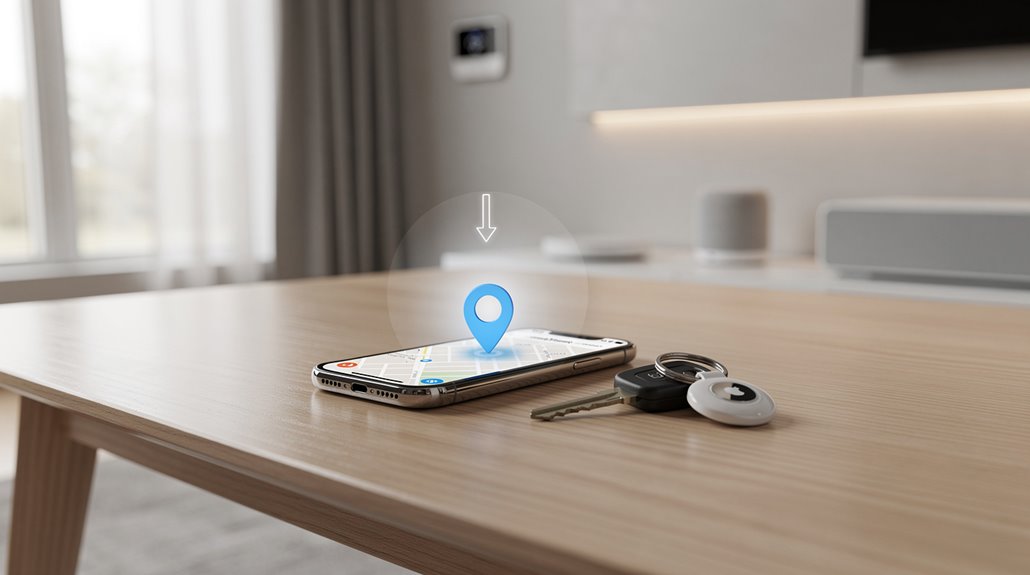

Finding an AirTag on an iPhone in 2025 demands maneuvering Apple’s Byzantine shrine to bureaucracy: enable Bluetooth, Location Services, Wi-Fi, and then unearth the “Items” tab buried beneath cryptic icons designed to befuddle. “Find Nearby” throws vague arrows and vibrating wrist tantrums instead of straightforward directions, while Lost Mode parades your contact info like a desperate beacon. Siri’s “help” feels like shouting into a void layered in corporate handholds. But there’s more theatrical agony awaiting.
It takes an absurd level of digital obeisance just to locate an Apple AirTag—an innocuous little disc meant to save the chronically distracted from their own incompetence, yet tethered to a labyrinthine ecosystem of iOS 14.5 or higher, Bluetooth rituals, and a cult-like dependence on Location Services. Before a single beep or seductive arrow points one toward that elusive set of car keys or perpetually misplaced wallet, the iPhone user must first achieve near-mystical compliance: updating their device, flipping proverbial switches for Bluetooth and Location Services, and tethering every step to a robust Wi-Fi or cellular signal that probably couldn’t find its own sock drawer on a good day. Before setup, one must remove the Air Tag packaging and pull the small tab to activate the battery. AirTags are typically attached to various objects for easy tracking and peace of mind.
Of course, an Apple Account must be fully configured and verified, because nothing screams “freedom” like mandatory data collection as payment for basic utility.
Once the benevolent overlord of silicon awakens the Find My app—provided it was mercifully pre-installed or downloaded from the App Store, lest the digital chasm widen—the hapless seeker confronts an interface boasting labyrinthine menus and cryptic icons.
Only the “Items” section reveals the AirTags attached to the user’s digital identity, each one a fettered sentinel awaiting its inevitable summons. Flicking a tired finger across the screen summons a map complete with a blue pin marking the user’s increasingly frantic quest.
Users may zoom, pan, and squint through the pixelated haze, watching distance metrics update with cruel indifference to their mounting despair.
Draw near, and the “Find Nearby” feature transforms the phone into a high-tech guide dog, vibrating with escalating urgency and plastering your face with directional arrows that mock your very existence.
Should darkness shroud the foe, a camera activation obligingly illuminates the search—a flourish more theatrical than practical—while “Play Sound” punctuates the silence with intermittent beeps as if the AirTag’s own cries for rescue justify this Sisyphean ordeal.
For those compelled to affirm their dominion over this digital tether, “Lost Mode” promises security wrapped in a veneer of privacy theater: contact info appended, notifications dispatched to any nearby iPhone, and the noble pretense that only the rightful owner may stalk their own lost possessions.
Finally, as if trapped in some Orwellian nightmare, users can summon Siri to repeat this whole charade, turning voice into a tool of bureaucratic convenience—a sardonic homage to the futility of modern convenience while the world careens ever further into the absurd.
Frequently Asked Questions
Can Airtags Work With Android Phones in 2025?
AirTags do not fully work with Android phones in 2025. Android users can only detect nearby AirTags using specific apps or NFC scanning, but cannot pair, register, or access advanced Apple Find My features on non-Apple devices.
What Is the Battery Life of an Airtag in 2025?
In 2025, AirTag batteries typically last about one year, varying between six months and two years based on usage patterns. Frequent alerts and environmental factors can shorten lifespan, while minimal use and stable conditions extend battery durability.
Are Airtags Waterproof or Water-Resistant?
AirTags are water-resistant but not waterproof. They have an IP67 rating, tolerating splashes and brief submersion up to one meter for 30 minutes, yet prolonged or deep water exposure risks damage and signal loss.
How Secure Is the Privacy Feature on Airtags?
The privacy feature on AirTags is highly secure, employing end-to-end encryption, frequent Bluetooth ID changes, and anonymous location relay. However, certain vulnerabilities remain, including alert delays and limited support for non-Apple devices.
Can Airtags Be Tracked if Stolen or Lost?
AirTags can be tracked if stolen or lost through the Find My network, which uses encrypted Bluetooth signals relayed by nearby Apple devices worldwide. Lost Mode notifies owners when another iPhone detects the AirTag, maintaining owner anonymity.
References
- https://www.youtube.com/watch?v=0hQBuUBFbmY
- https://www.youtube.com/watch?v=NzXI2mszomE
- https://support.apple.com/en-us/101602
- https://support.apple.com/en-us/109021
- https://thepointsguy.com/travel-gear/airtags-luggage-tracking/
- https://www.youtube.com/watch?v=VPfe6qD4gmY
- https://www.paj-gps.com/blog/how-to-find-an-airtag-in-my-car/
- https://findmykids.org/blog/en/airtag-for-android-alternatives
- https://www.the-independent.com/extras/indybest/gadgets-tech/google-android-airtag-tracker-b2526969.html
- https://www.android.com/intl/en_uk/articles/airtag-alternatives-android/