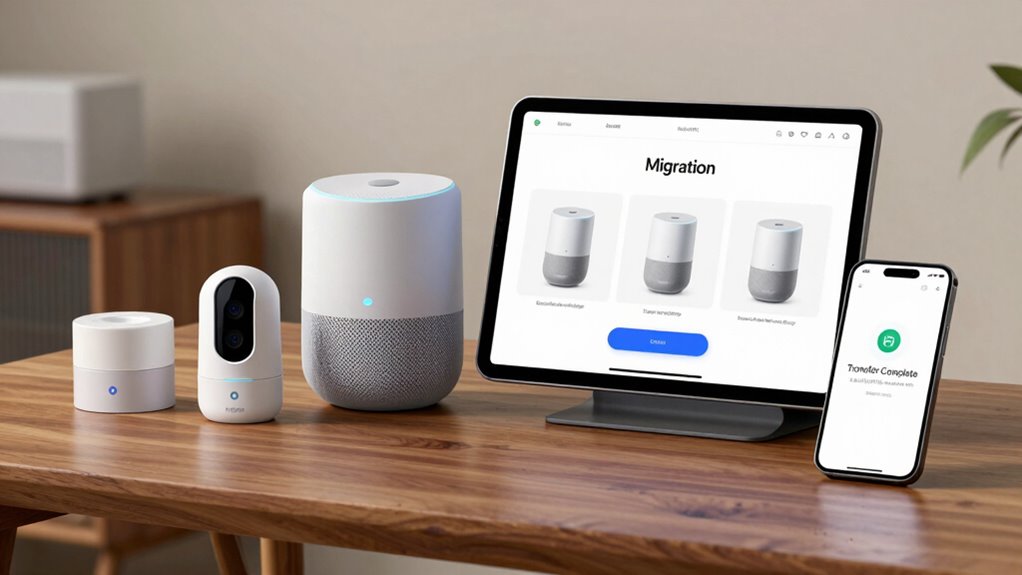

Google has introduced a new bulk transfer capability within the Google Home application, enabling users to migrate multiple Nest brand devices from the legacy Nest app in a unified operation, effectively consolidating all compatible smart home hardware under a single management platform. This feature encompasses all Nest cameras, thermostats, locks, and smoke alarms manufactured since 2015, as delineated in Google’s official changelog. Currently, the bulk transfer option is accessible exclusively to participants in the Google Home Public Preview program, with plans for broader deployment anticipated. One-tap transfer is currently in public preview, allowing Google to test this functionality and address edge cases before general release.
Google Home now allows bulk migration of multiple Nest devices since 2015, simplifying smart home management.
This enhancement supersedes the prior device-by-device migration methodology by facilitating a thorough transfer process through an in-app prompt, such as the “transfer all from Nest” chip, which appears for eligible accounts. The update also extends support to older Nest models previously excluded, enhancing compatibility.
The supported device spectrum for this bulk migration includes a diverse range of Nest cameras and doorbells produced since 2015, multiple generations of Nest Thermostats—including previously unsupported older models—Nest x Yale Locks, and all iterations of Nest Protect smoke and carbon monoxide detectors. Devices excluded from bulk transfer remain operable within the Nest app environment until Google expands coverage in subsequent updates.
This all-encompassing integration enables the simultaneous transfer of an extensive array of hardware, thereby streamlining device consolidation under Google Home’s ecosystem.
The shift from manual to automated bulk migration substantially mitigates user effort by eliminating repetitive configuration steps historically required for each individual device. Previously, users had to reauthorize permissions, confirm notifications, and set up each device independently.
The new procedure aggregates these elements into a single workflow, preserving household member access rights and reducing the risk of partial device transfers, which often resulted in fragmented device management. This critical improvement effectively supports Google’s broader objective of deprecating the legacy Nest application in favor of a unified control interface.
From a functional perspective, the bulk transfer process unfolds via a prompt within Google Home that previews all supported devices slated for migration, subsequently executing account linking and automatically organizing devices into their corresponding rooms and favorites.
Post-transfer, users are advised to verify the continuity of notifications, automation routines, video clips, and shared access privileges to guarantee seamless operation. Devices not visible post-migration are likely unsupported for bulk transfer and must remain managed through the Nest app until updated.
Incorporation of these devices into Google Home offers integrated device listing and management alongside existing Google-compatible equipment, enhancing user experience through expanded utilization of routines, favorites, and an enriched camera timeline.
This consolidation bolsters system responsiveness and streamlines control functionality, particularly benefiting legacy Nest thermostats and sensors by leveraging Google Home’s optimized performance framework. While Google focuses on simplifying its ecosystem, Amazon’s Alexa continues to support over 100,000 devices across various connectivity protocols including Zigbee, Z-Wave, WiFi, and Bluetooth. Consequently, the bulk transfer capability signifies a pivotal advancement toward centralized, efficient smart home management.
References
- https://www.findarticles.com/google-home-gets-a-quick-transfer-option-to-move-nest-devices/
- https://9to5google.com/2025/12/18/google-home-transfer-nest-gear-update/
- https://www.androidauthority.com/google-home-update-december-2025-3626251/
- https://support.google.com/googlenest/answer/15962877?hl=en
- https://nest.com/whats-happening/
- https://www.googlenestcommunity.com/t5/Apps-Account/A-new-chapter-for-Google-Home-amp-Nest/m-p/749847
- https://home.google.com/get-inspired/the-new-google-home-built-around-you/
- https://www.androidpolice.com/google-home-update-came-away-unimpressed/