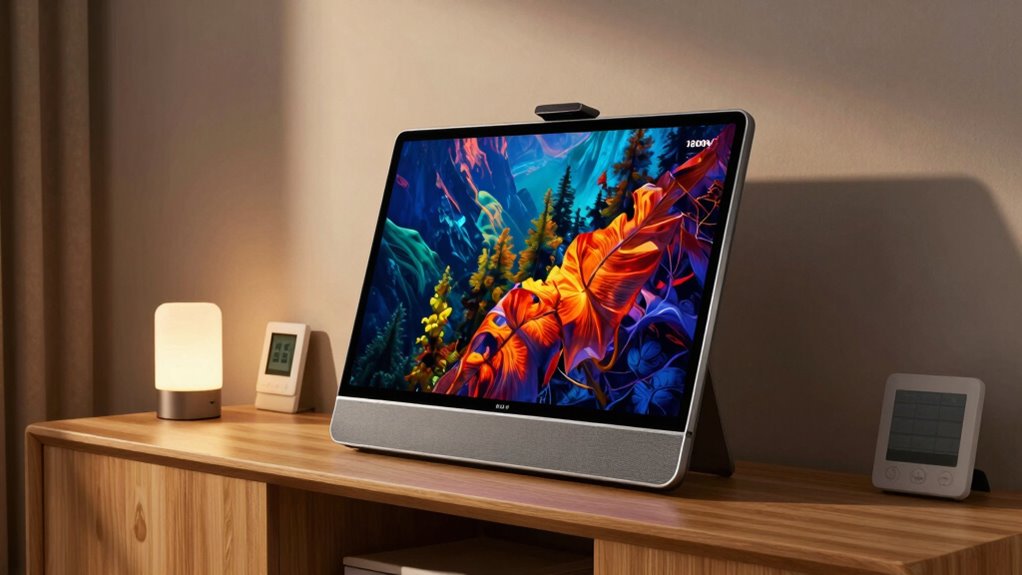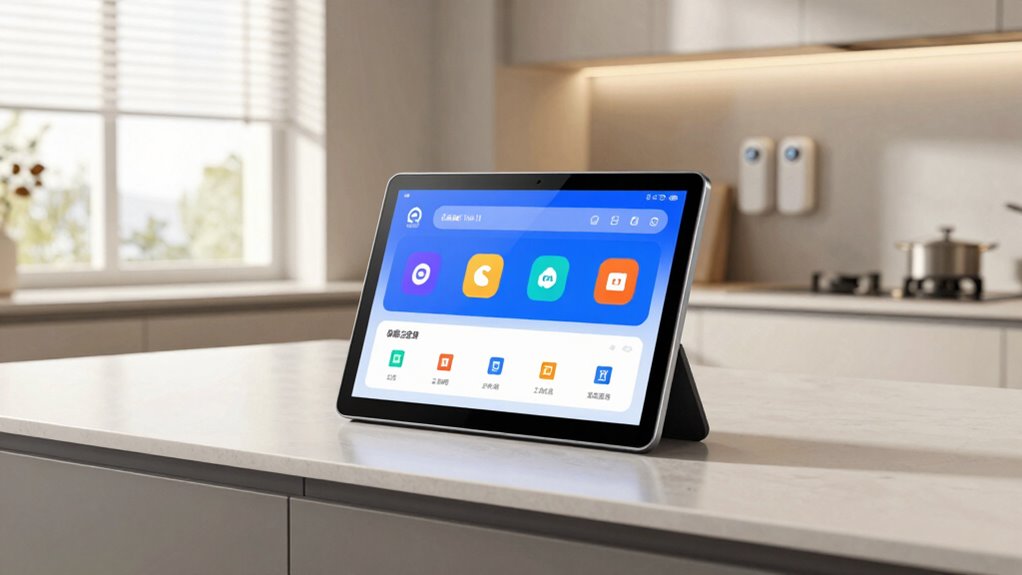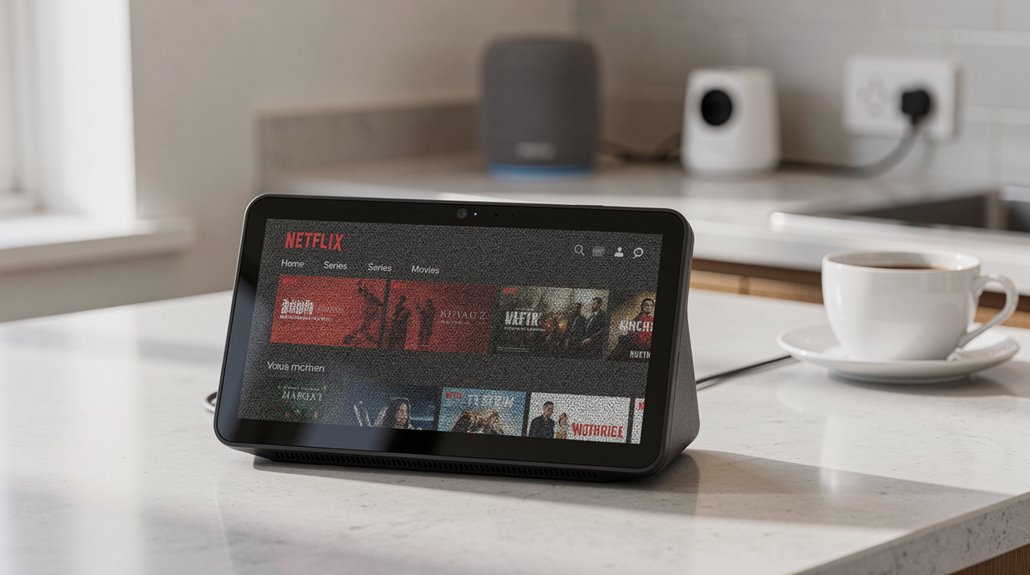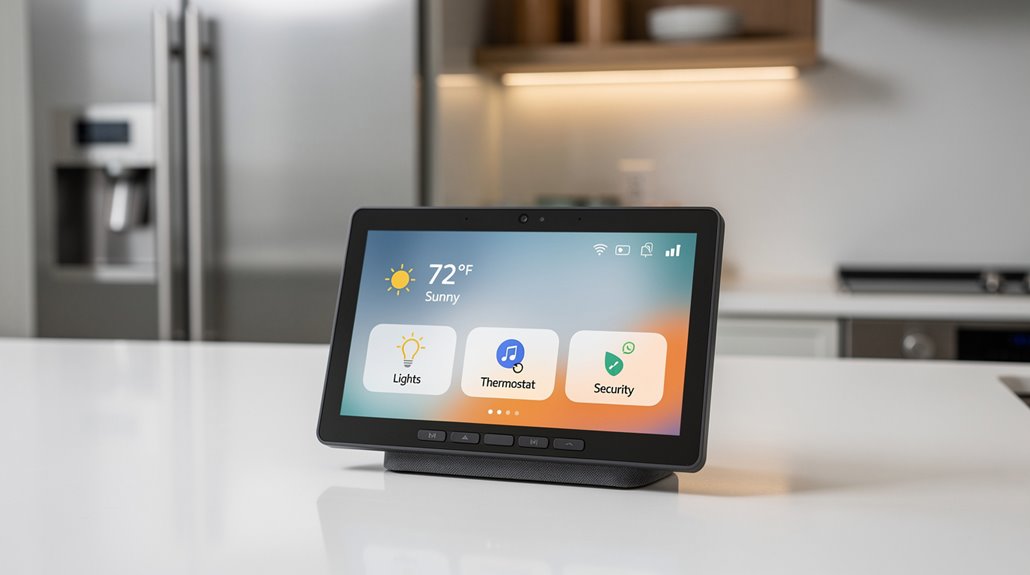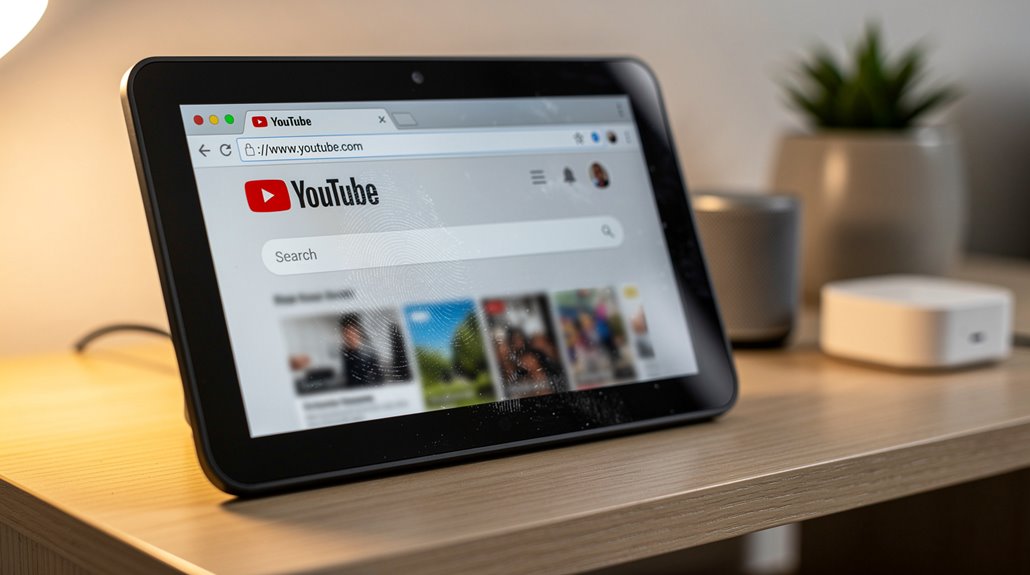

Yes, you can watch YouTube on an Echo Show—but only if you enjoy wrestling with Amazon’s charmingly archaic Silk browser, a glorified portal to frustration rather than convenience. Native apps? Ha! Amazon refuses as if user experience is a joke, forcing users on a digital scavenger hunt through clunky navigation and half-baked integration. The Echo Show 5 and 8 suffer worst, while the Fire TV-powered models barely scrape by. Curious how this circus keeps unspooling? The details are equally deliciously dismal.
Though one might expect a tech giant like Amazon to spare consumers the indignity of half-measures, accessing YouTube on Echo Show devices delivers a masterclass in corporate tedium. Instead of the seamless, native app experience that one would assume a company with Amazon’s resources could provide—see: Prime Video or Netflix—the user is consigned to the relic of a built-in Silk web browser. This browser, a digital Stone Age artifact, offers YouTube functionality only as a grudging, second-tier inconvenience. Alexa can be prompted, with all the enthusiasm of a dispirited intern, either via voice commands or manual launch to rummage through the browser for YouTube content, transforming what should be a simple pleasure into an exercise in digital spelunking. Users can, in fact, ask Alexa directly to search for YouTube, though the results still rely on the browser interface for playback, emphasizing the limited integration of YouTube Access. The Echo Show lineup, diverse as an underwhelming buffet, houses this “solution” with varying degrees of compromise. The Echo Show 5 and 8 models bravely soldier on with Silk browser support, while the more ambitious Echo Show 11 and 15 lean on the Fire TV integration for their YouTube fix. The ostrich of the family, Echo Show 21, somehow manages full YouTube and Netflix, but only via Fire TV—because why solve a problem when you can bandage it with a different interface, right? Meanwhile, native apps reside only in the fevered dreams of product planners. Notably, the Echo Show 5 is equipped with a touchscreen that allows users to navigate the Silk browser manually, which somewhat softens the impact of the lack of a native YouTube app through touchscreen navigation. Audio streaming fares only marginally better. Amazon Music remains the uncontested monarch, but Spotify, Apple Music, and Pandora eke out presence like guests at a party who received the invite only because there were empty chairs. Attempting to summon YouTube with Alexa’s voice yields browser results, and the touchscreen can be coaxed into maneuvering, but this “integration” feels like coaxing a grumpy cat to fetch—tepid and thoroughly uninspired.
Frequently Asked Questions
Can Alexa Create Youtube Playlists on the Echo Show?
Alexa cannot create YouTube playlists on the Echo Show through voice commands. Playlist creation must be done manually via the YouTube app or website, although existing playlists can be accessed and played on the device once created.
Is There a Way to Download Youtube Videos on Echo Show?
Echo Show devices do not support downloading YouTube videos, as they function primarily as streaming displays. Offline storage or native download capabilities are unavailable, limiting users to real-time streaming and temporary casting options instead.
Does the Echo Show Support Youtube Kids App?
The Echo Show does not support the YouTube Kids app natively due to custom software restrictions. However, YouTube Kids is accessible through the Silk web browser, albeit with occasional display and login issues, requiring manual interaction.
Can You Use Voice Commands to Search Youtube Videos on Echo Show?
Yes, voice commands enable searching YouTube videos on Echo Show. Users can say, “Alexa, show me [content]” or “Alexa, find [title]” for hands-free, natural language video discovery, exploring content efficiently without manual input.
Is Watching Youtube on Echo Show Free of Ads?
Watching YouTube on Echo Show is not free of ads. Standard advertisements, including pre-roll and mid-roll, appear unless the user subscribes to YouTube Premium, which offers an ad-free experience along with additional features.
References
- https://www.bestbuy.com/site/questions/amazon-echo-show-5-3rd-generation-5-5-inch-smart-display-with-alexa-cloud-blue/6544305/question/aaef3f7c-3ffd-32eb-8714-2925d08808e9
- https://www.youtube.com/watch?v=nUXDnsB4kVY
- https://www.youtube.com/watch?v=sIgD-FQjnFA
- https://www.youtube.com/watch?v=KooCVQ2_pfM
- https://www.youtube.com/watch?v=GKHB-n_z1DE
- https://www.youtube.com/watch?v=fIMuI_-ZWlg
- https://www.youtube.com/watch?v=0zSiVk43b-Y
- https://www.youtube.com/watch?v=4zjUuPRk0aQ
- https://www.youtube.com/watch?v=mluD8kQ06NM
- https://www.youtube.com/watch?v=LteVWhdOZSI