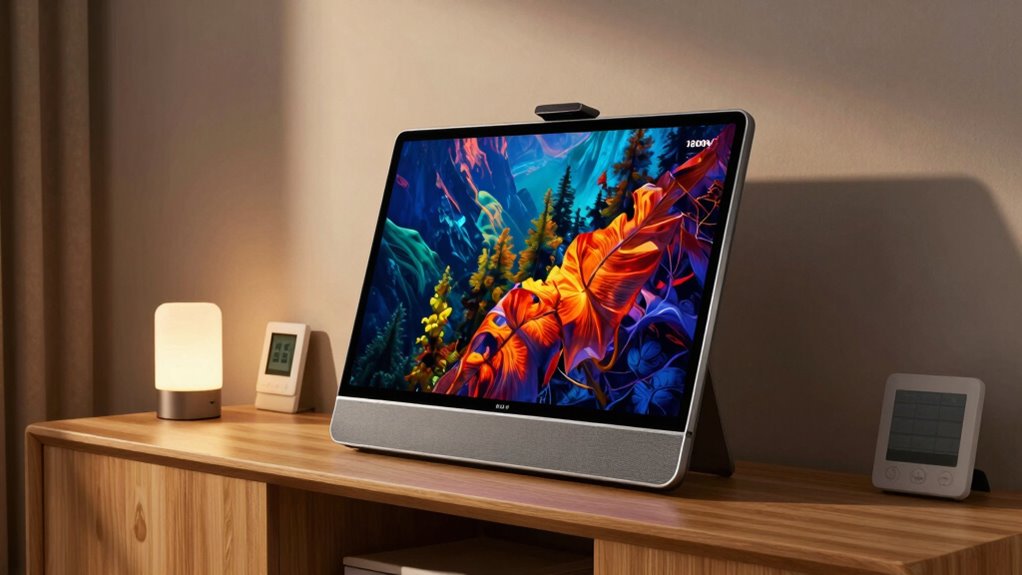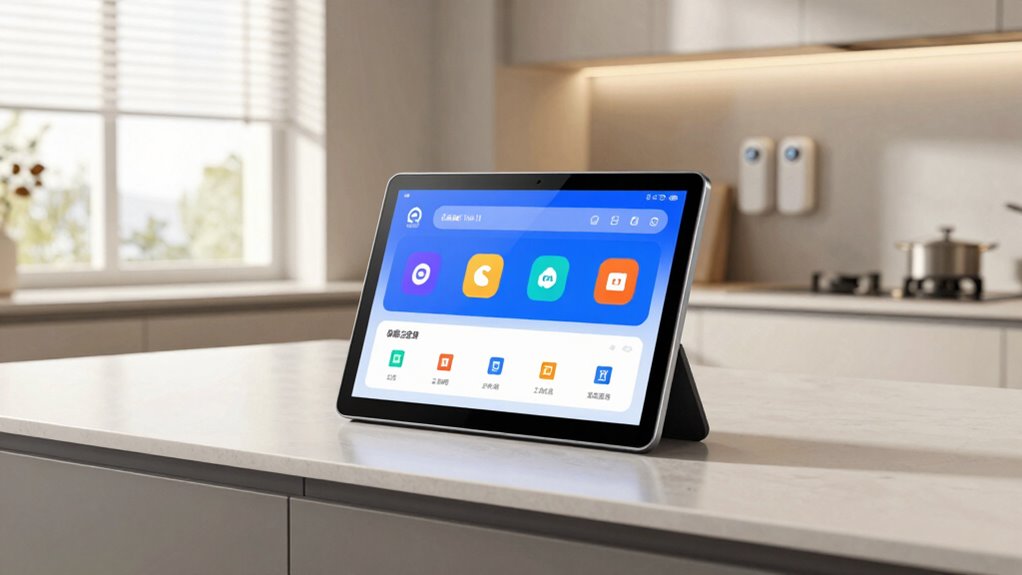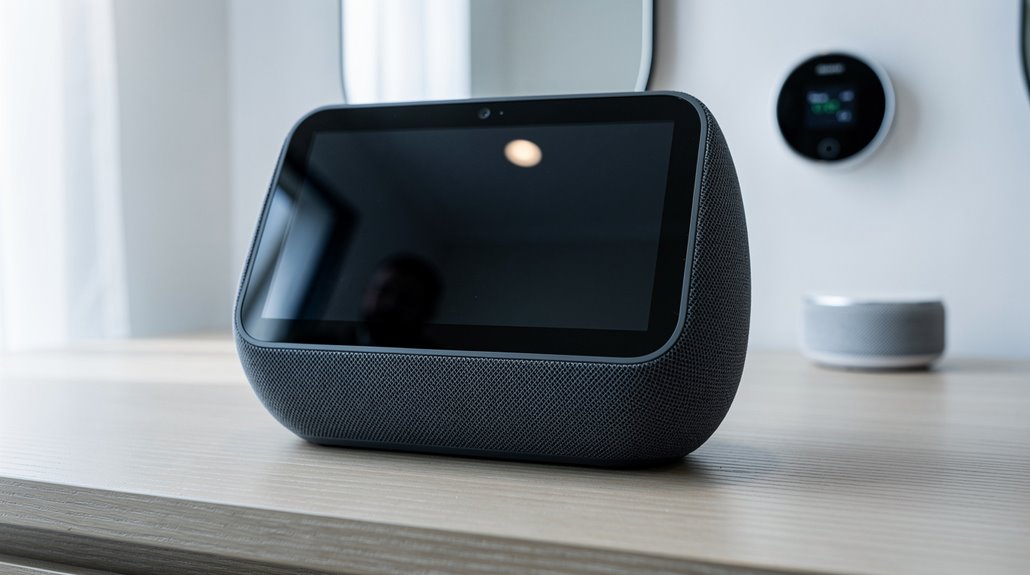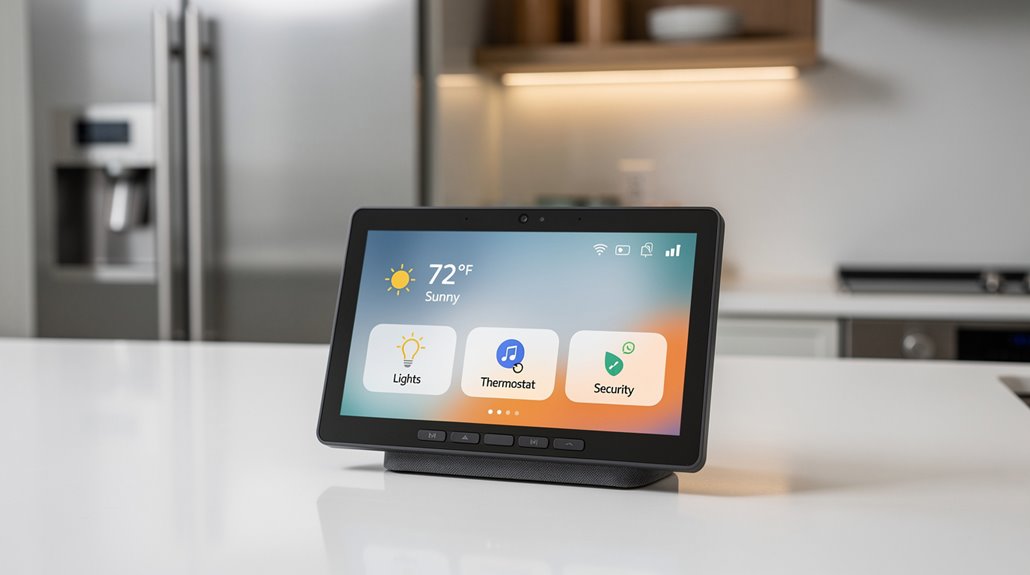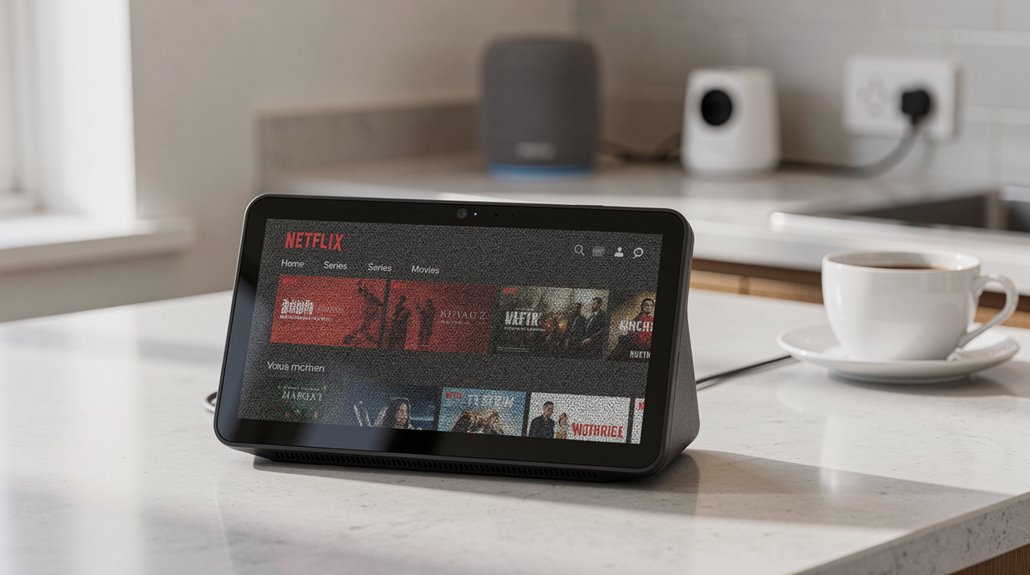

Netflix on Echo Show is a masterclass in digital decline—what once was a native app offering has been gutted to a browser-based farce streaming at a laughable 540p, forcing users to endure buffering purgatory and Alexa’s feeble attempts at playback control. The third-generation Echo Shows mock subscribers with voice commands that summon mediocrity, while Silk browser detours users through a credential-hellscape. For those craving true video luxury, the nightmare is real—but the story only darkens from here.
The spectacle of streaming Netflix on Echo Show devices perfectly encapsulates the modern tech dystopia: promising innovation but delivering a maddening patchwork of half-baked compatibility and downgrades masquerading as features. Once upon a heyday, the Echo Show’s first two generations—those intrepid pioneers—embraced Netflix with open arms: native streaming was not a pipe dream but a basic function. Echo Show 5 and 8, of both their initial iterations, came blessed with pre-installed Netflix apps, while the Show 10 beckoned with native support, and the Show 15 flaunted a Full HD 1080p screen that whispered “premium” until one pressed play. These models require an updated firmware for optimal performance with Netflix. Users could even utilize voice search to find content quickly and easily.
But, alas, the narrative took a nosedive. Enter the spiteful third generation: stripped of app integration, Netflix became that aloof friend who only responds to texts through a proxy, forcing users into browser-based expedients or “workarounds” that feel like digital slapdashery.
These modern echo chambers’ inherent misery is magnified by Netflix’s app limitations on all Echo Shows. The crown jewel? A video quality that peaks at a smug 540p SD resolution, a pixelated relic identical to a potato’s vision, betraying the glorious venture into “streaming innovation.” Offline downloads? Not today, Satan. The app confines itself to mere browsing and streaming, like a restaurant happy to show you the menu but refusing to serve the dish.
Netflix on Echo Shows: a pixelated 540p tease—browse the menu, but don’t expect the feast
Voice commands exist, but even Alexa’s dulcet tones cannot salvage the half-functioning, half-baked experience, leaving users to utter “Alexa, open Netflix,” only to be rewarded by mediocrity.
For the uninitiated, the “Silk browser workaround” offers a glimmer of hope: a browser-based gateway to Netflix once you price it with your patience and painfully enter credentials. But it’s a trade-off, as streaming luxury degrades into potential buffering limbo, reliant on brittle WiFi while shackled to the same shabby 540p quality.
To sprinkle insult on the injury, these devices, even with their Dolby-enhanced speakers, are saddled with screens that either echo the 720p of a bygone era or cling to the Show 15’s slightly superior, yet still insufficient 1080p.
If blissful HD and offline binging alleluias are desired, third-party downloaders like ViWizard saunter in, promising 1080p, Dolby Atmos, and subtitle-laden sanctuaries from the streaming inferno. Alas, they require piratical finesse, circumvention, and an active resistance to Amazon’s and Netflix’s capitulations to consumer expectations—a modern irony where genuine video luxury is a forbidden fruit, downloadable but not readily streamable on the very devices designed for it.
In the end, watching Netflix on Echo Show is less a seamless, cutting-edge delight and more a Kafkaesque trudge through downgrades, workarounds, and corporate petulance that boldly proclaims progress while delivering digital dystopia.
Frequently Asked Questions
Can Echo Show Play Netflix in HD Quality?
The Echo Show cannot stream Netflix in HD quality natively, as its maximum resolution is limited to 540p SD. Alternative methods, like downloading via ViWizard, can enable 1080p playback on the device.
Does Netflix Audio Work Well Through Echo Show Speakers?
Netflix audio playback on Echo Show speakers is generally limited by device quality and app restrictions, resulting in standard sound rather than high-fidelity 5.1 or Dolby Atmos. Echo Show 8 (3rd Gen) offers relatively improved audio clarity.
Can Multiple Netflix Profiles Be Accessed on Echo Show?
Multiple Netflix profiles can be accessed on supported Echo Show devices following QR code authentication. Users can select profiles during sign-in and switch between them seamlessly using voice commands, enabling personalized content experiences without manual navigation.
Is There a Way to Control Netflix Playback With Voice Commands?
Netflix playback on Echo Show cannot be controlled via Alexa voice commands. Streaming through the Silk browser lacks integration, preventing voice-activated pause, play, or navigation controls, limiting hands-free interaction with Netflix on Echo Show devices.
Does Streaming Netflix on Echo Show Use Data From My Wi-Fi Plan?
Streaming Netflix on an Echo Show consumes data from the Wi-Fi plan, with usage varying by video quality settings. This contributes to overall bandwidth demands and should be considered alongside other device data consumption for internet plans.
References
- https://www.viwizard.com/netflix-video-tips/netflix-on-echo-show.html
- https://www.youtube.com/watch?v=mddSWL1UDKg
- https://www.amazonforum.com/s/question/0D56Q0000DfRk9LSQS/why-cant-i-get-netflix-on-echo-show-5-3rd-gen?language=en_US
- https://www.security.org/smart-home/alexa/review/echo-show/
- https://mvk.dk/?p=39220152011610
- https://www.youtube.com/watch?v=-i0Pe8WCOZE
- https://help.netflix.com/en/node/30081
- https://www.bestbuy.com/product/amazon-echo-show-8-3rd-generation-8-inch-smart-display-with-alexa-charcoal/J39HW6YF9F
- https://www.bestbuy.com/site/questions/amazon-echo-show-5-3rd-generation-5-5-inch-smart-display-with-alexa-charcoal/6544304/question/72de1741-dbf8-3bda-be5b-8347d4ada6f5
- https://uk.amazonforum.com/s/question/0D5at00000T4M6PCAV/netflix-no-longer-supported