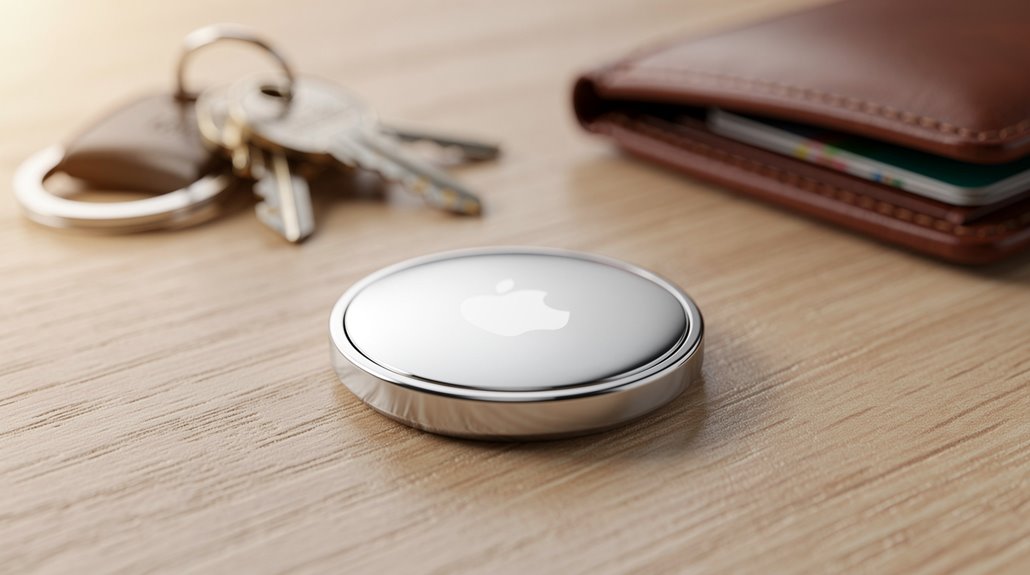

AirTags grudgingly acknowledge Android users with token NFC scans revealing only the serial number—no real tracking, no battery alerts, just a cold shoulder from Apple’s walled garden. Setups demand an iPhone, while Android owners get a privacy scare via sound alerts, proving AirTags are less “finders” than “excluded spectators.” Meanwhile, Samsung’s Galaxy SmartTags flaunt seamless Android integration, highlighting Apple’s epic tech gatekeeping and brand loyalty crusade. Curious how deep this digital caste system runs?
Why bother imagining a world where Apple’s AirTags play nicely with the 70% of humanity shackled to Android devices when the tech giant has expertly crafted an ecosystem that excludes anyone not flashing an iPhone like a VIP pass at an exclusive club?
Apple’s AirTags might as well be invisible to Android users, trapped behind a metaphorical velvet rope that only iOS devices can bypass. Despite the global majority—or shall one say global peasantry—operating on Android, AirTags refuse to offer the full Find My network experience outside Apple’s walled garden.
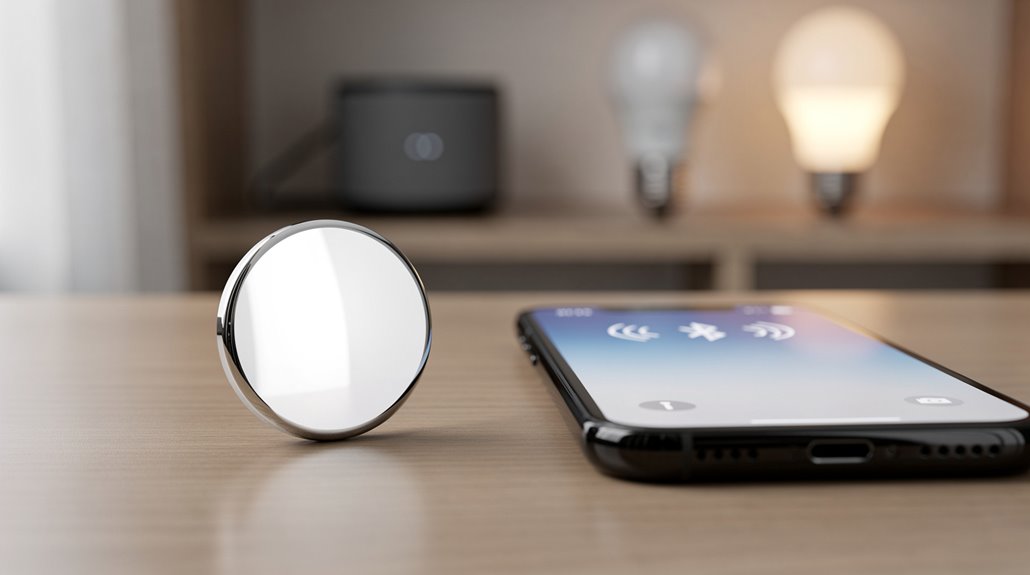
Android devices can detect faint Bluetooth Low Energy signals, yet remain painfully barred from accessing the crowd-sourced location web that makes AirTags, well, useful. Android users can only utilize NFC scanning and sound playback for limited interaction with AirTags. The limited functionality makes AirTags impractical for personal use on Android devices, emphasizing their role as a privacy alert tool.
Android users stuck in this digital purgatory can only clutch their partial crumbs: NFC scanning to see serial numbers and owner info, but only if their phone supports NFC—and let’s not forget, many older models left NFC in the dust like a bad fashion trend.
Android users get mere crumbs: NFC serial peek if lucky, while older phones miss out like last season’s style
Even then, this scant functionality merely reveals an AirTag’s identity when it’s lost, a limp consolation prize compared to iPhone users’ real-time tracking and location history.
The “Tracker Detect” app, a half-hearted peace offering from Apple, lets Android users find nearby AirTags and trigger sounds, provided the battery isn’t benched—but it’s a poor substitute for genuine integration.
Sound alerts on nearby unknown AirTags hint at stale paranoia rather than empowering ownership.
Setup remains a cruel tease: AirTags require an iPhone and the Find My app for full configuration, locking Android users out of settings and the precision “Walking Directions to Your Stuff” feature that would make Indiana Jones jealous.
Battery levels are invisible specters to Android devices too; users only learn of dying power through malfunction, a scavenger hunt that ironically demands Apple’s farewell warning.
Meanwhile, Samsung’s Galaxy SmartTags gracefully waltz through Android’s halls—complete with Knox security and ultra-wideband charm—highlighting Apple’s proud disregard for interoperability.
It’s a classic example of technological gatekeeping masquerading as exclusivity, neatly turning a tracking tool into a loyalty badge.
Bravo, Apple.
Frequently Asked Questions
Can Airtags Be Customized or Engraved?
AirTags can be customized through free laser engraving of names, initials, or messages when purchased from Apple. Additionally, third-party accessories offer styling options, but internal modifications are not supported and may void the warranty or damage functionality.
What Is the Battery Life of an Airtag?
An AirTag’s battery life typically lasts about one year, powered by a replaceable CR2032 coin cell. Usage patterns, environmental conditions, and frequent features like Precision Finding or sound alerts can greatly influence this duration.
Are Airtags Waterproof or Water-Resistant?
AirTags are water-resistant, not waterproof, with an IP67 rating allowing submersion up to 1 meter for 30 minutes. Water resistance can degrade over time, and deeper or extended exposure increases damage risk, affecting functionality and signal transmission.
How Do Airtags Alert You When Lost?
AirTags alert users when lost by emitting a sound through the built-in speaker and sending location updates via the Find My network. Nearby Apple devices anonymously relay their Bluetooth signals to notify the owner.
Can Multiple Airtags Be Linked to One Apple ID?
Multiple AirTags can be linked to a single Apple ID, allowing a user to manage and track several AirTags through the Find My app. Each AirTag is individually identifiable within that account for seamless monitoring.
References
- https://www.airdroid.com/android-tips/can-you-use-airtag-with-android/
- https://www.rokform.com/blogs/rokform-blog/can-you-use-airtag-with-android
- https://findmykids.org/blog/en/airtag-for-android-alternatives
- https://www.eufy.com/blogs/smart-tracker/do-airtags-work-with-android
- https://www.youtube.com/shorts/gVb9mjQ1w_I
- https://discussions.apple.com/thread/254765015
- https://www.android.com/intl/en_uk/articles/airtag-alternatives-android/
- https://discussions.apple.com/thread/256134946
- https://hunddenmark.com/blogs/news/how-long-does-apple-airtag-battery-last
- https://us.ugreen.com/blogs/smart-finder/how-long-do-airtags-last